Appearance
Get Started
Overview
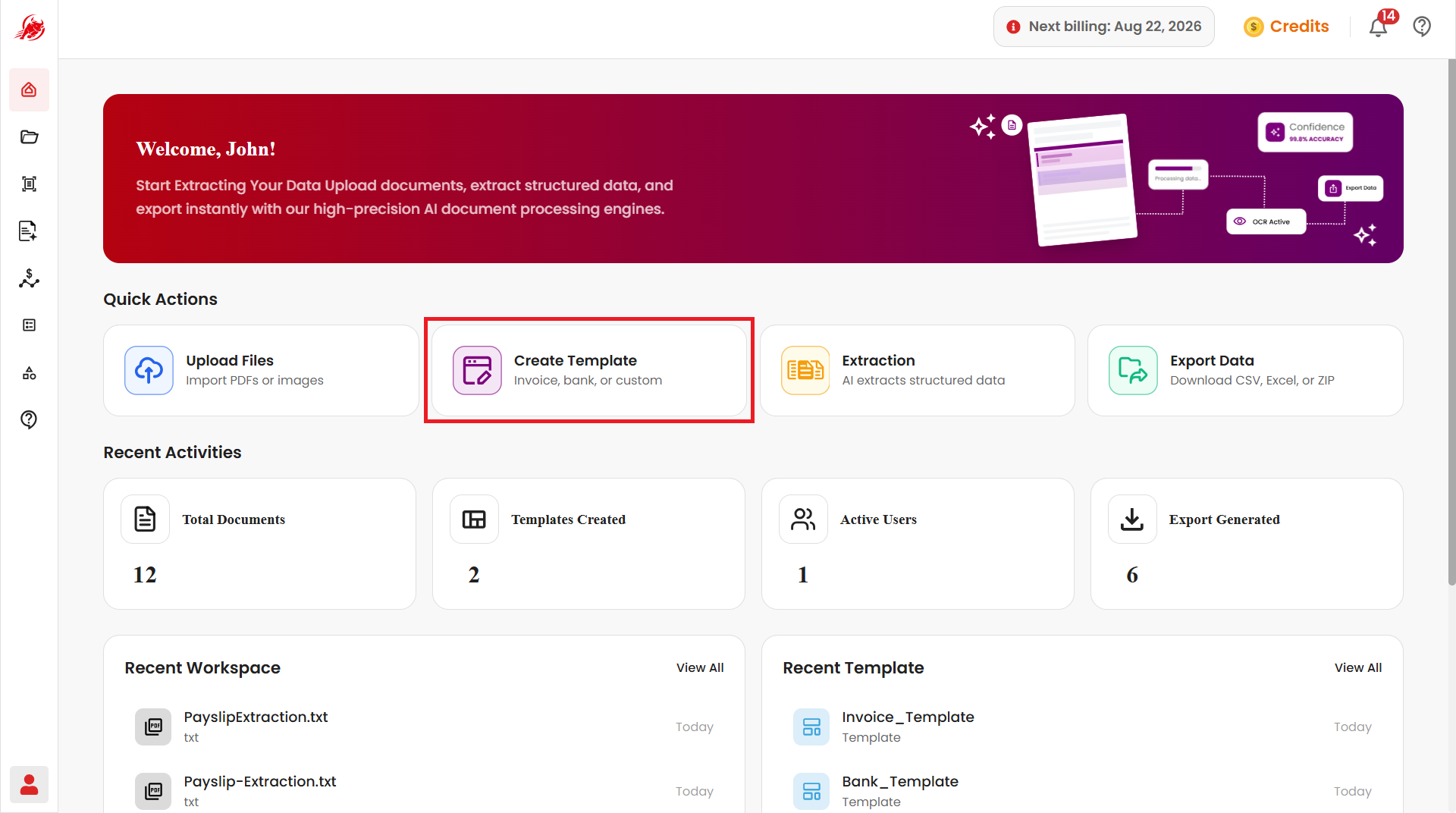
The Get Started page gives you one-click access to My Files, Extractor, Mercury, Spend Analyser, Template, and Workspace, alongside a live snapshot of what's happening across your workspace.
Quick Actions
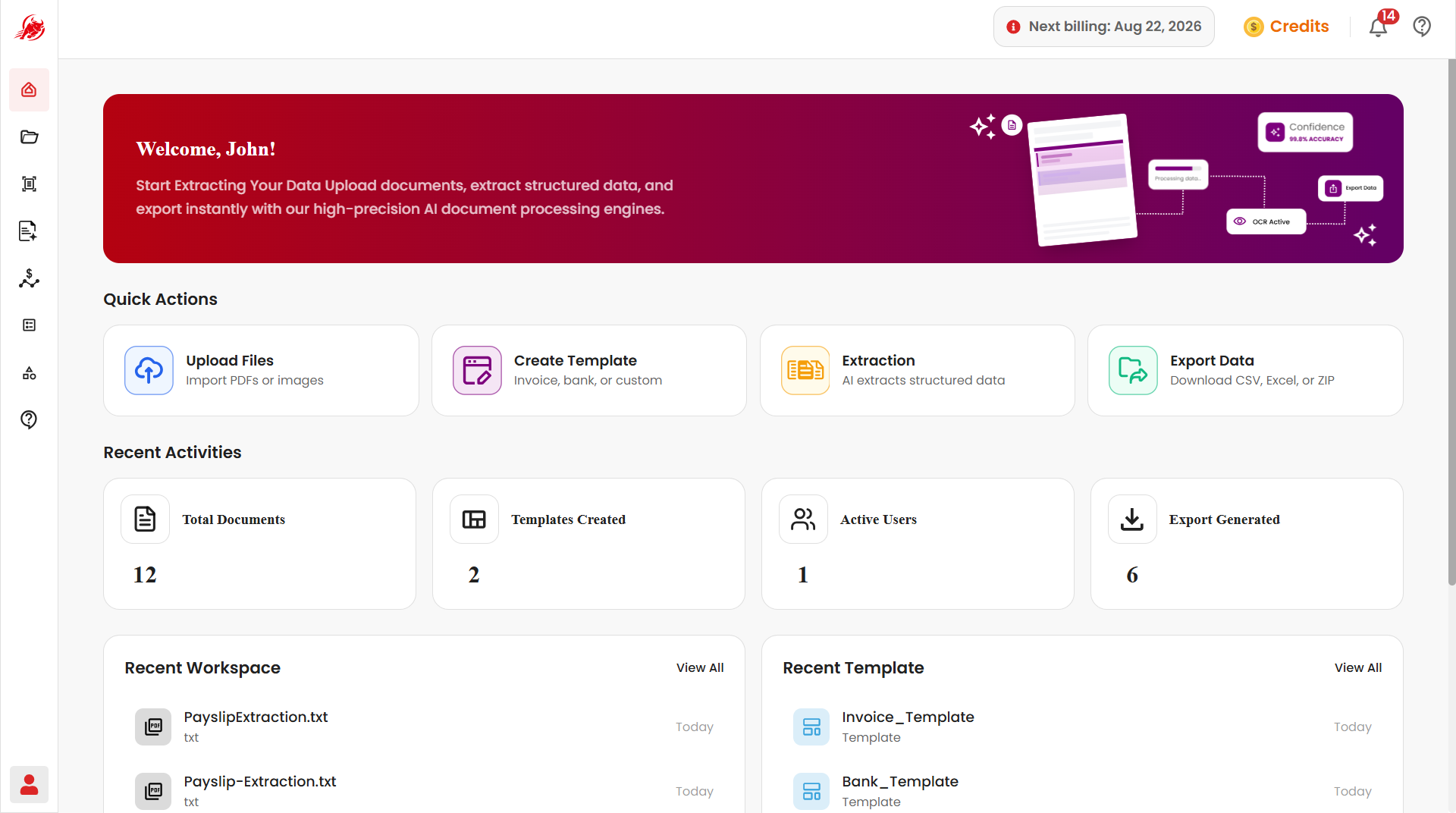
Most common tasks a single click away.
Upload Files
Opens the My Files module to upload, manage, and organize documents.
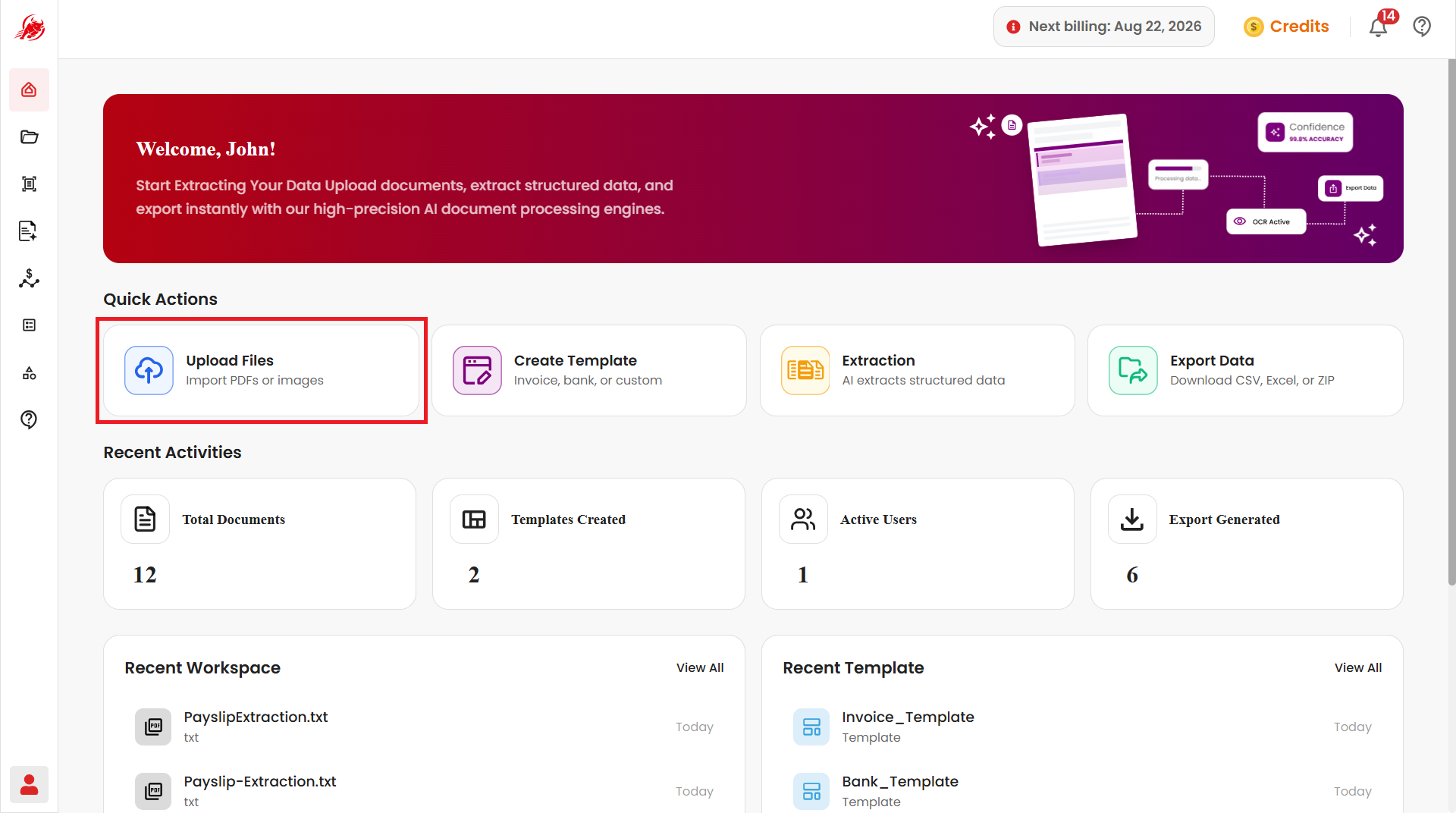
Create Template
Redirects to the Template module, where you can create document templates for extracting structured information from different document formats by defining the fields you need.
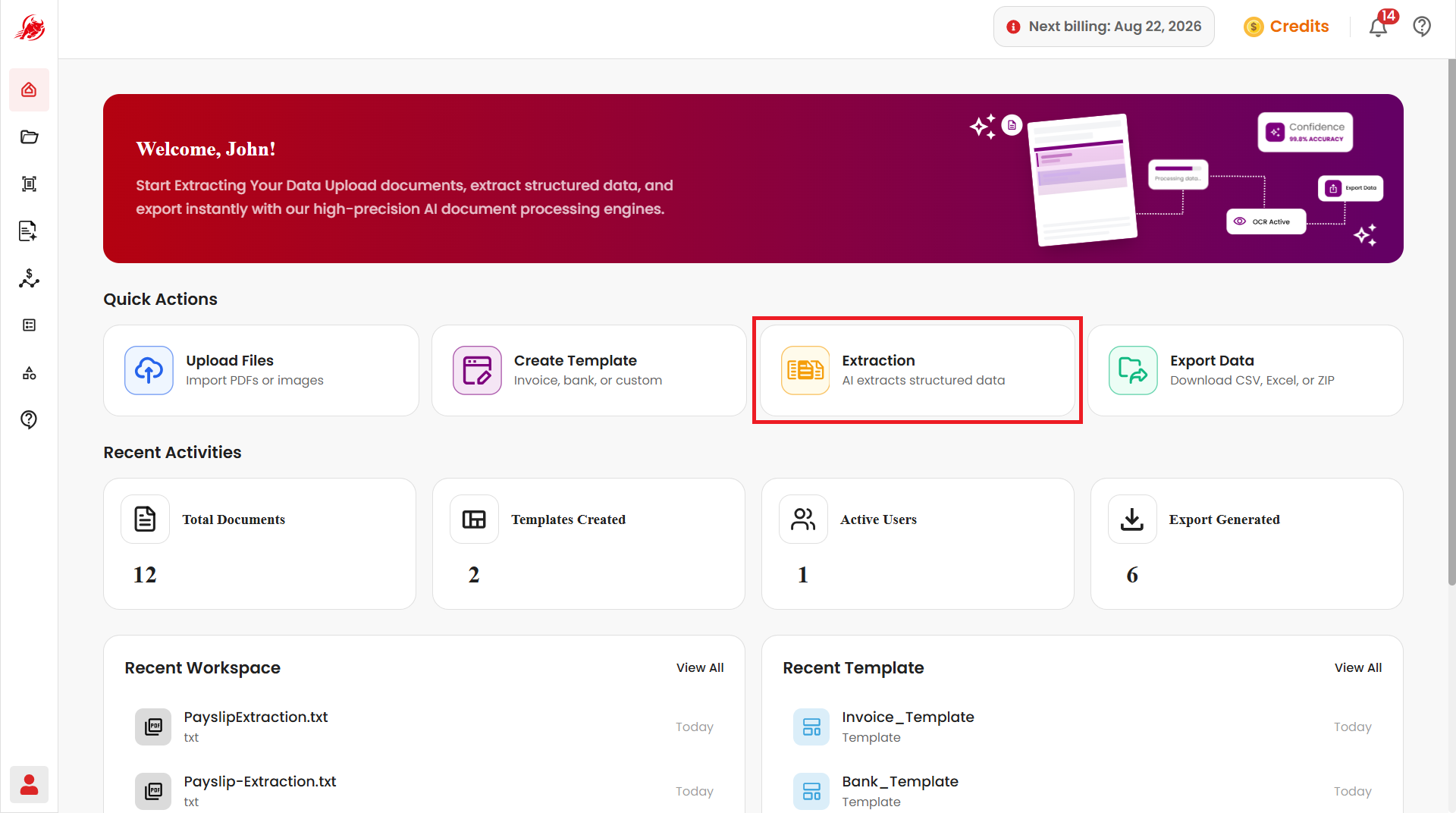
Extraction
Redirects to the Extractor module, which uses an AI-powered processing engine to pull structured information out of uploaded documents and turn it into usable data.
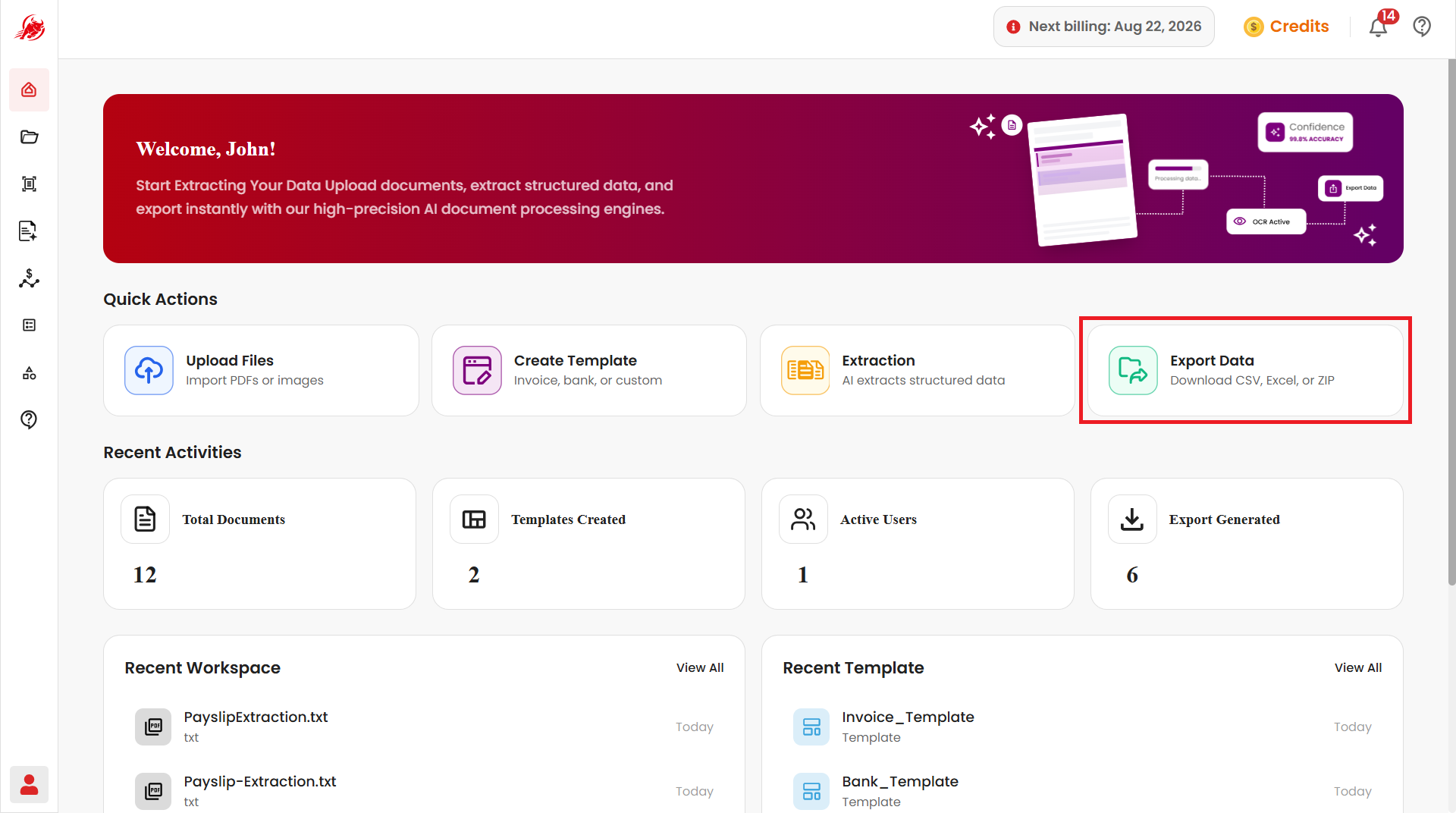
Export Data
Redirects to the Workspace module, where processed documents can be reviewed and extracted results exported in various formats.
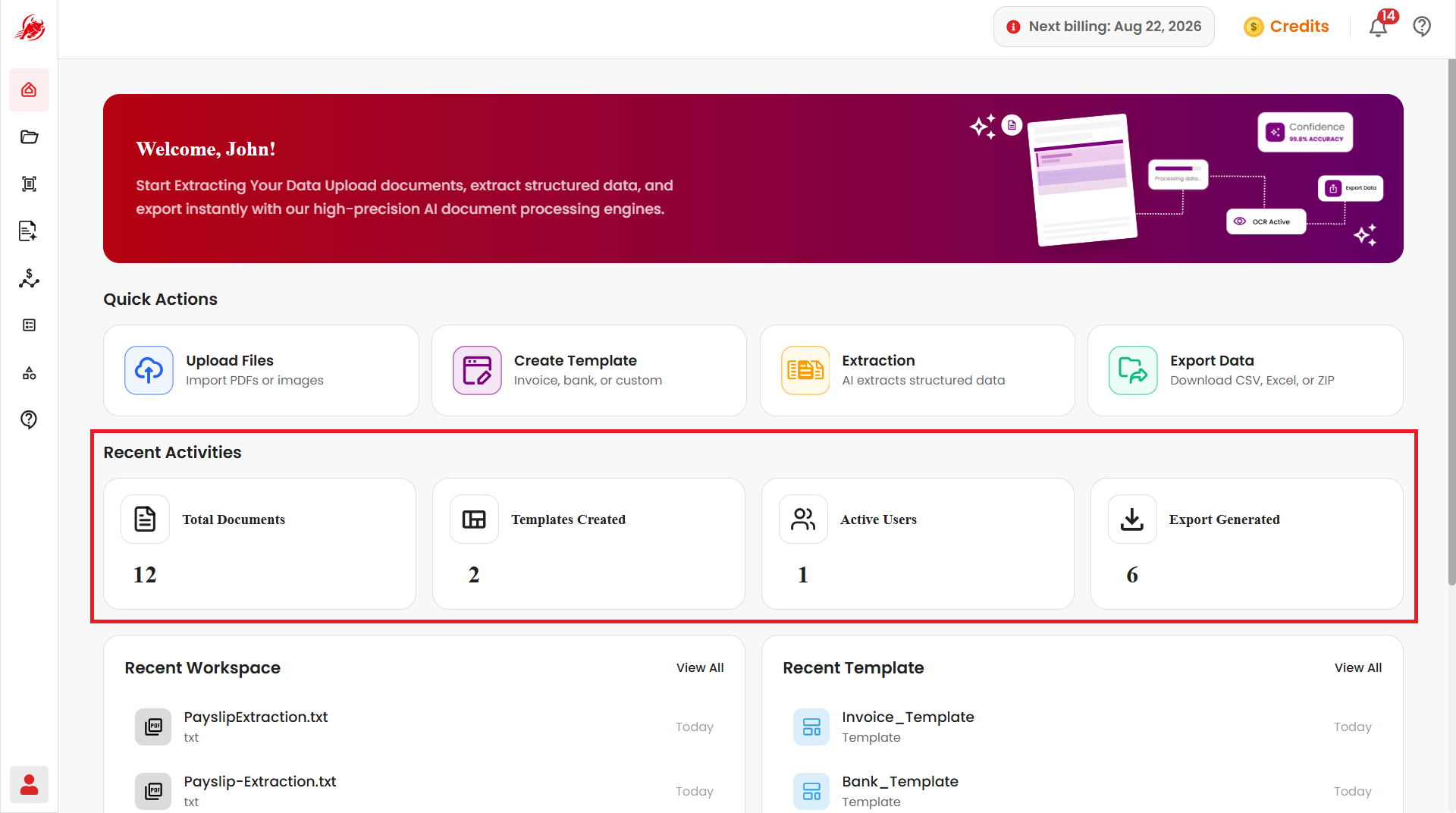
Recent Activities
A live key system statistics and usage information:
- Total documents processed in the system
- Number of templates created
- Number of active users currently using the platform
- Number of exports generated
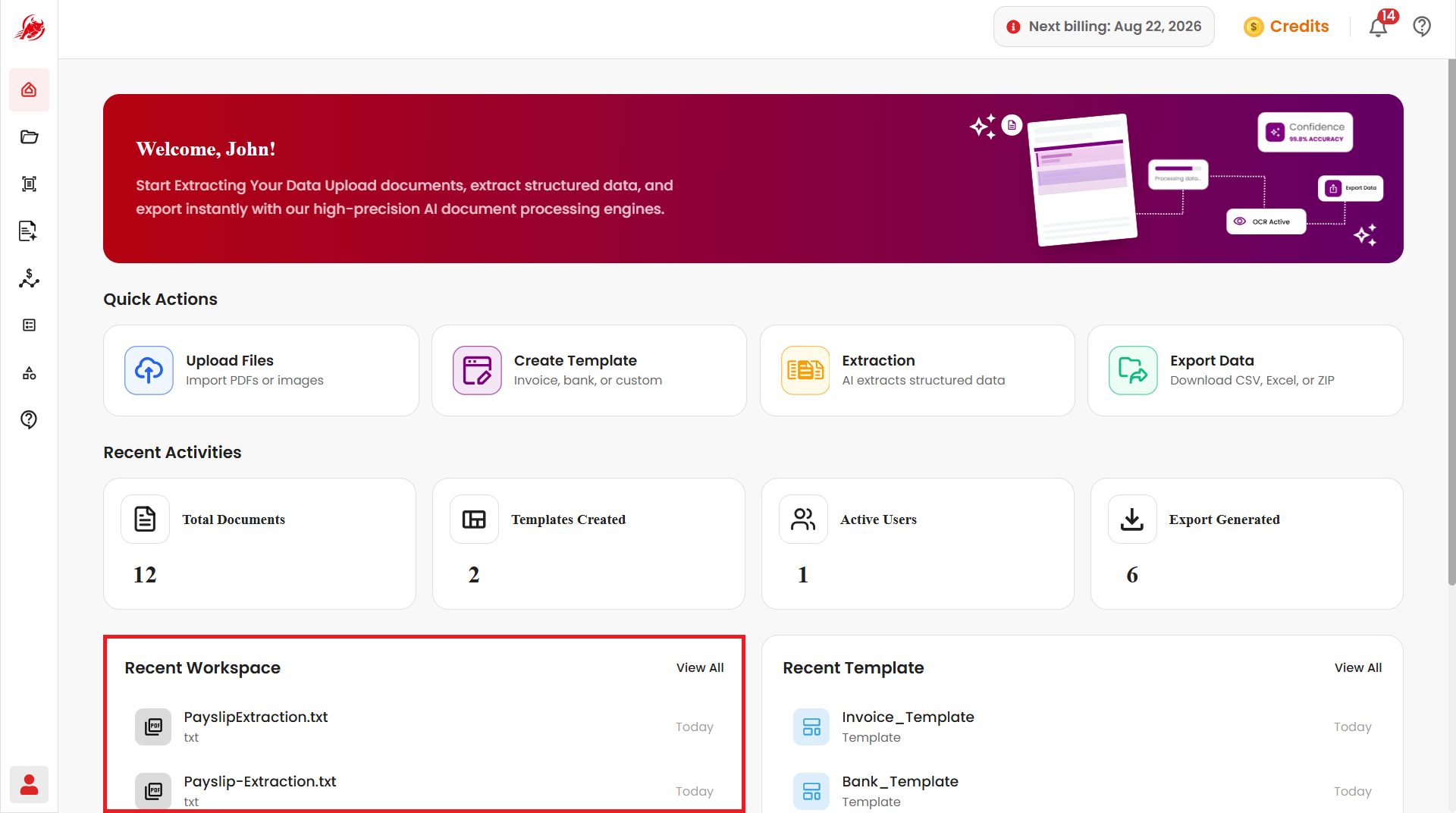
Recent Workspace
A quick view of recently processed and exported files, so you can:
- View recently exported files
- Track processed document history
- Access previous workspace outputs
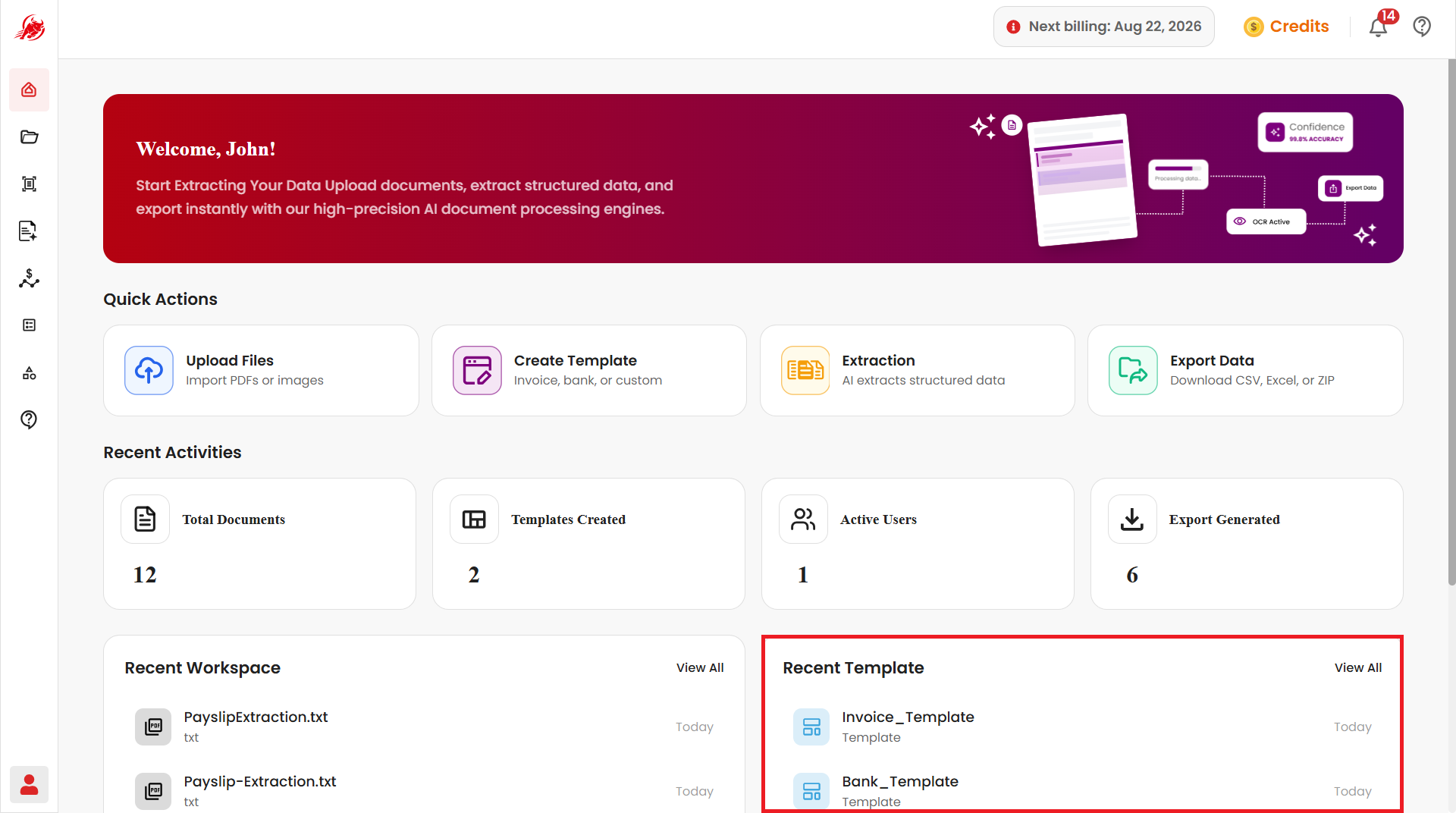
Recent Template
A quick view of recently created templates, so you can:
- View recently created templates
- Access previously configured templates
- Track template creation history