Appearance
Payment Details
Once your email is verified, you're taken to the payment details page.
Choose How You Want to Pay
You can pay in one of two ways.
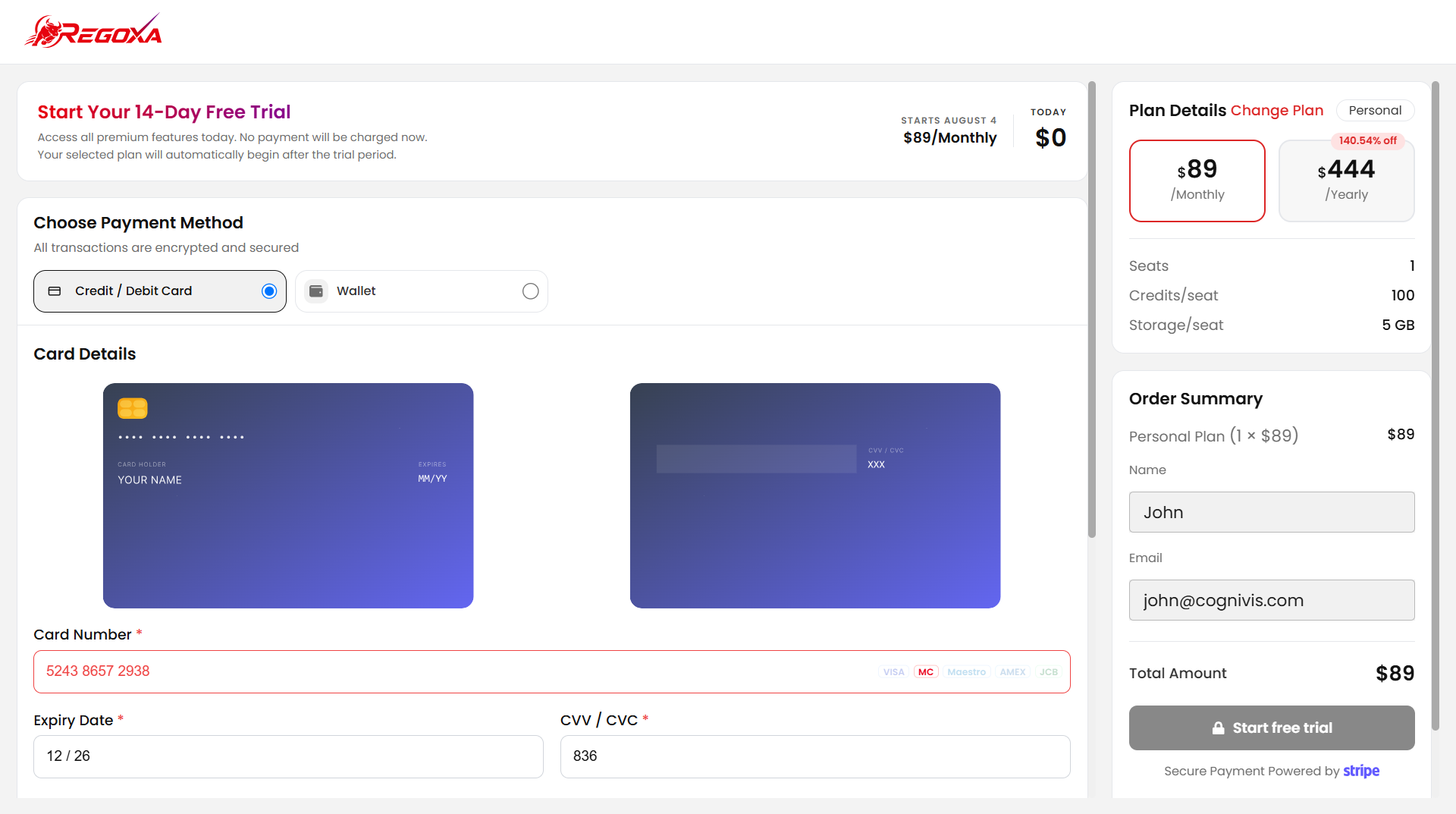
Option 1: Credit or Debit Card
Pay with a Credit / Debit Card (card number, expiry, CVV, billing address).
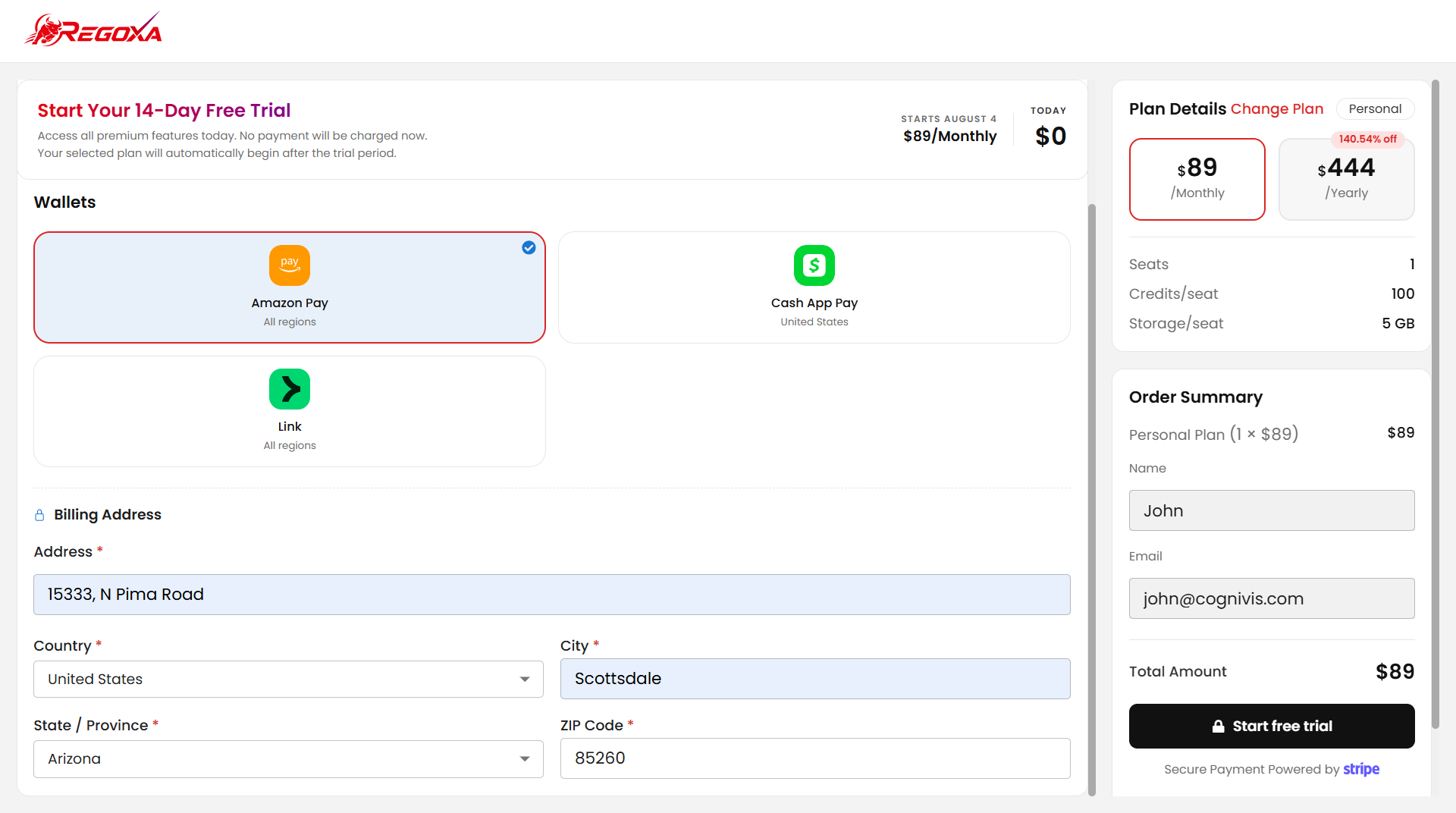
Option 2: Digital Wallet
Pay with a Digital Wallet (Amazon Pay, Cash App Pay, or Link).
WARNING
Double-check your card and billing details — incorrect details can cause your payment to fail later.
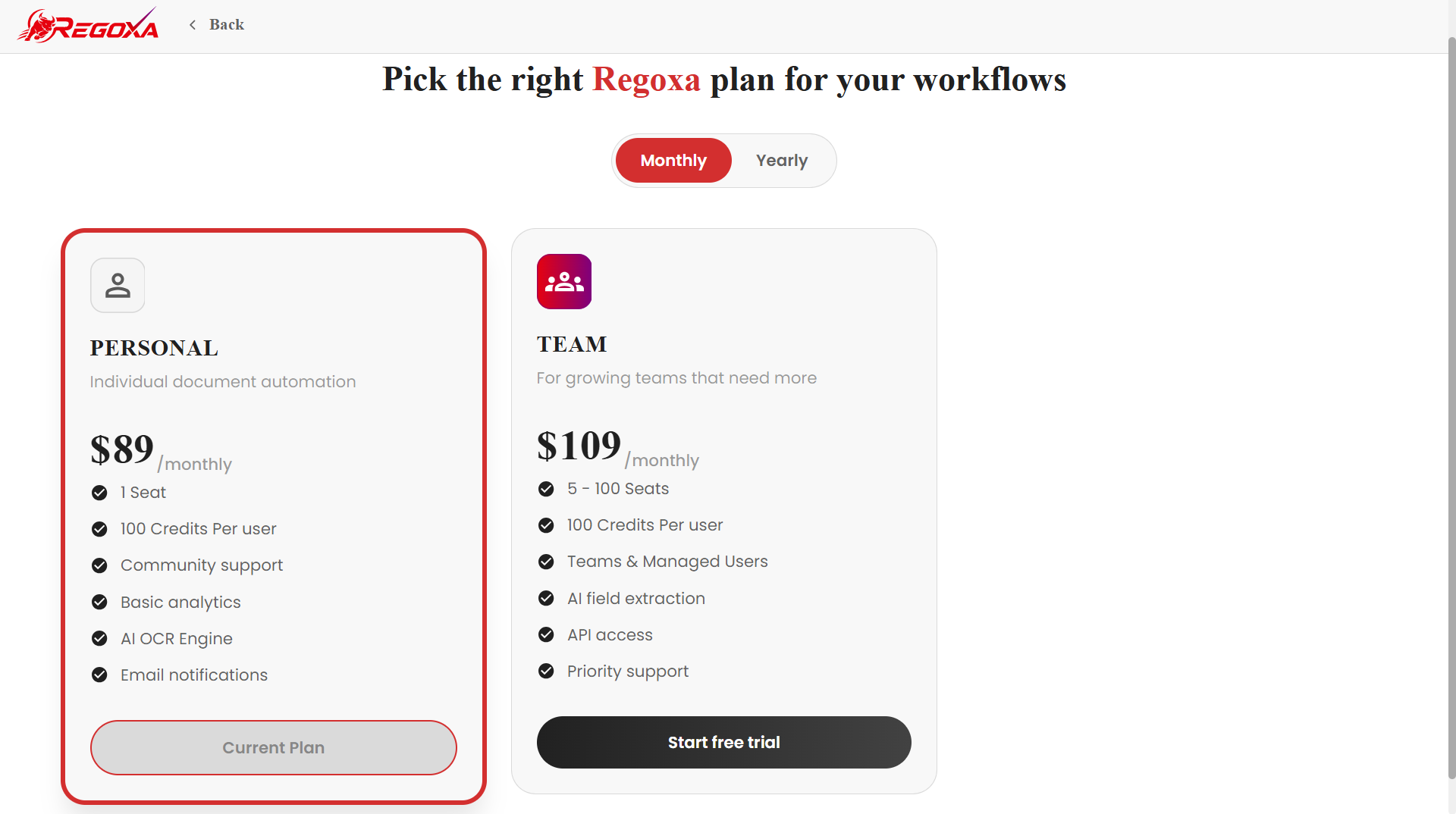
Choose Monthly or Yearly Billing
Under Plan Details, choose Monthly or Yearly (discounted) billing.
The Order Summary shows exactly what you'll be charged.
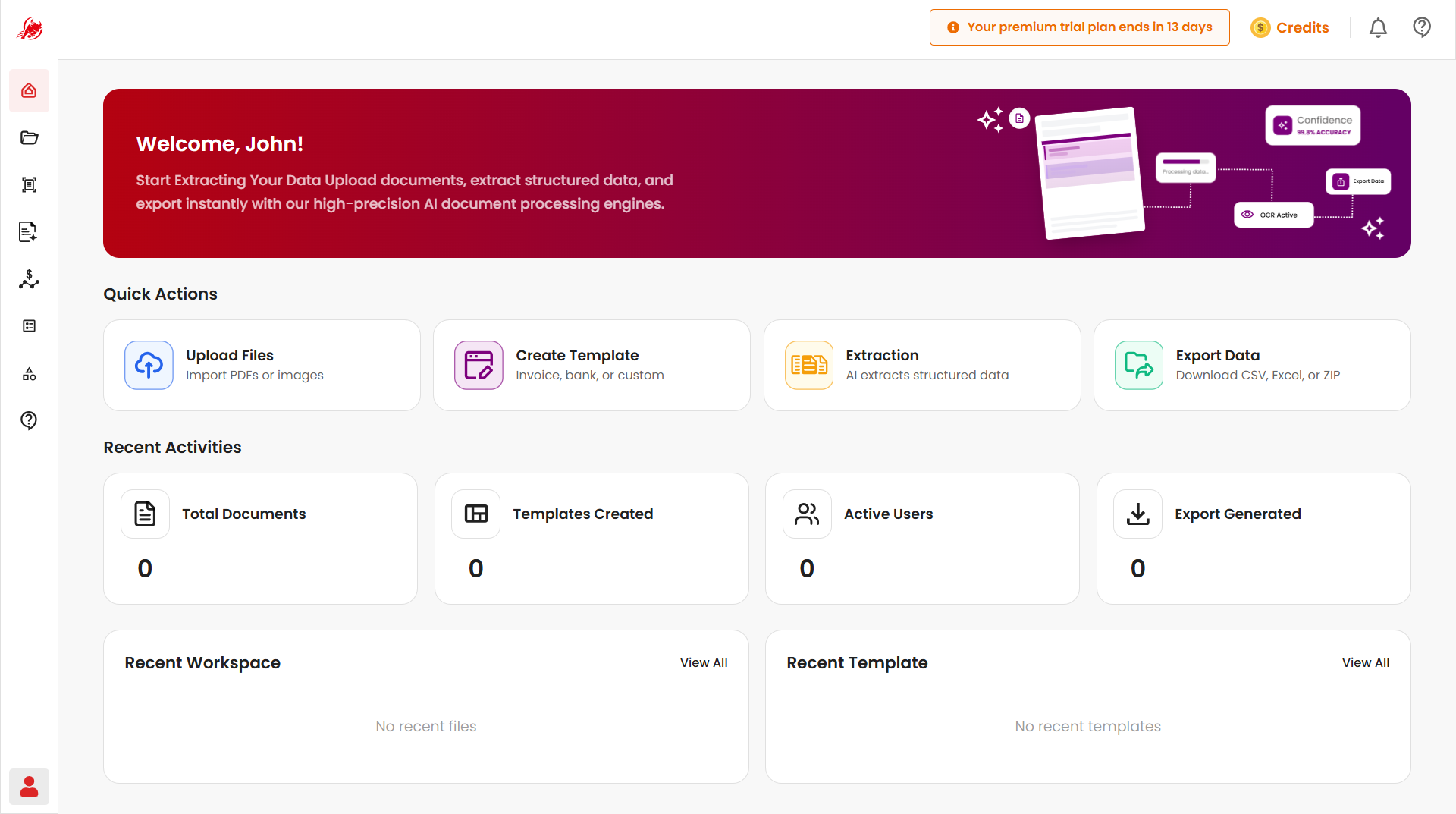
You're All Set
Regoxa takes you straight to the Get Started page. From here, you can start uploading and processing your documents right away.