
Appearance
Sign Up using Form
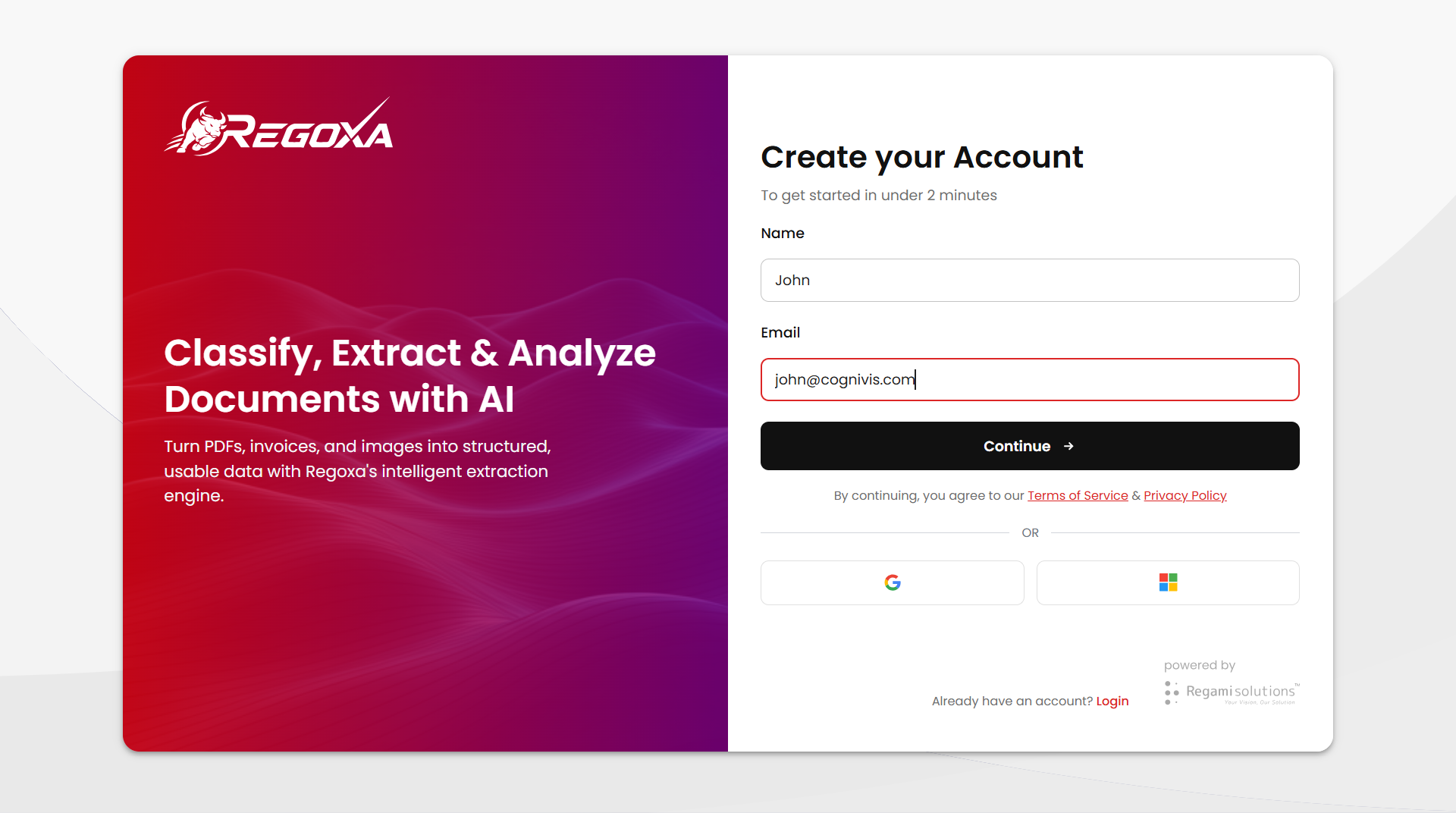
Enter Form Details
Enter your name and email, then click Continue. Regoxa sends an OTP to verify your email.
Enter the OTP and click Verify & Continue to complete registration.
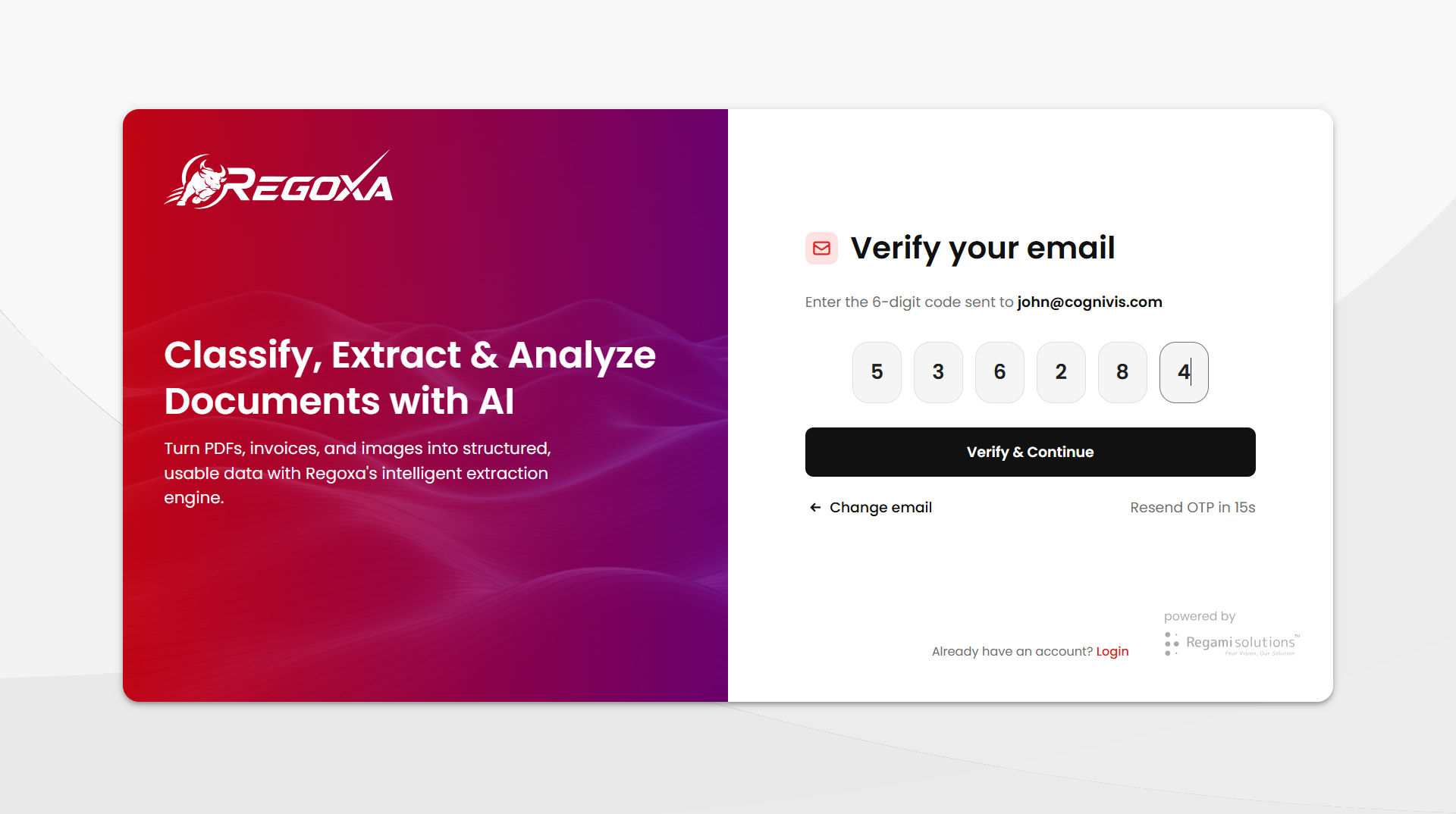
Didn't get the code?
Click Resend OTP to get a new code.
Made a Mistake with Email?
If you typed the wrong email address, you don't need to start over.
- Click Change email (the link with the back arrow, below the code boxes).
- You'll return to the sign-up page, where you can correct the email address.
- Click Continue again to receive a new OTP at the correct email address.
TIP
Once you request a new OTP, the older OTP stops working.
Payment Details
Need payment information? See the Payment Details page.