
Appearance
Workspace
Overview
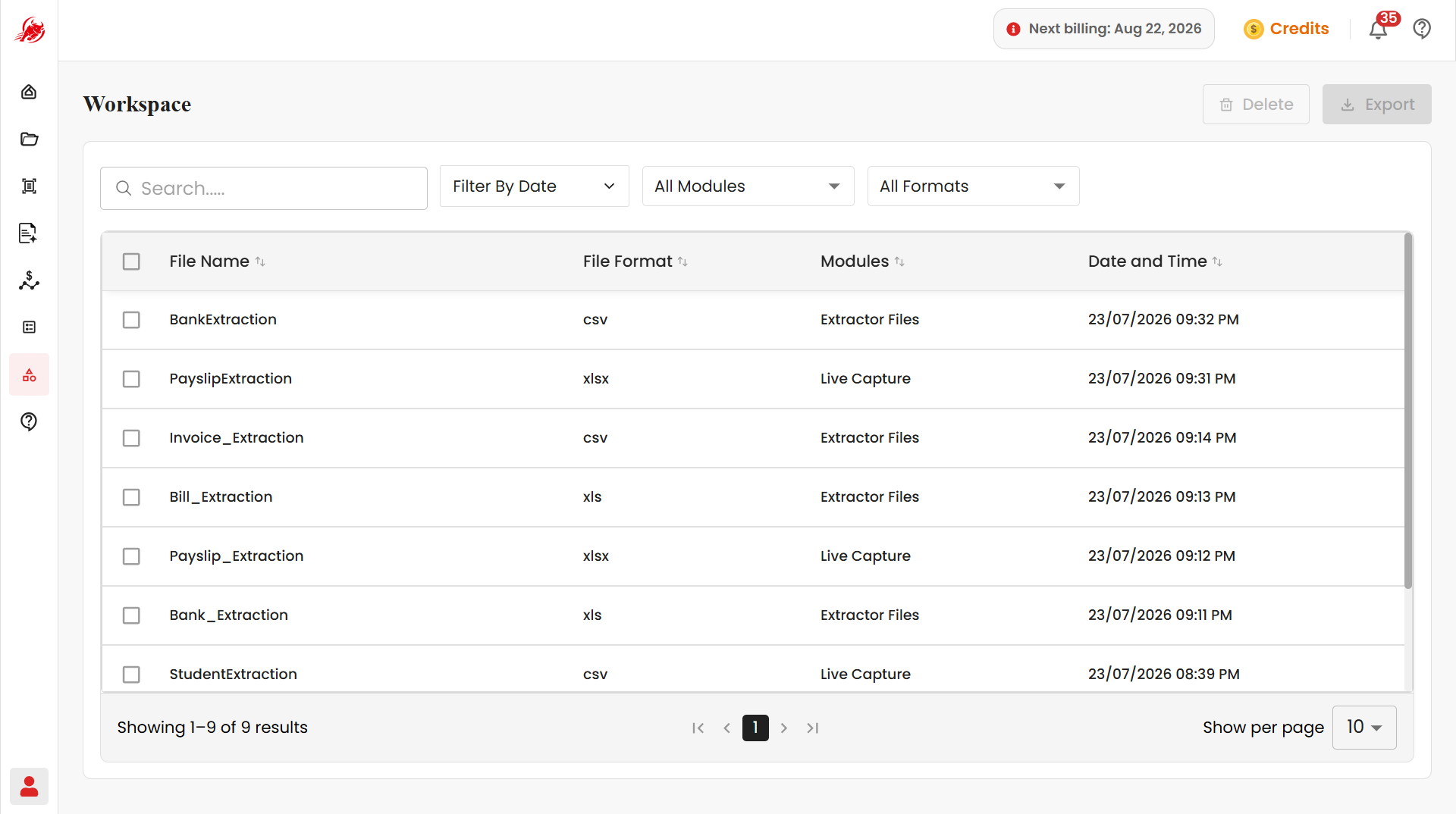
Workspace stores every file that's been processed by Extractor or Mercury — it's the last stop for your documents once extraction is complete.
Instead of checking each module separately for its output, everything lands in one place where you can review, search, filter, download, or delete it — including in bulk, if you're working with a lot of documents at once.
What you can do here
- View every processed document in one list, along with details like which module produced it and when
- Search and filter to quickly find a specific document
- Select one or several documents to export or delete at once
- Re-download a document's output at any time
Next steps
- Manage Documents — step-by-step instructions for searching, filtering, selecting, exporting, and deleting documents