
Appearance
My Files
Overview
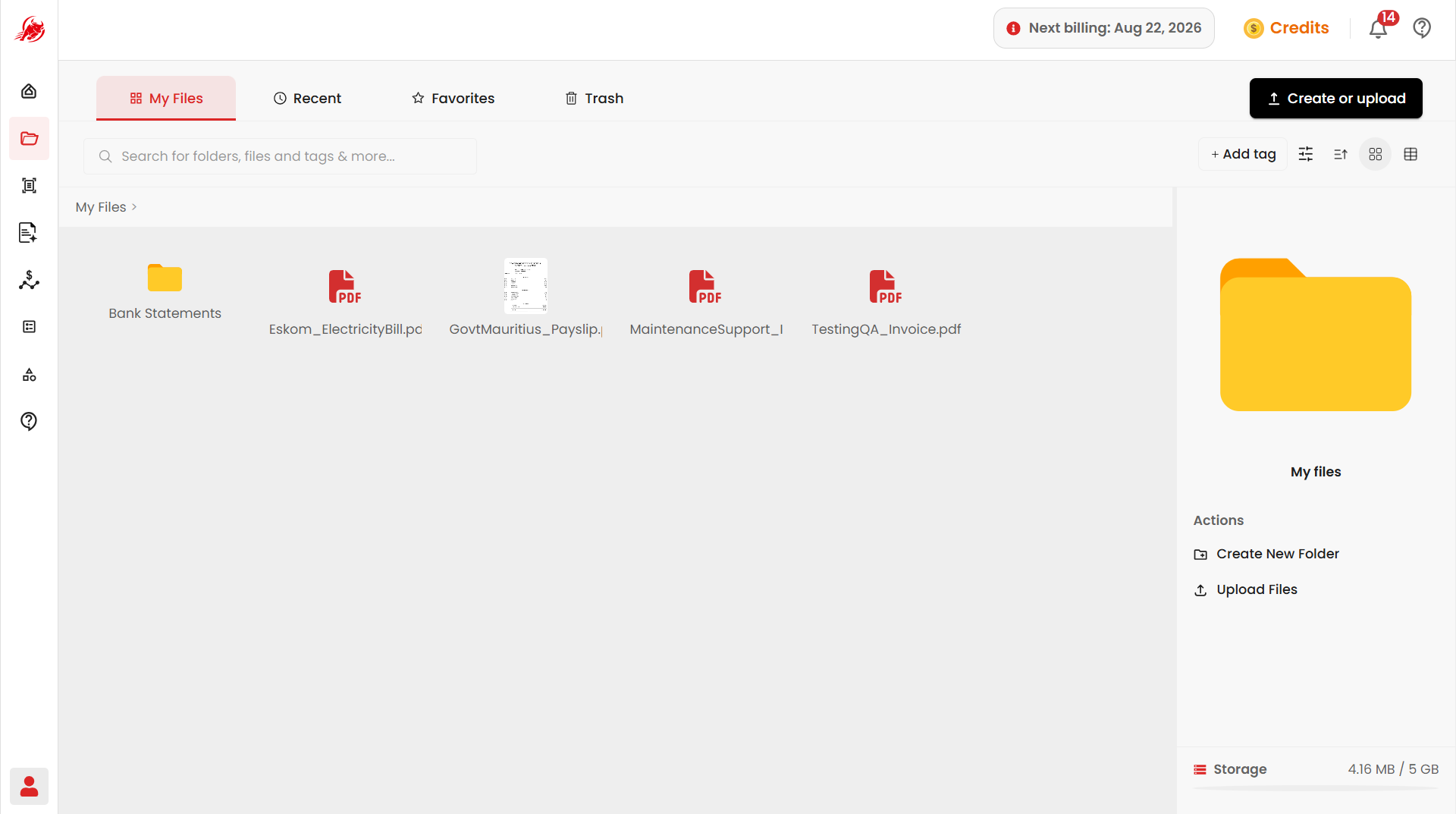
My Files is where all your documents live in Regoxa. Anything you upload here is automatically available in other Regoxa tools, such as Extractor and Template, so you never have to upload the same file twice.
Find your way around
The page has the following tabs:
| Tab | What you'll find there |
|---|---|
| My Files | All the files and folders you've uploaded |
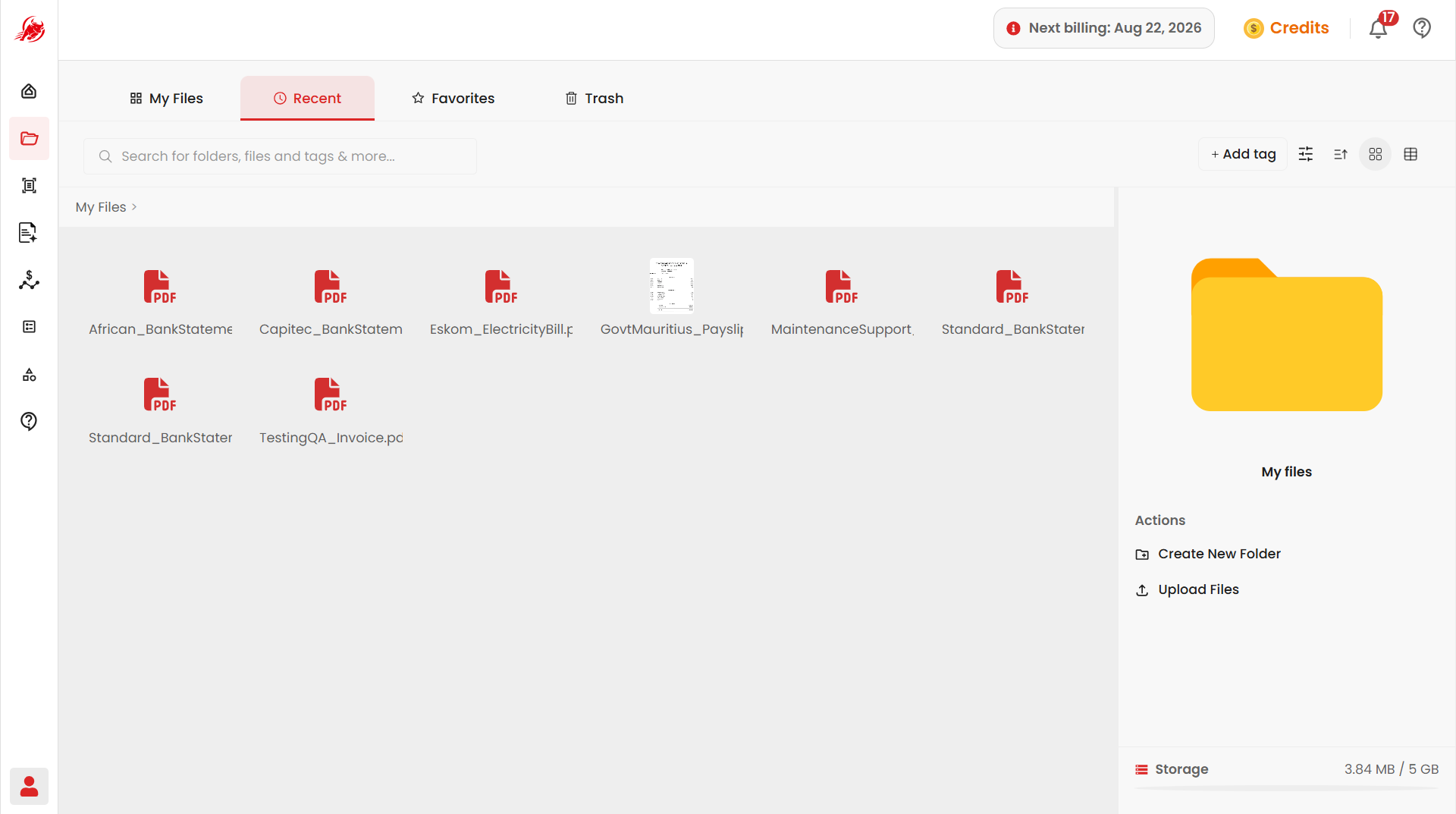
| Recent | Files you opened or edited recently |
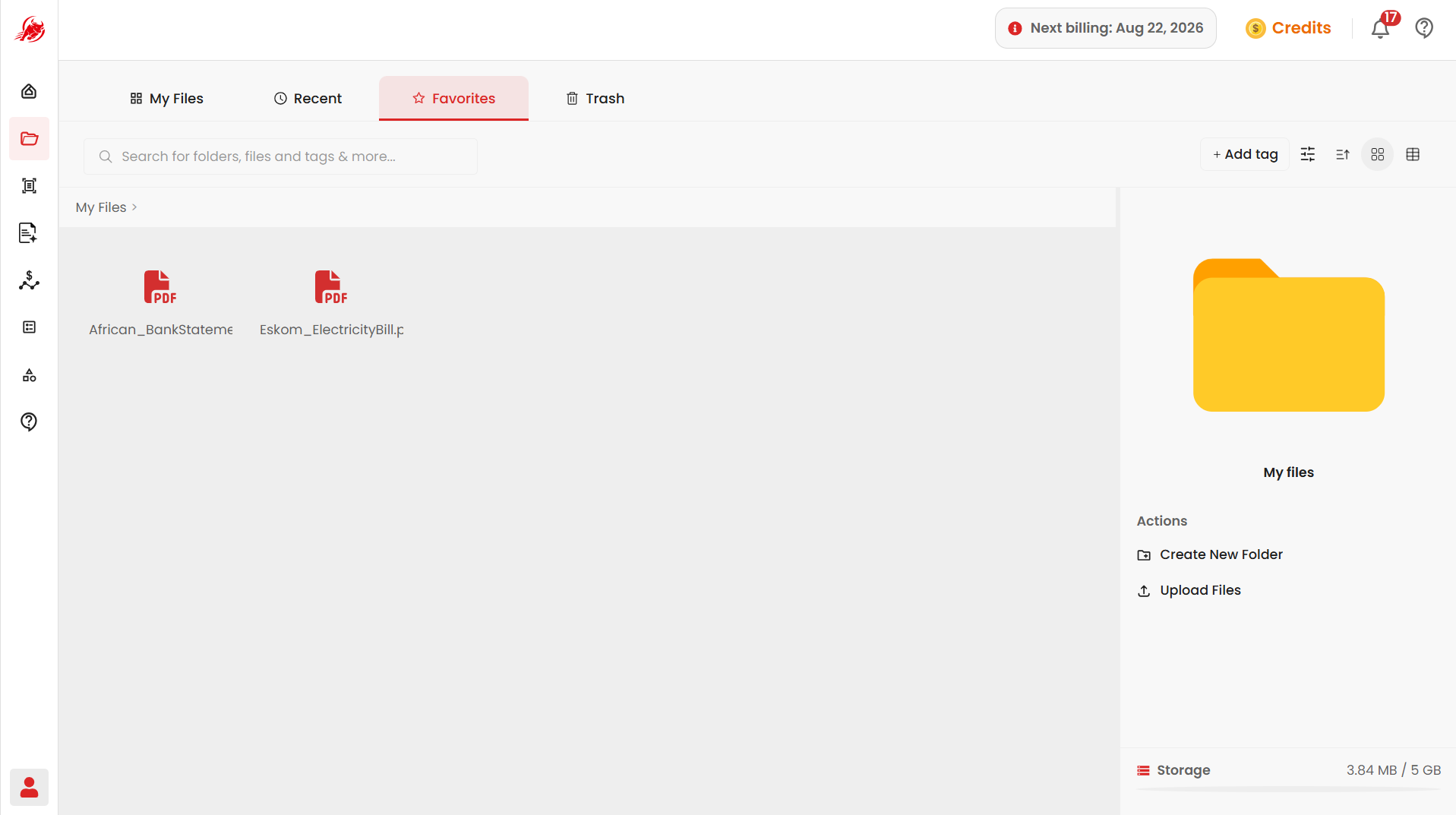
| Favorites | Files you've starred for quick access |
| Shared with me | Files other people in your organization have shared with you |
| Trash | Files you've deleted, kept temporarily before they're removed for good |
TIP
The Shared with me tab only appears if your account has Team plan (belongs to an organization). If you're on an individual account, you won't see it.
Next steps
- Manage Files — step-by-step instructions on uploading, organizing, tagging, and managing your files
- Shared with me — view and use files others have shared with you