
Appearance
Account
Overview
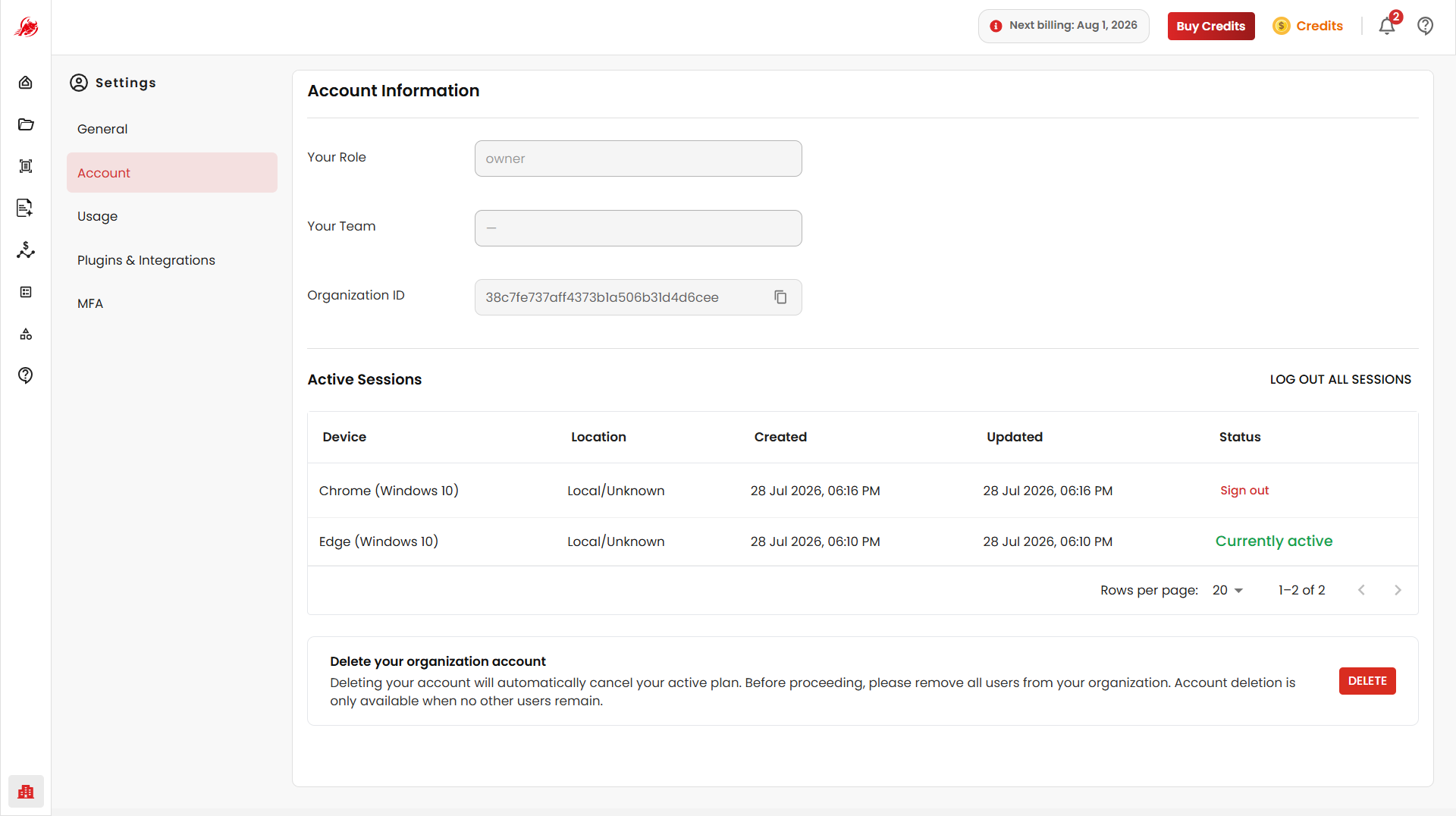
The Account Settings page provides information about your account, active login sessions, and account management options.
Account Information
The Account Information section displays details associated with your Regoxa account.
Available Fields
| Field | Description |
|---|---|
| Your Role | Displays the role assigned to your account. |
| Your Team | Displays the team associated with your account. |
| Organisation ID | Displays the unique organisation identifier. |
For personal accounts, these fields may appear empty or unavailable until the account is associated with an organisation or team.
Active Sessions
The Active Sessions section allows administrators to review all active and recent login sessions associated with their account.
Session Details
Each session record contains the following information:
| Column | Description |
|---|---|
| Device | Browser and operating system used for login. |
| Location | Approximate login location. |
| Created | Date and time when the session was created. |
| Updated | Last activity timestamp for the session. |
| Status | Current session status. |
Session Status
A session may display one of the following:
| Status | Description |
|---|---|
| Currently Active | Indicates the session currently being used. |
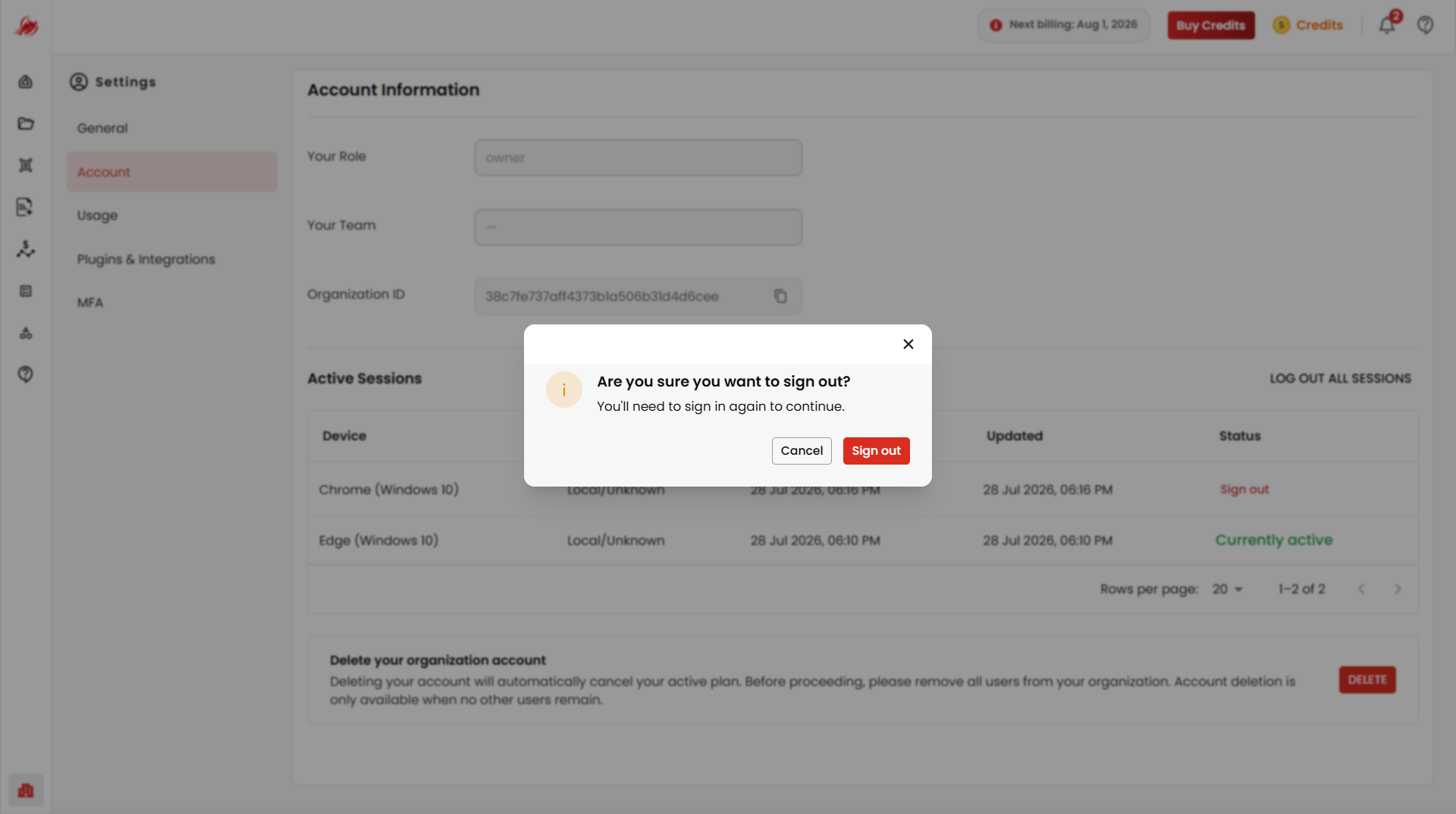
| Sign Out | Terminates a specific session from the list. |
Log Out All Sessions
The Log Out All Sessions option immediately signs out the account from all active devices and browsers.
Use this option when:
- Accessing Regoxa from multiple devices.
- A device is lost or no longer trusted.
- Additional account security is required.
After logging out all sessions, administrators must sign in again on each device.
Session Monitoring
Regularly reviewing active sessions helps users:
- Identify unfamiliar devices.
- Detect unauthorized access attempts.
- Maintain account security.
- Manage access across multiple browsers and devices.
Related
- General Settings — update profile information and preferences
- Multi-Factor Authentication (MFA) — add extra sign-in security to protect your account