
Appearance
General
Overview
The General Settings page allows users to manage their profile information, notification preferences, and application appearance.
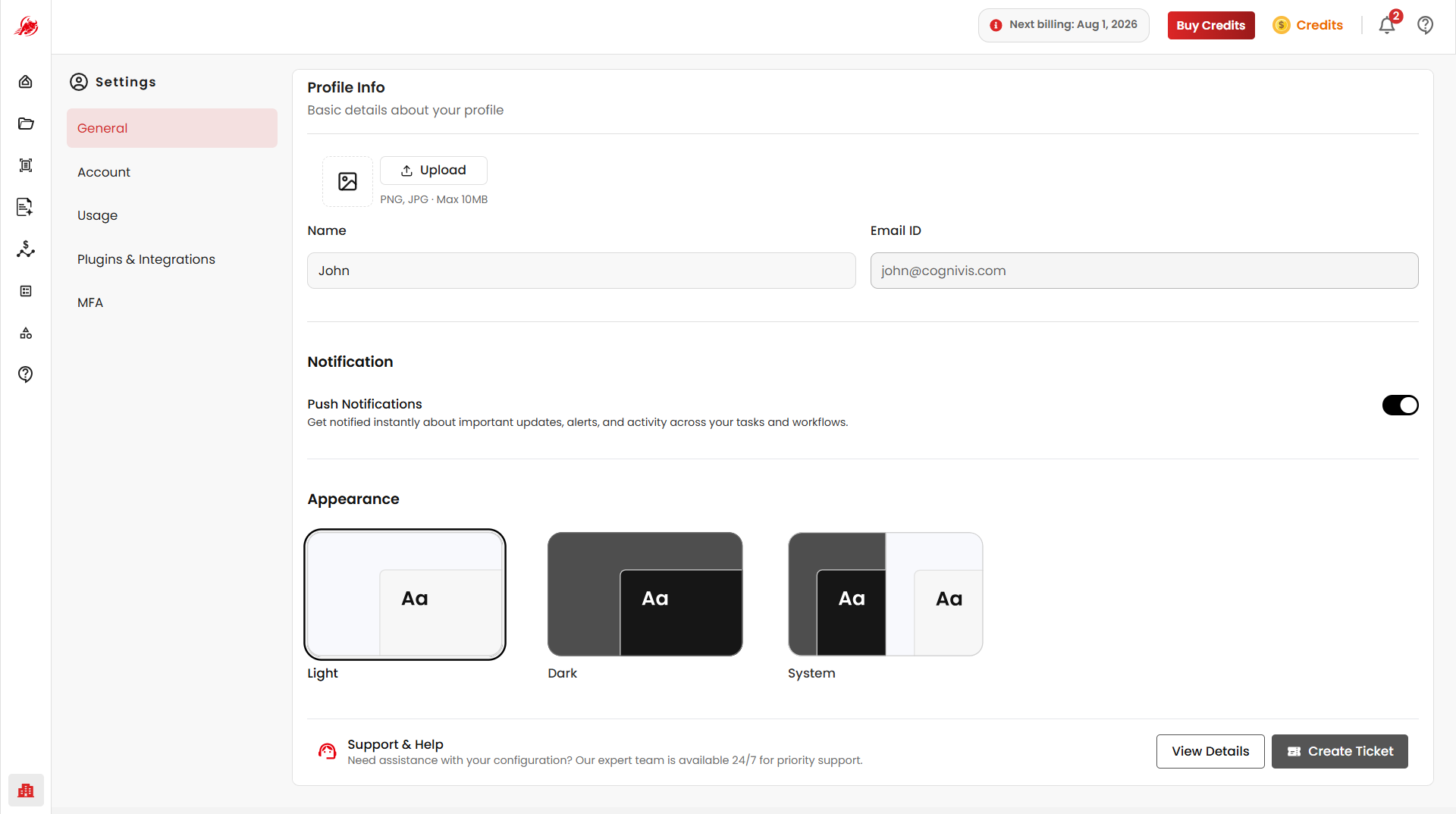
Profile Information
The Profile Information section contains basic details associated with the user account.
Available Fields
| Field | Description |
|---|---|
| Upload Logo | Upload a profile logo or avatar for personalization. Supports PNG and JPG files up to 10 MB. |
| First Name | Update the display name shown across the platform. Example: John |
| Email ID | The email address associated with the account. |
The registered email address is used for account-related communication and authentication.