
Appearance
Plugins & Integrations
Overview
The Plugins & Integrations page allows administrators to connect Regoxa with external storage platforms and supported tools. These integrations help streamline document access, improve workflow efficiency, and reduce manual file transfers.
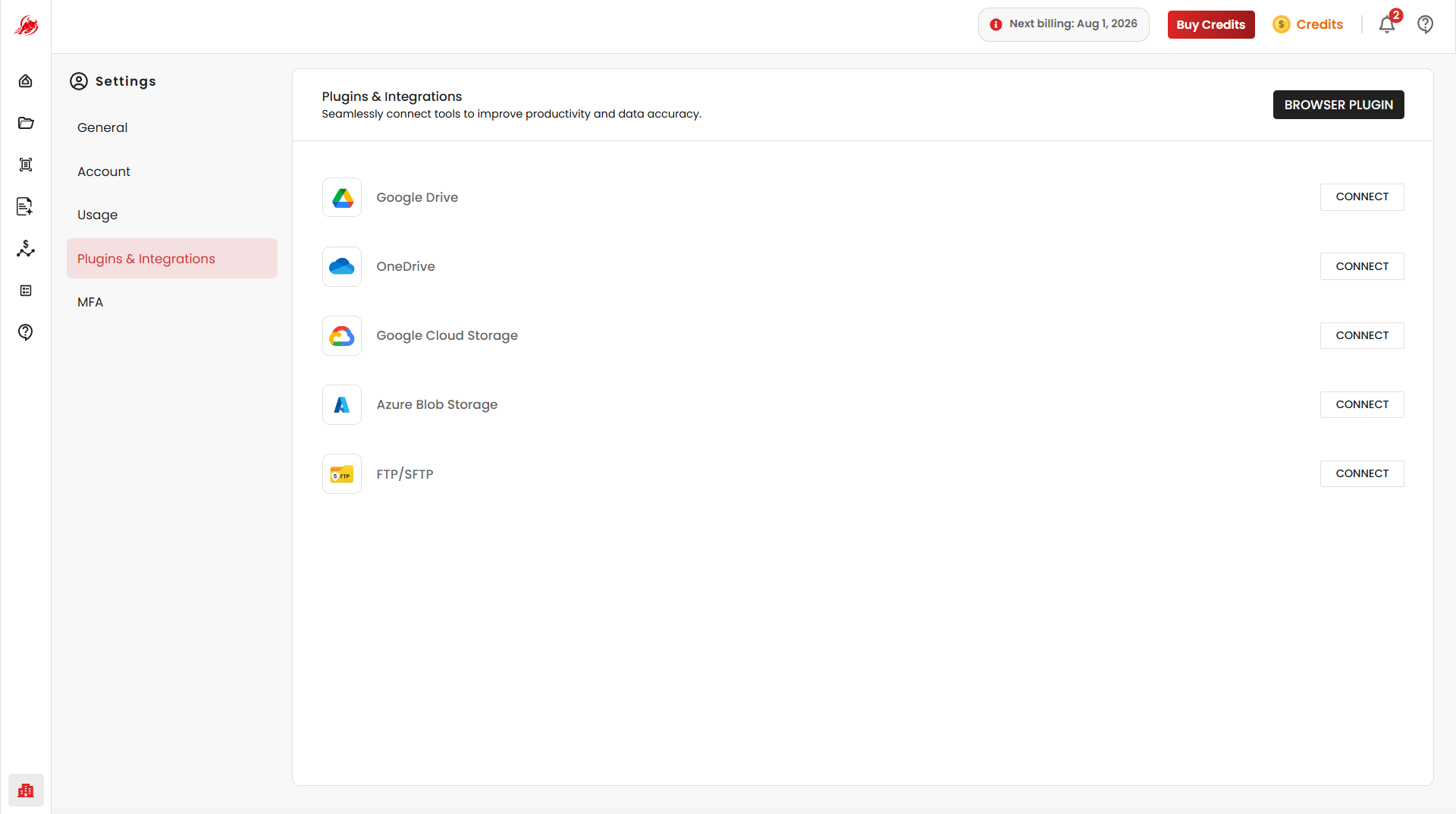
Available Integrations
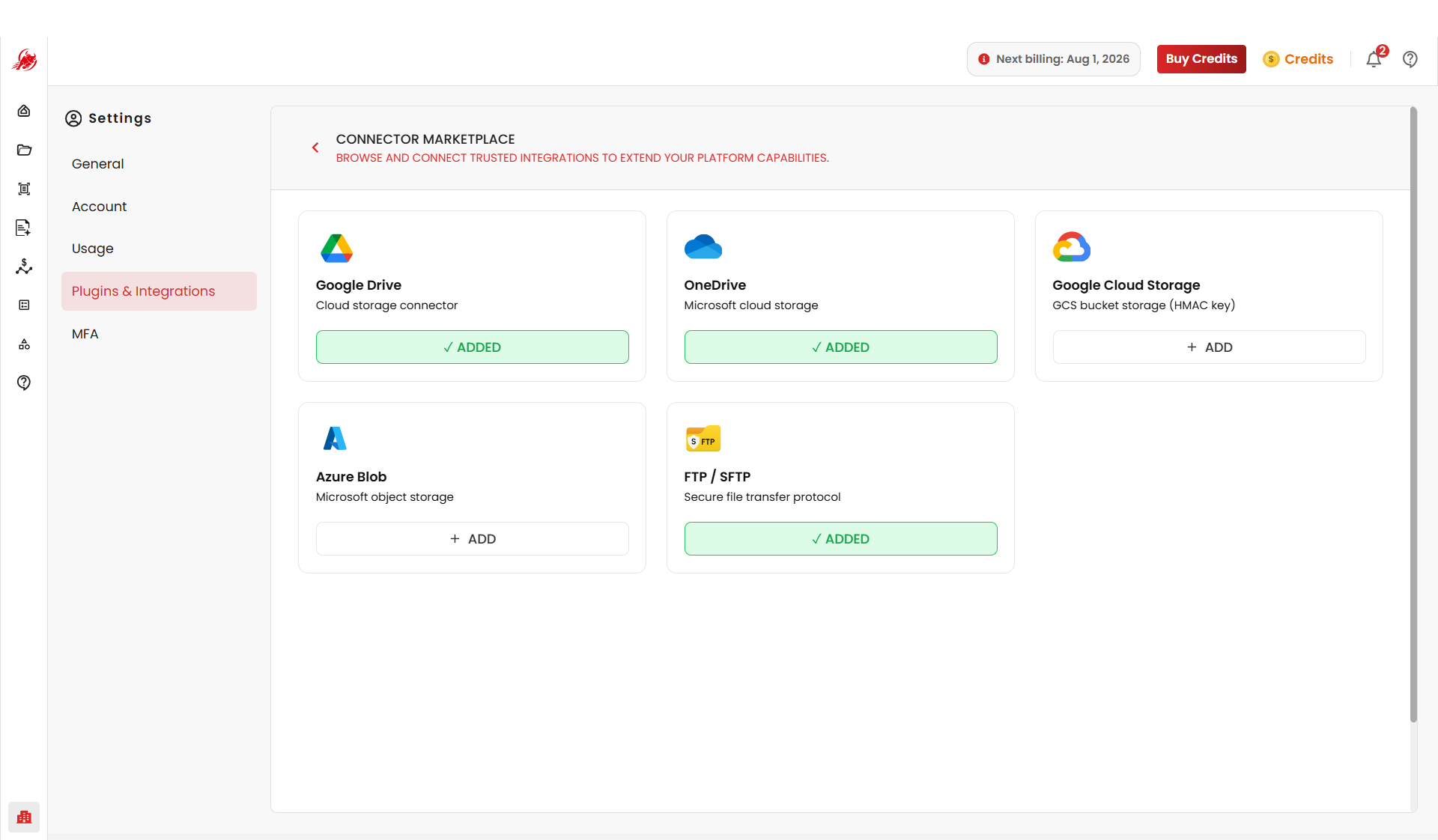
Regoxa supports integration with multiple external storage and file management platforms.
| Integration | What it's for |
|---|---|
| Google Drive | Access and process documents stored in your Google Drive |
| OneDrive | Access and manage documents in your Microsoft cloud environment |
| Cloudflare R2 | Access and manage buckets for document storage and processing |
| Google Cloud Storage | Manage and process documents using bucket-based cloud storage |
| Azure Blob Storage | Store, access, and manage documents in Azure Blob containers |
| FTP / SFTP | Connect external file servers using FTP or Secure FTP |
Google Drive
Connect your Google Drive account to access and process documents stored within your Drive environment.
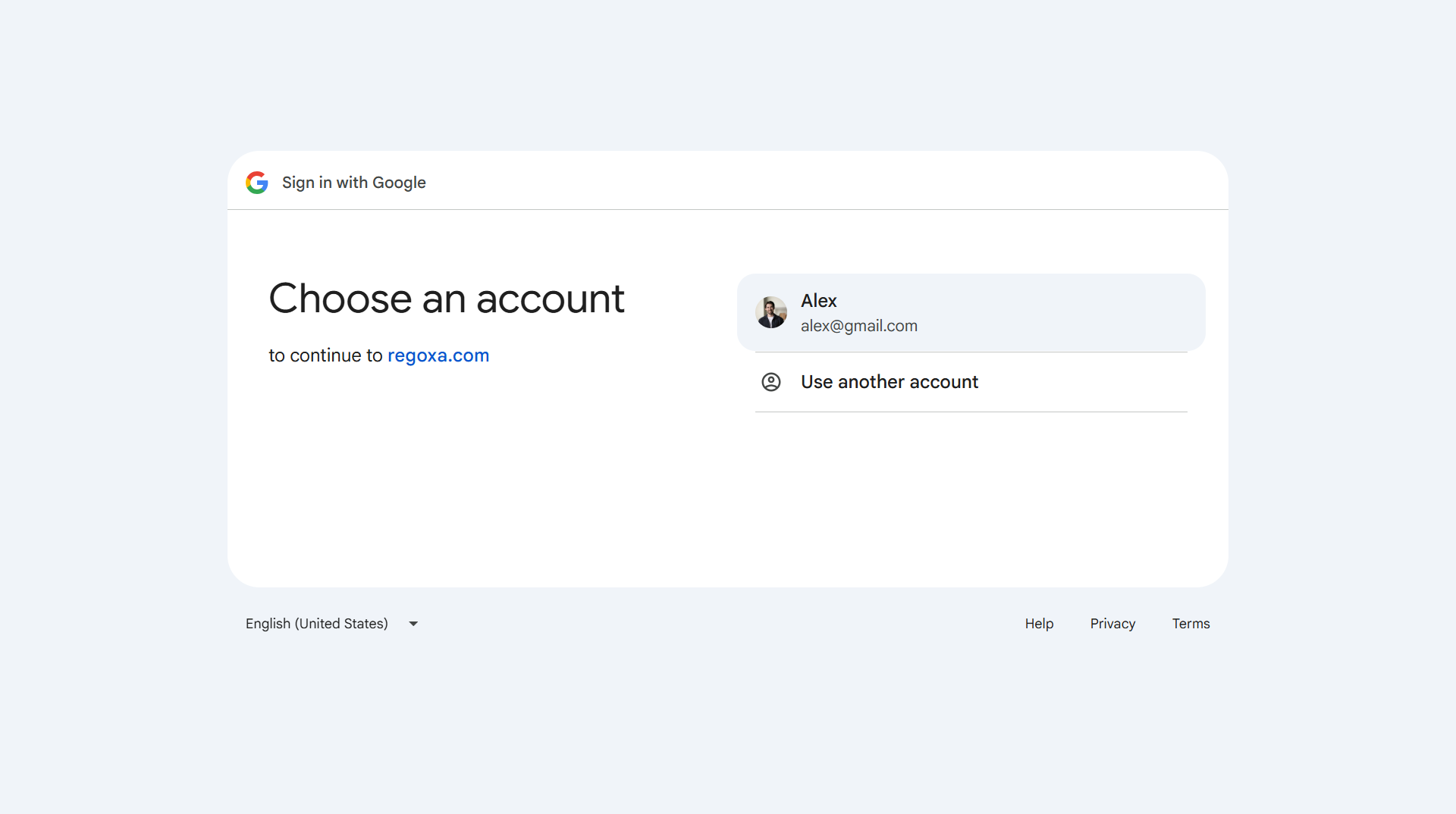
OneDrive
Connect Microsoft OneDrive to securely access and manage documents stored in your Microsoft cloud environment.
Cloudflare R2
Connect Cloudflare R2 storage to securely access and manage buckets for document storage and processing workflows.
Google Cloud Storage
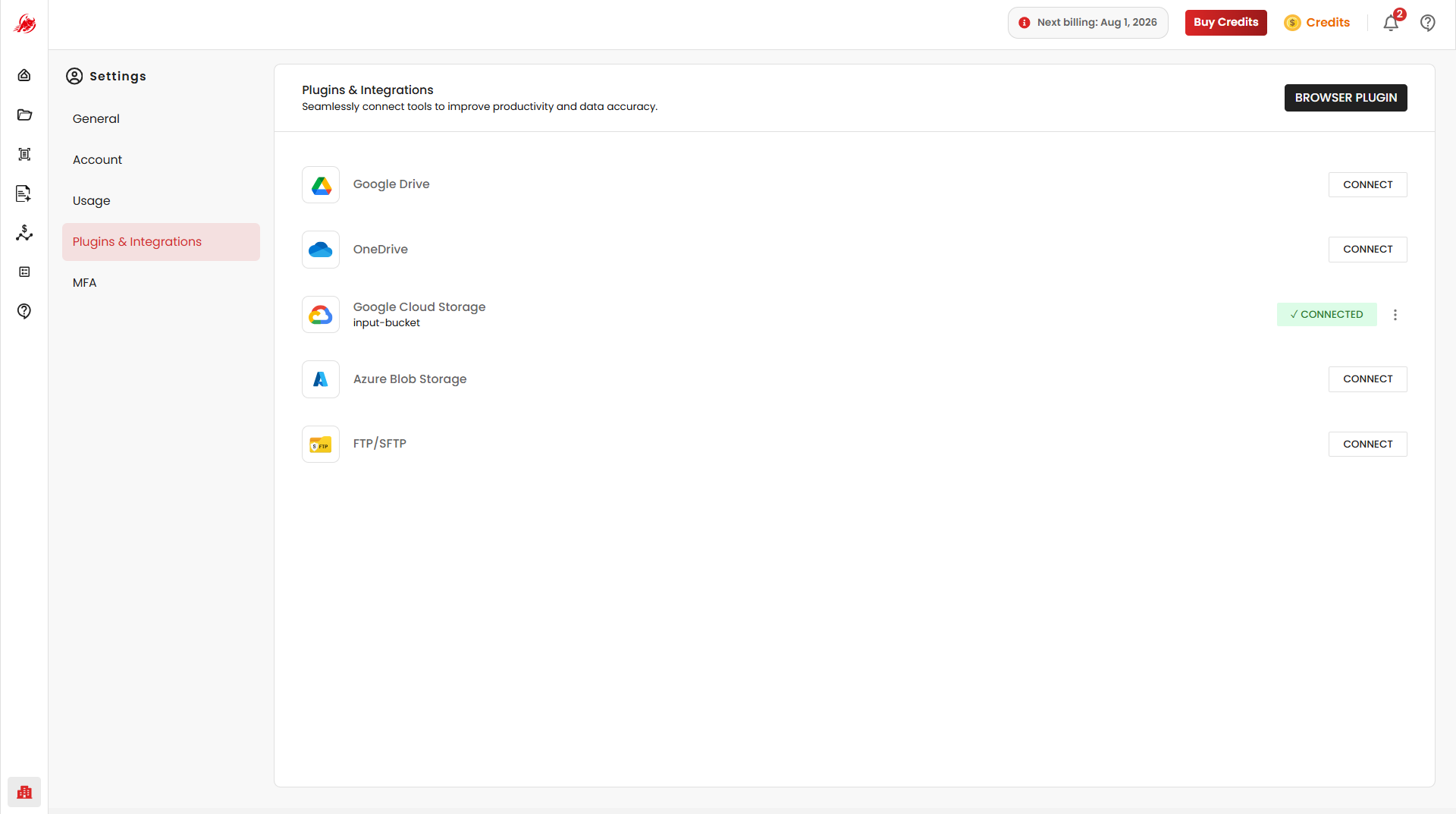
Connect Google Cloud Storage buckets to securely manage and process documents using cloud-based storage integration.
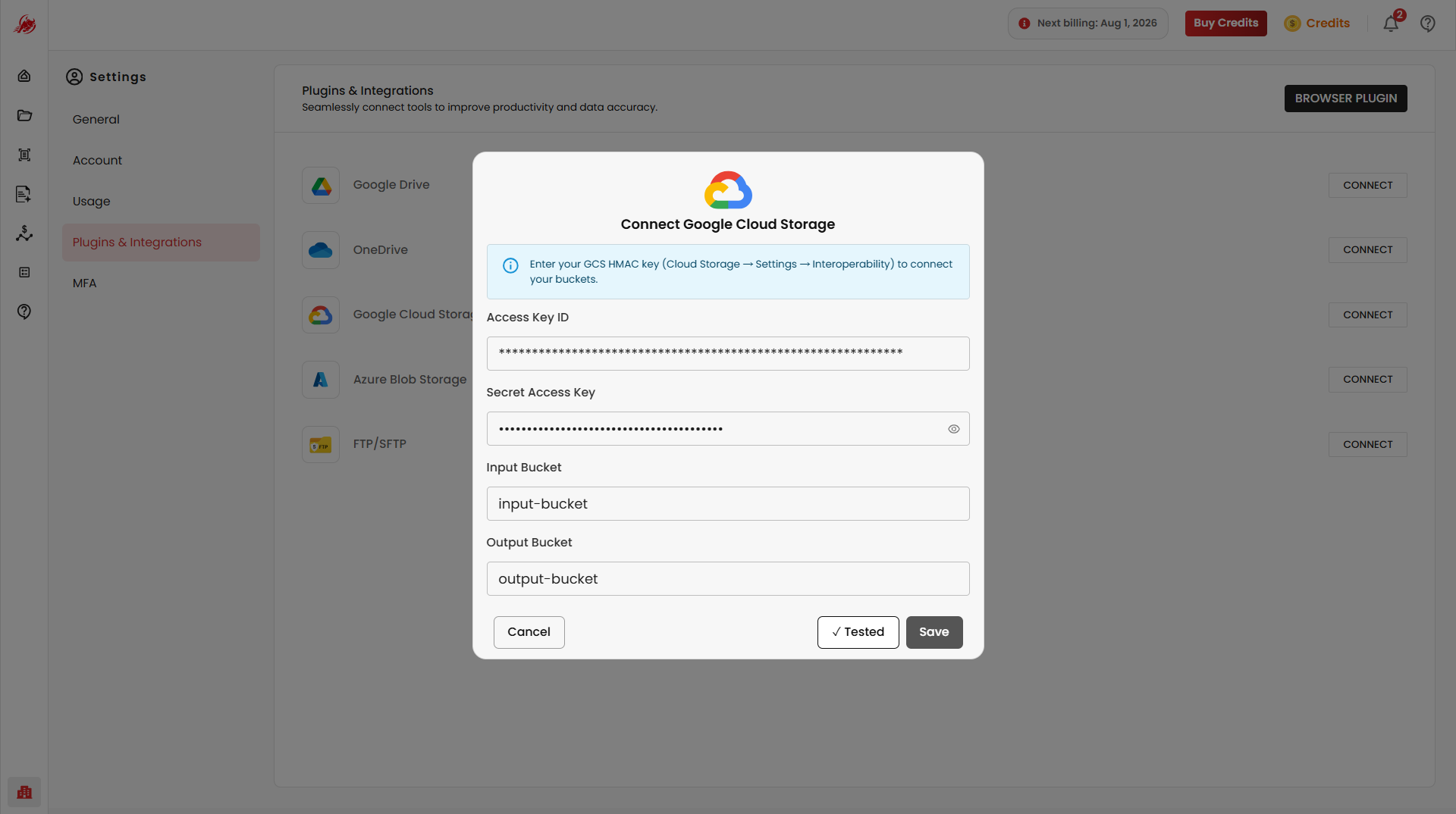
Connection configuration may include Access Key ID, Unique access key, Secret Access Key, Input Bucket and Output Bucket Test the connection using provided credentials.
Azure Blob Storage
Connect Azure Blob Storage containers to securely store, access, and manage document processing workflows.
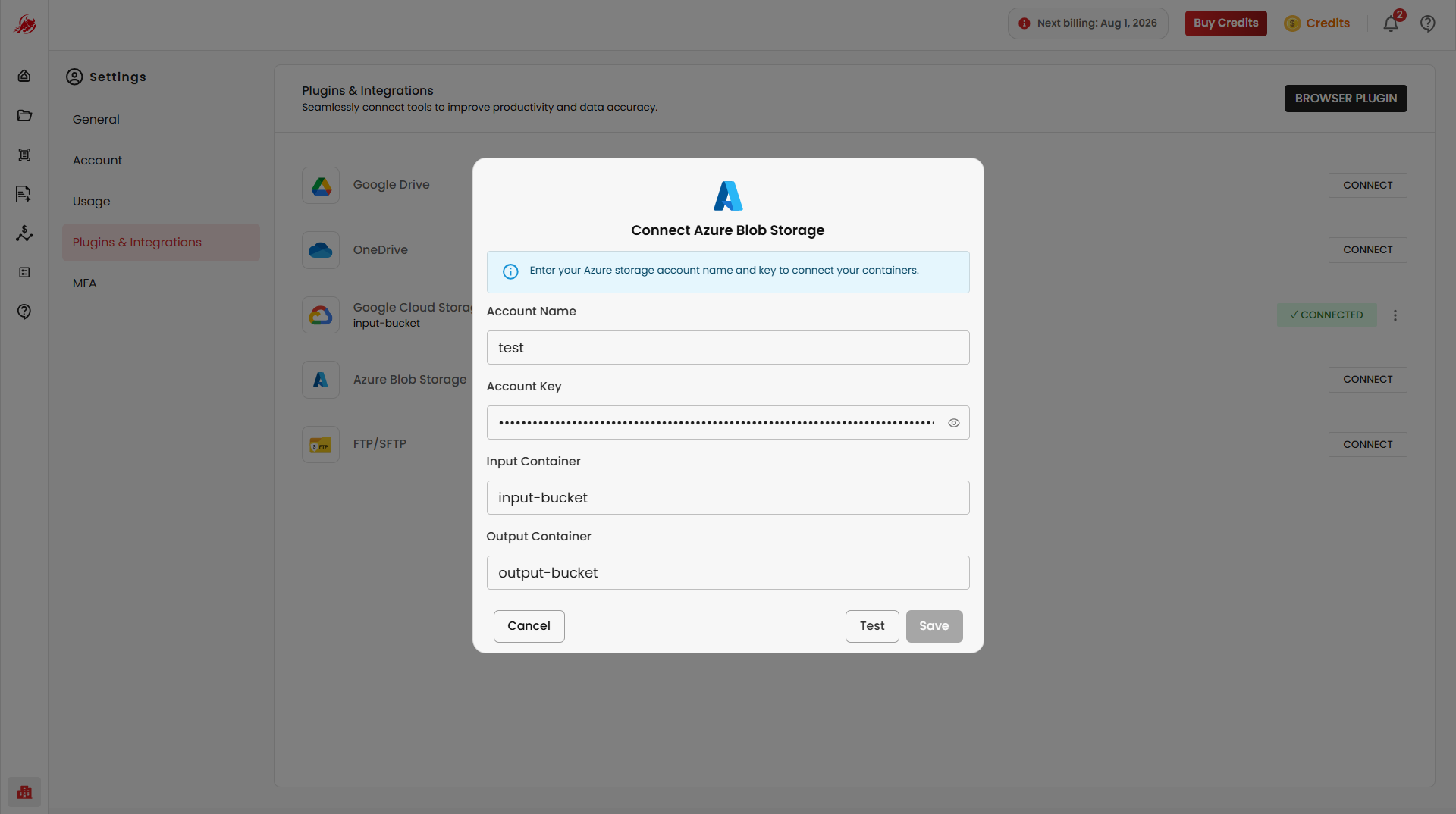
Connection configuration may include Account Name, Account Key, Input Container and Output Container.
Test the connection using provided credentials.
FTP / SFTP
Connect external file servers using FTP or Secure FTP (SFTP).
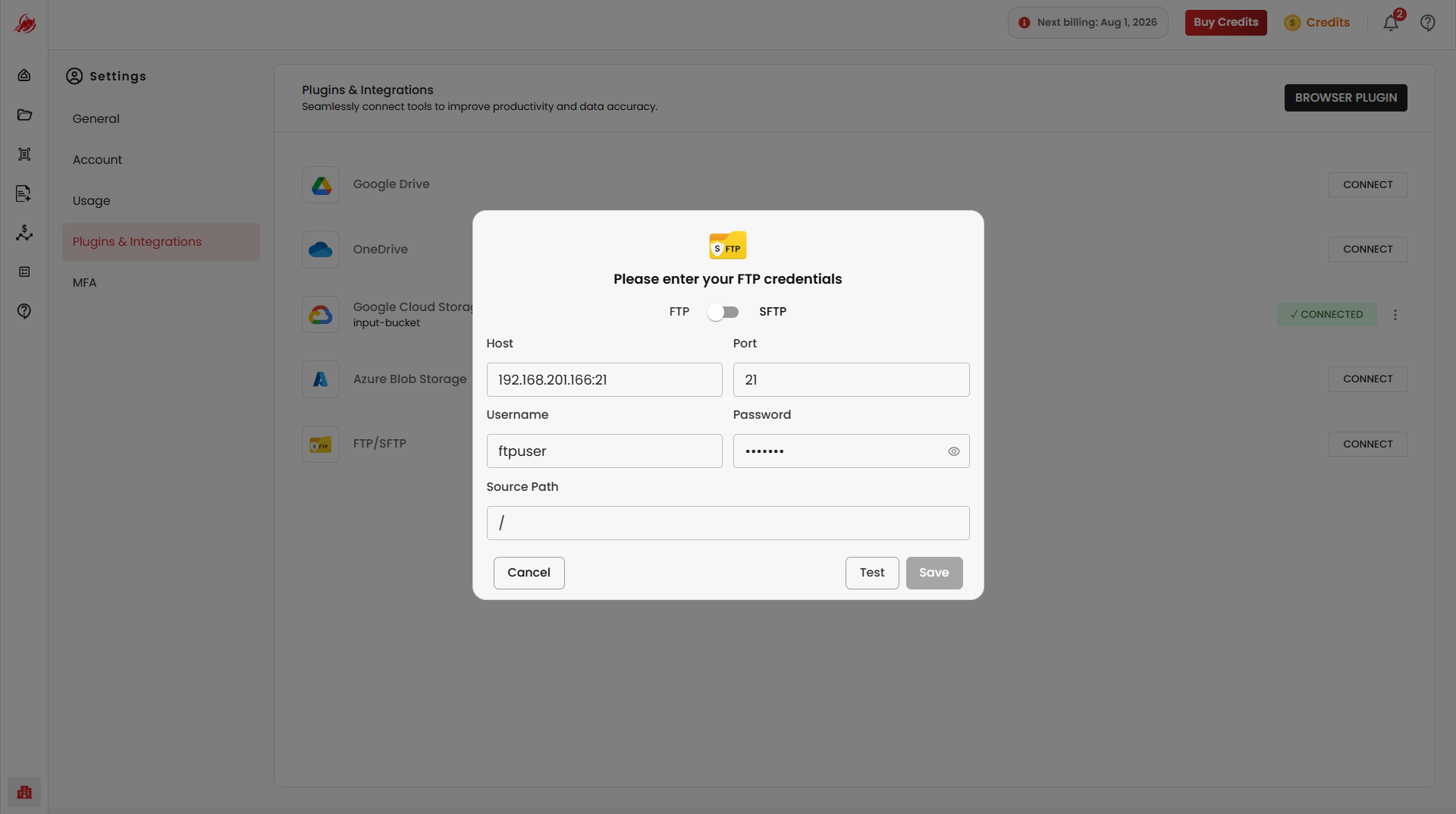
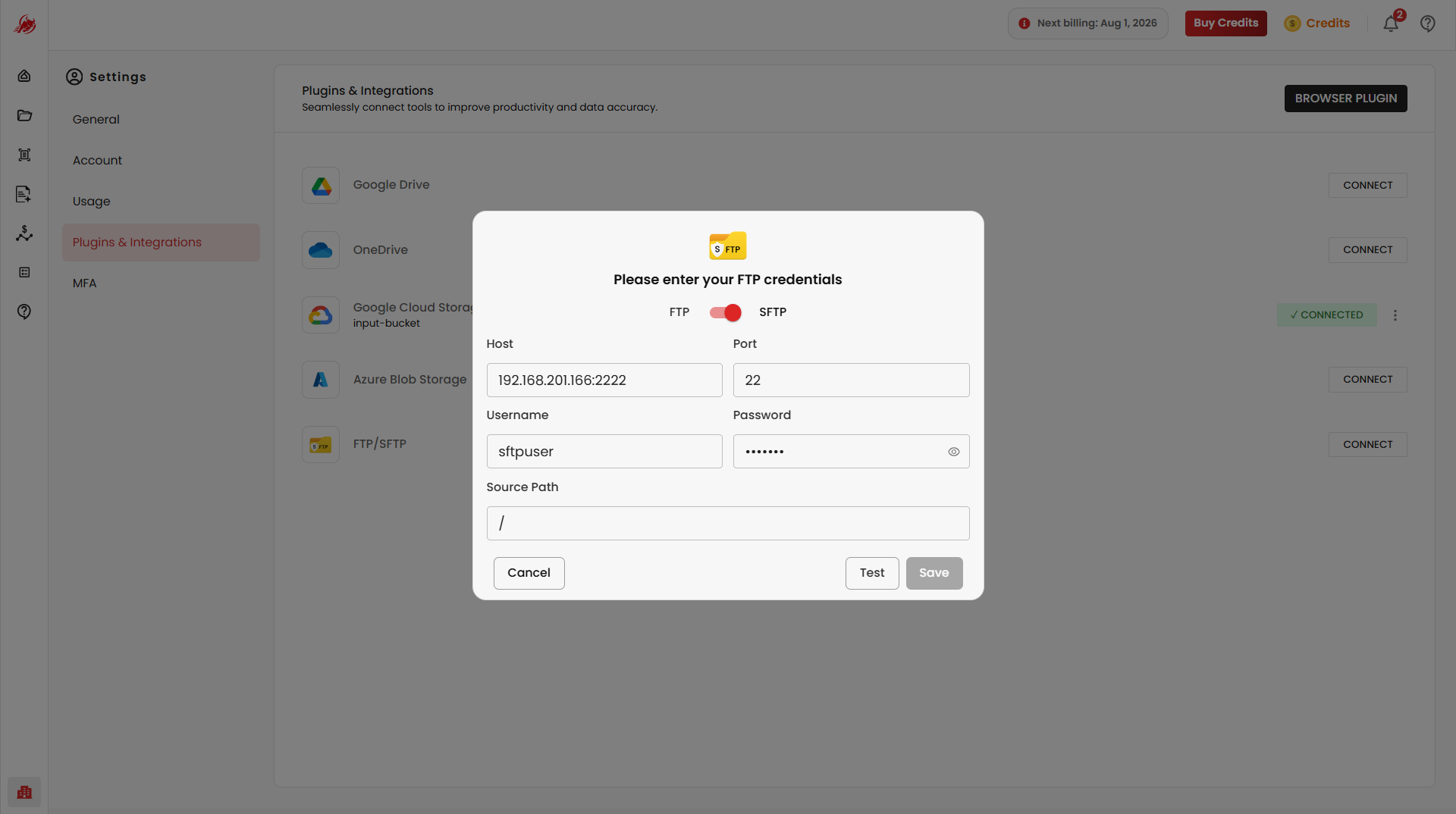
Connection configuration may include Protocol, Host, Port, Username, Password and Source Path.
Test the connection using provided credentials.
Browser Plugin
The Browser Plugin extends Regoxa functionality directly within supported web browsers.
Purpose
The plugin enables users to interact with Regoxa features without leaving their browser environment.
Managing Integrations
Each integration provides a Connect option that allows users to establish a connection with the selected service.
After connecting an integration, users may be able to:
- Access files directly from the connected platform
- Import documents into Regoxa workflows
- Manage connected services
- Disconnect integrations when no longer required