
Appearance
Account
View your account details, manage active login sessions, and — if needed — delete your account.
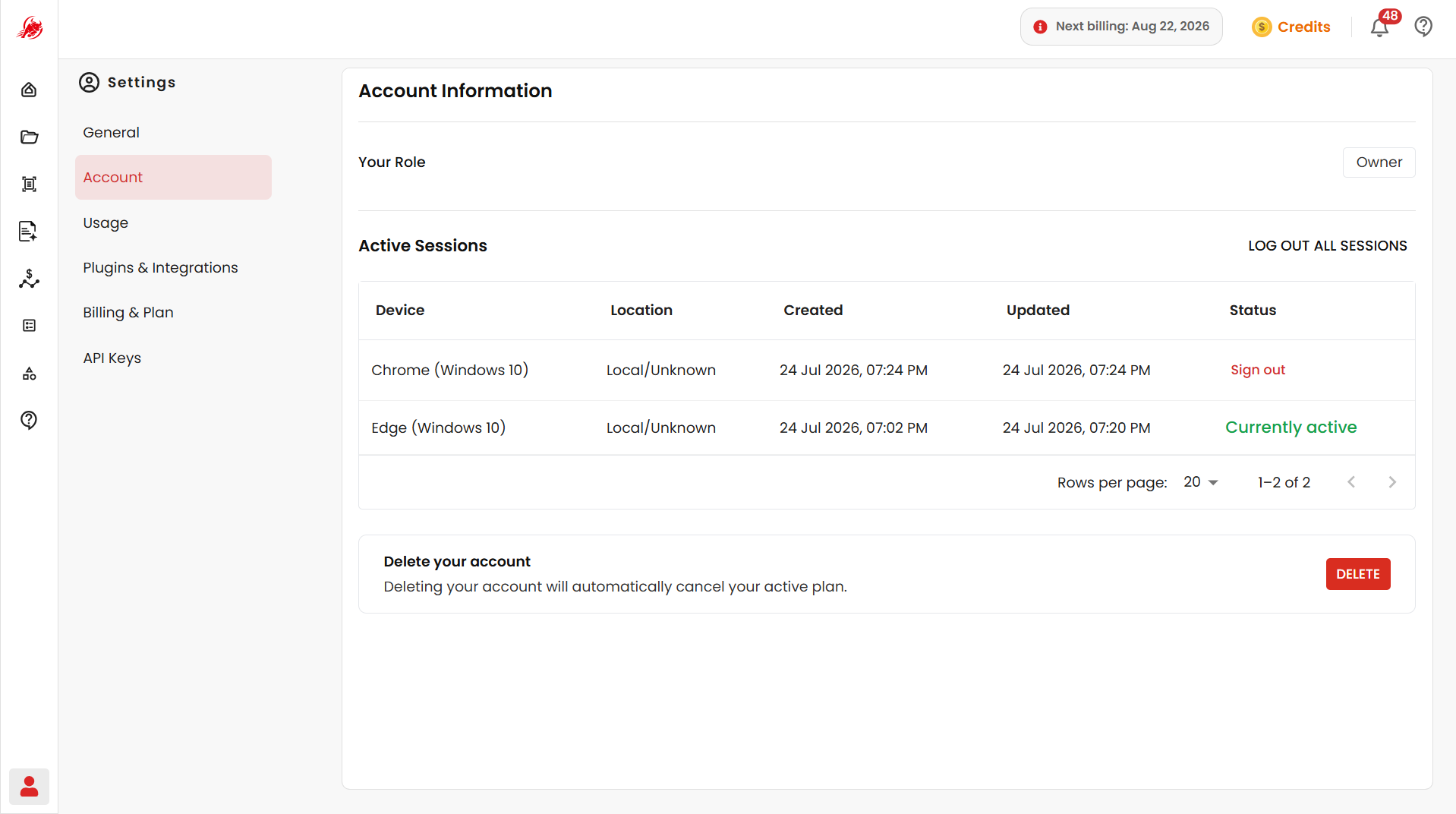
Account information
Shows Your Role — the role assigned to your account.
Manage active sessions
Every device you're signed in on shows up as a session, with its device, approximate location, when it was created, and when it was last active.
- Click Sign Out next to a session to end just that one.
- Click Log Out All Sessions to sign out of every device at once — useful if you're using a new device, lost a device, or want extra security. You'll need to sign in again everywhere afterward.
TIP
Review your sessions regularly and sign out anything you don't recognize.
Related
- General Settings — update your profile details and preferences