
Appearance
General
Manage your profile details, notifications, and app appearance from one page.
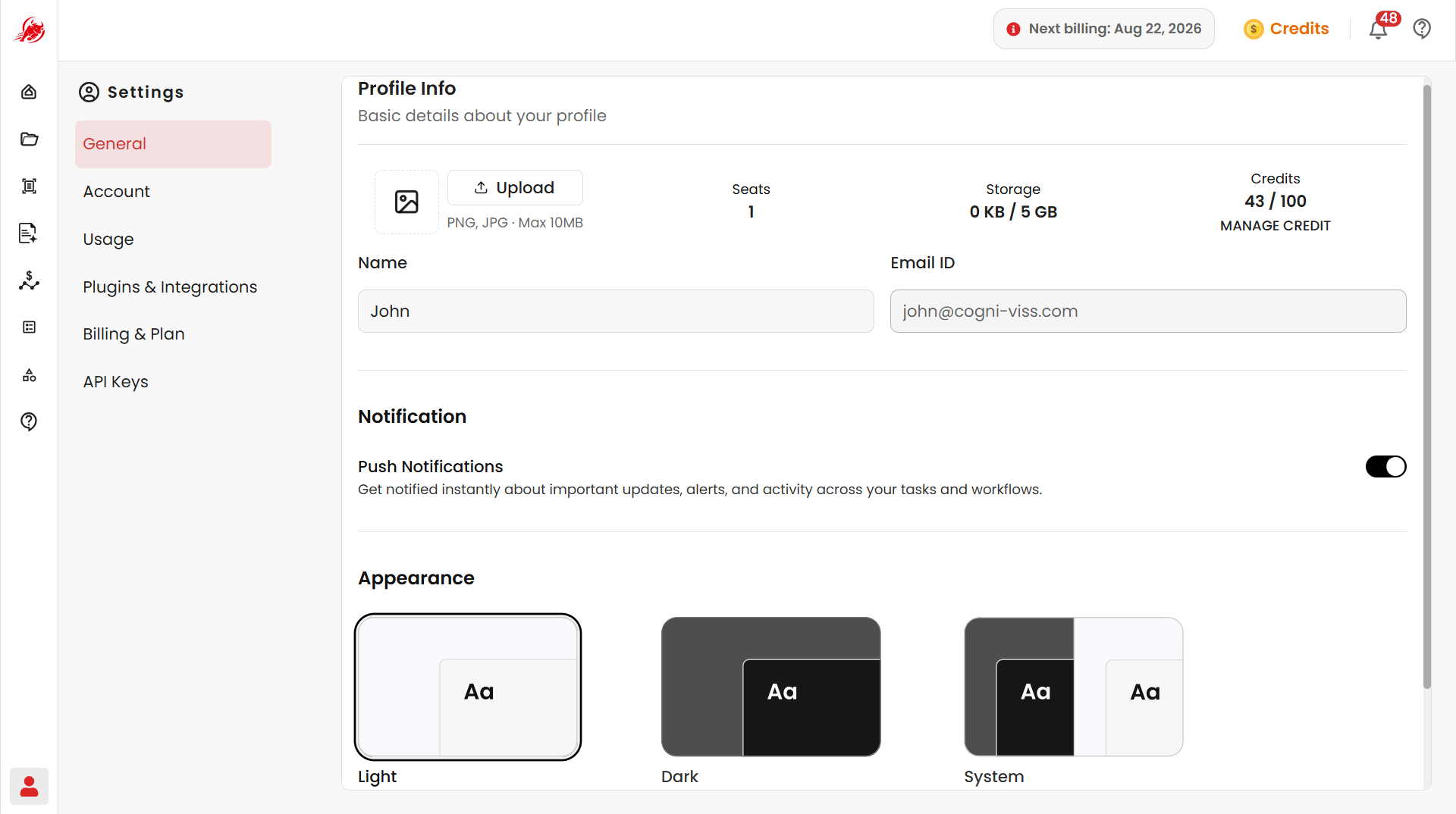
Profile information
| Field | Description |
|---|---|
| Logo | Upload a profile picture (PNG or JPG, up to 10 MB) |
| Seats | Number of seats included in your account |
| Storage | Space used out of your available storage |
| Credits | Credits used out of your available credits |
| First Name | Your display name across Regoxa |
| Email ID | The email used for sign-in and account communication (read-only) |
Notifications
Turn on Push Notifications to get alerted about important updates, system alerts, task activity, and workflow events.
Appearance
Choose how Regoxa looks:
| Theme | Description |
|---|---|
| Light | A bright interface |
| Dark | A darker palette that's easier on the eyes in low light |
| System | Automatically matches your device's theme |
Related
- Account Settings — manage login sessions and account deletion