Appearance
Billing & Plan
Manage your subscription, payment methods, and billing details — review your plan, add payment options and download invoices.
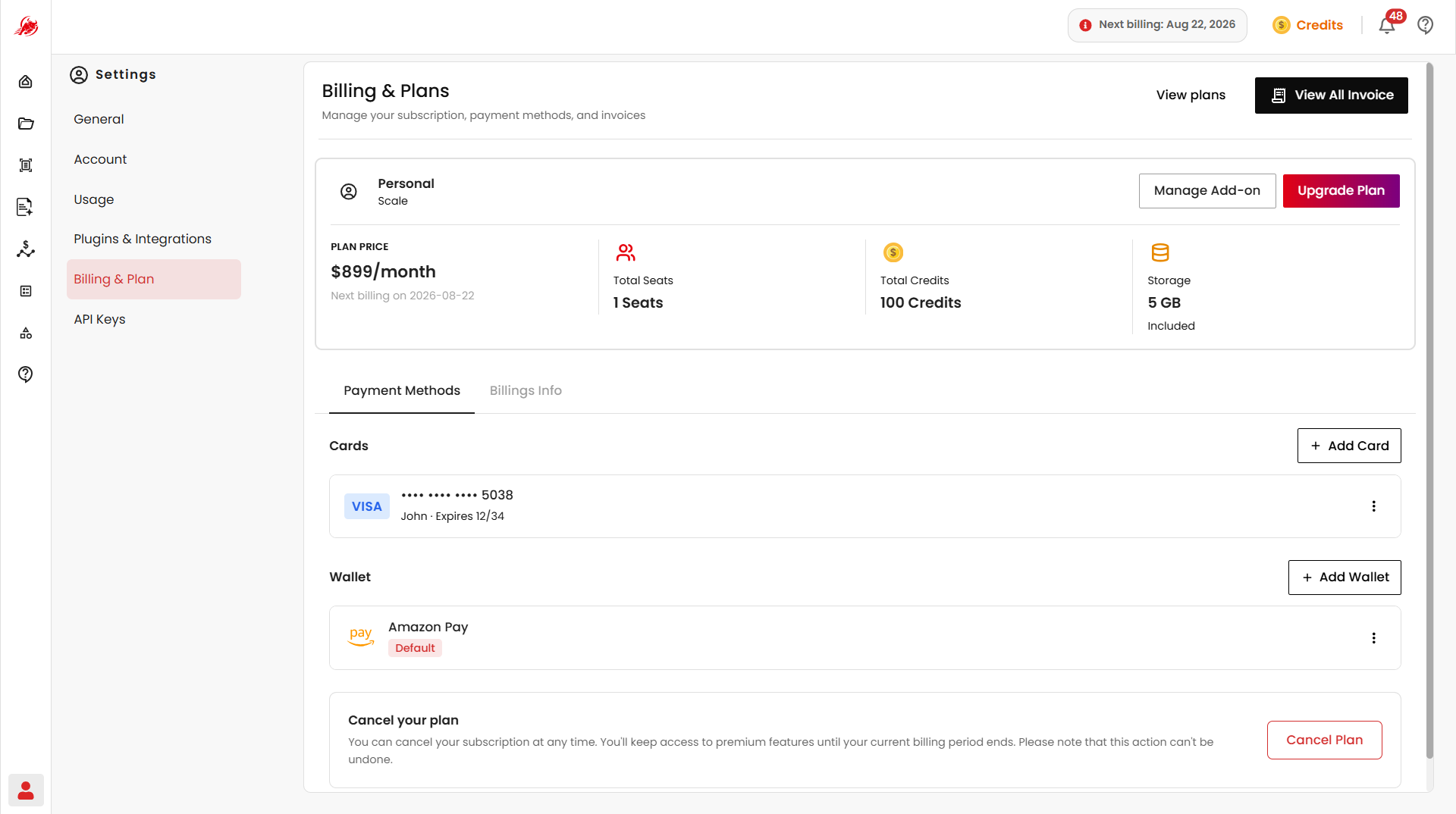
Your current plan
Shows your active plan, its status, included credits, storage allocation, team member limits, and renewal date.
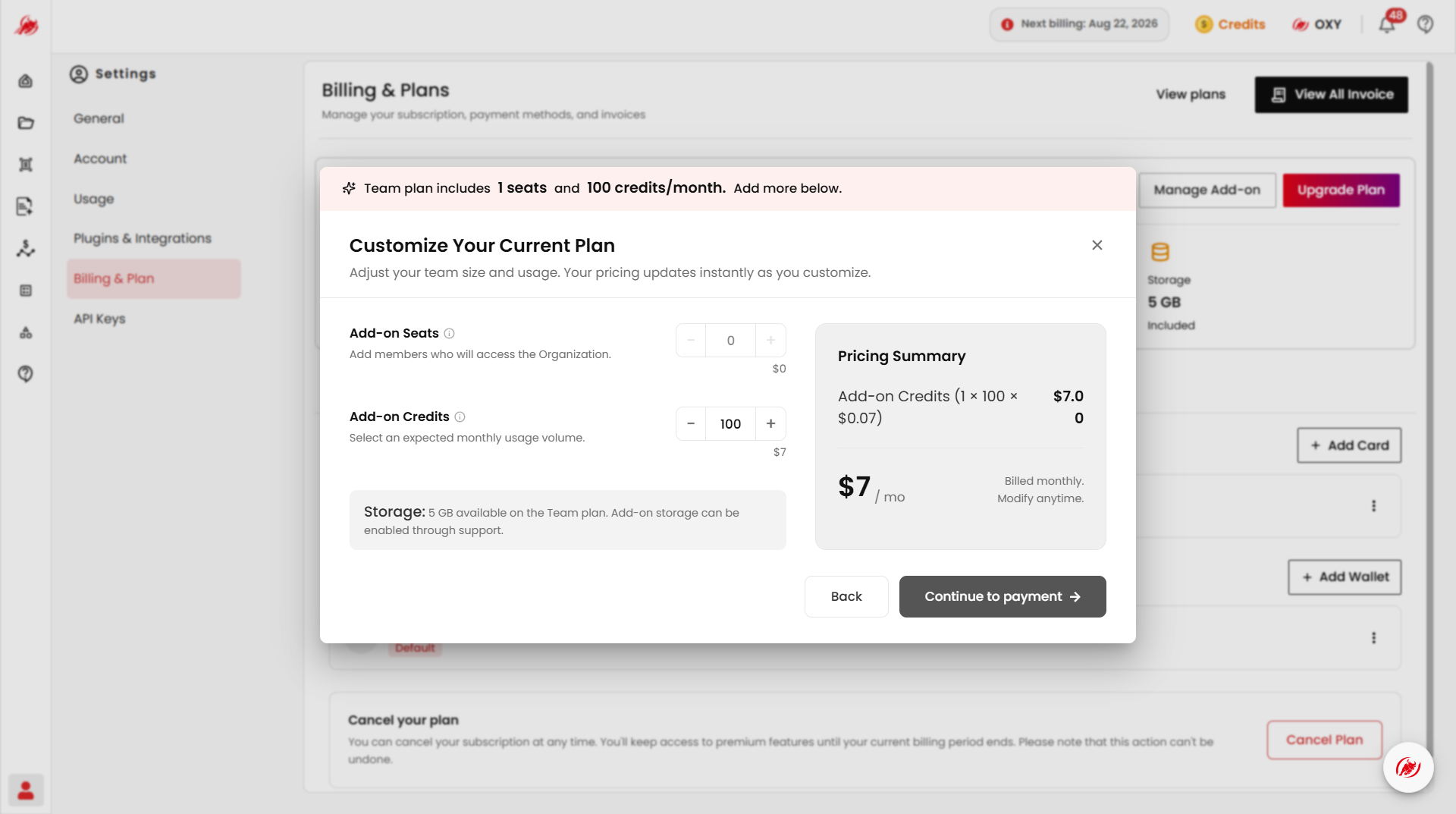
Add extra seats or credits
Customize your plan with add-on seats and credits.
Upgrade your plan
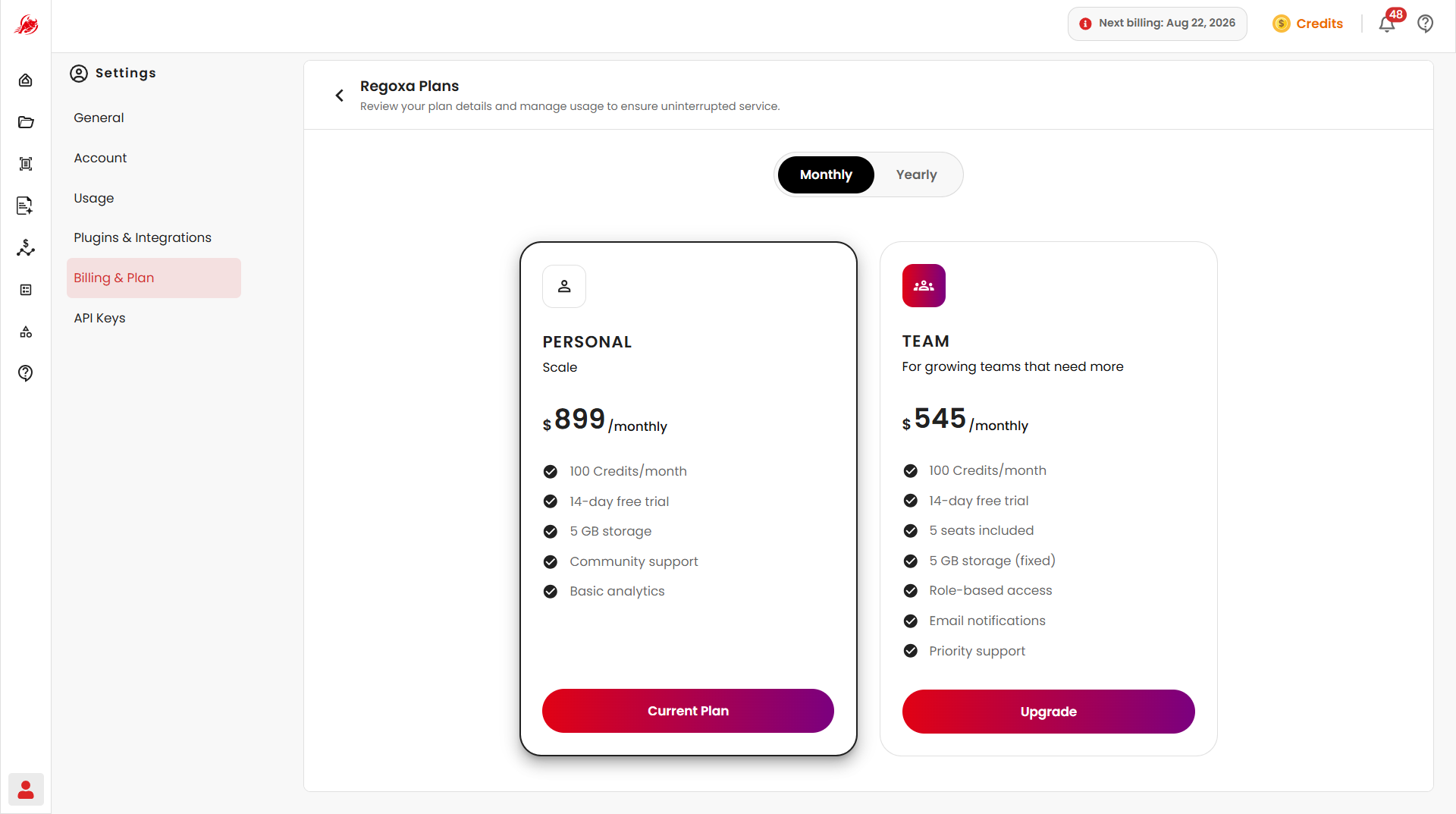
Click Upgrade Plan to compare and purchase a different subscription.
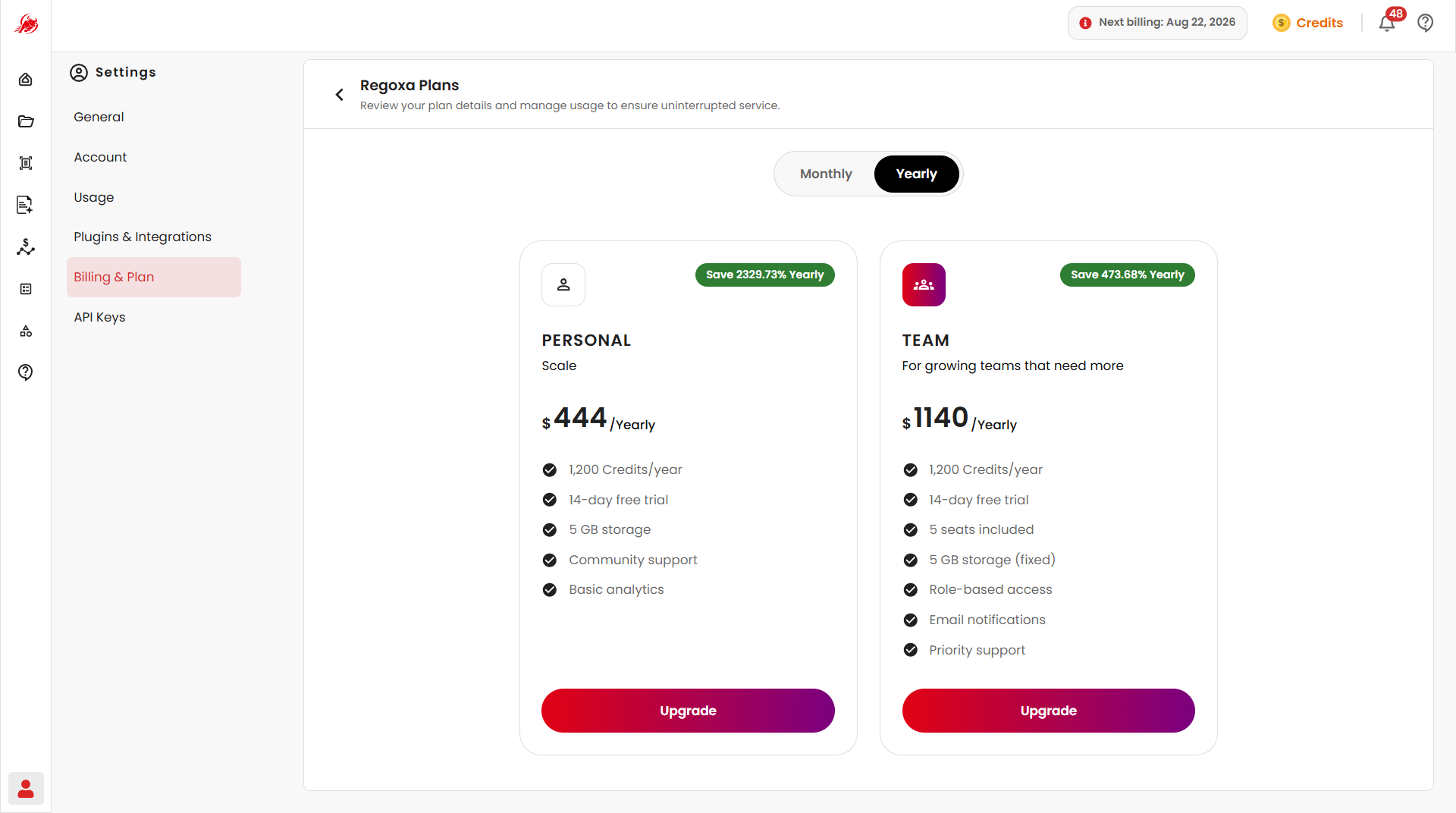
View all plans
Click View Plans to see every available subscription. The Personal plan includes:
- 5 GB storage
- Monthly credits
- Community support
- Basic analytics
- Role-based access
- Email notifications
Invoices and billing history
Click View All Invoice to see your full billing history — search by keyword, or filter by Last 30 Days, Last 90 Days, Last Year, or a custom date range.
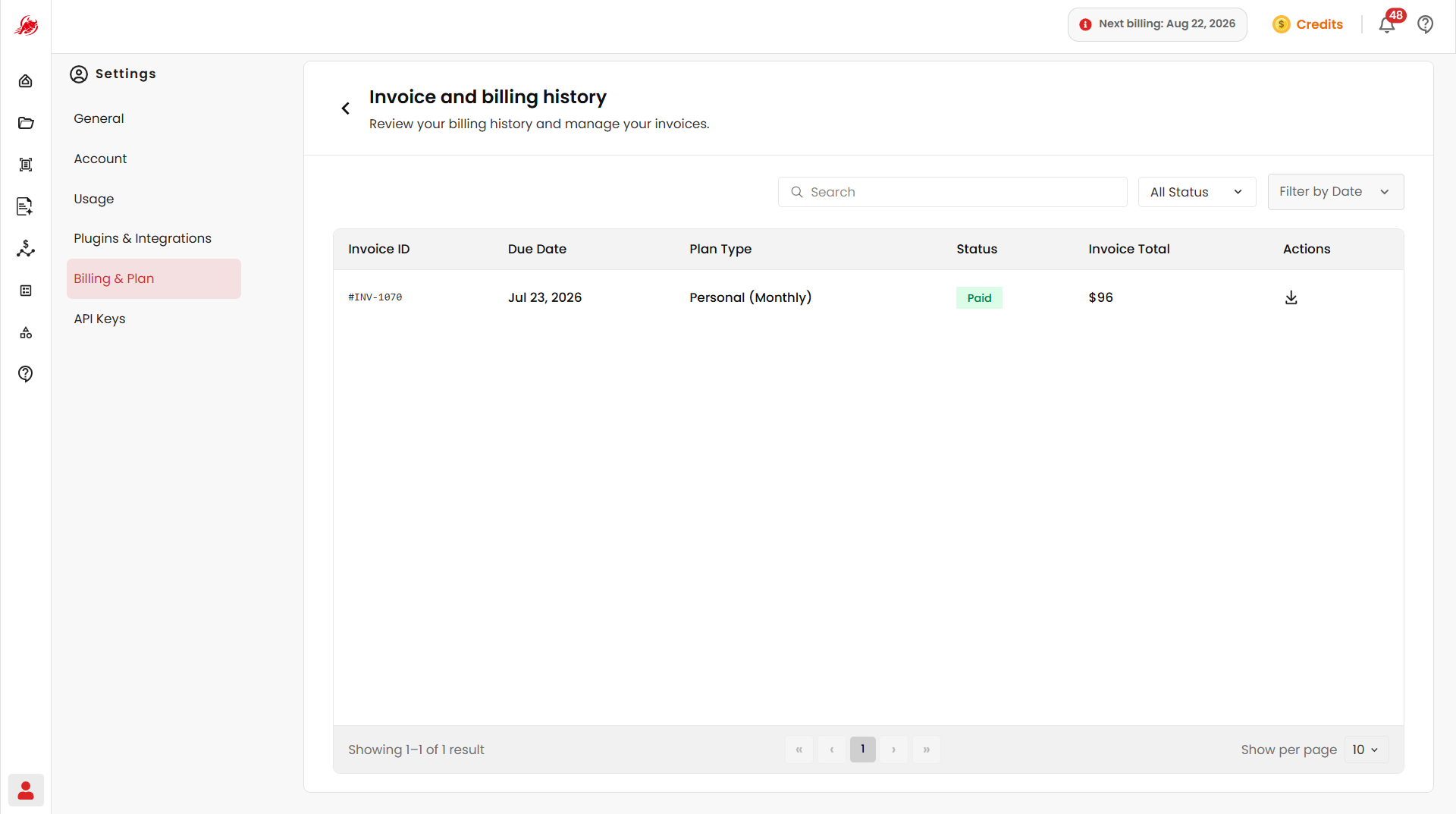
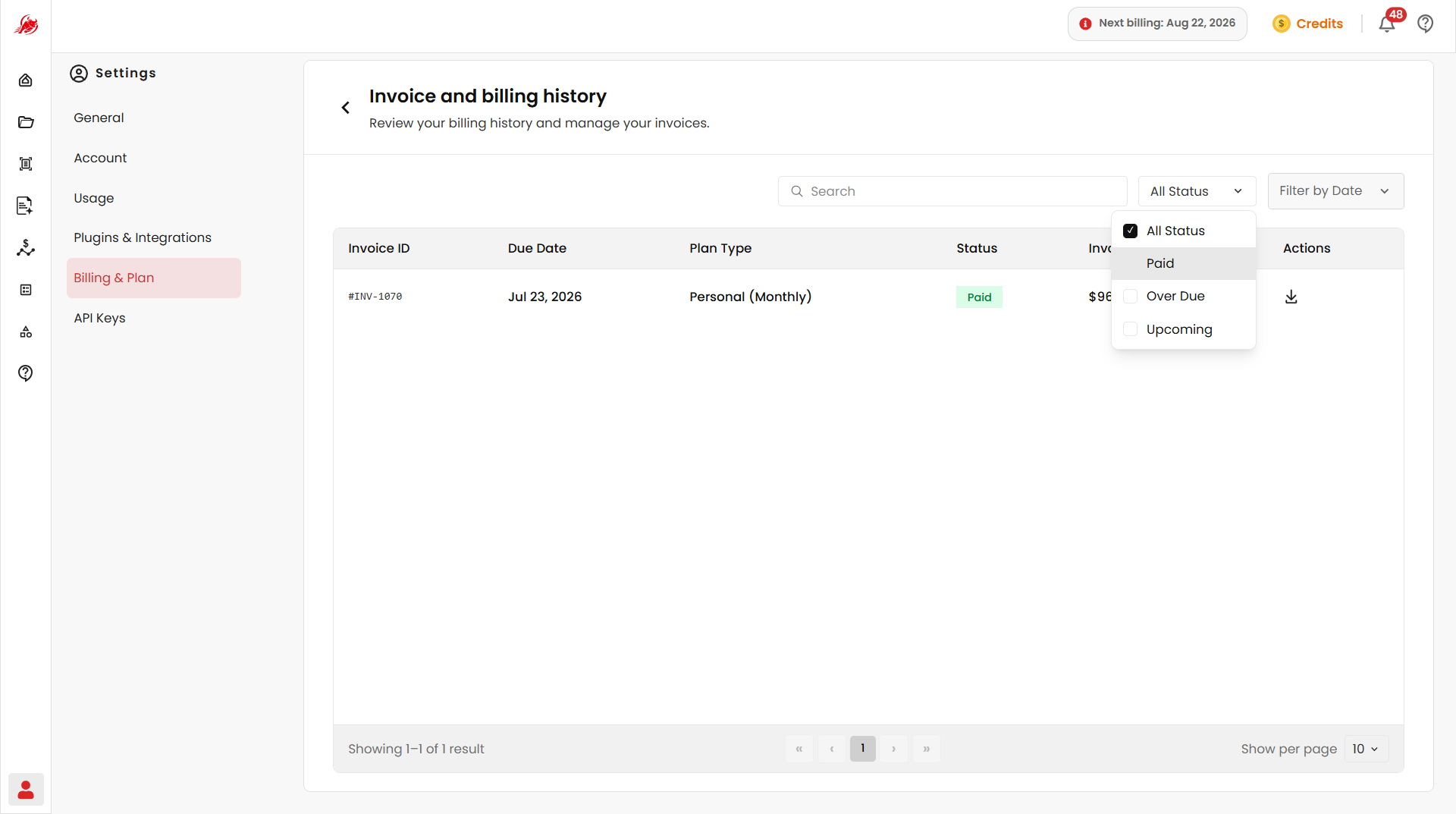
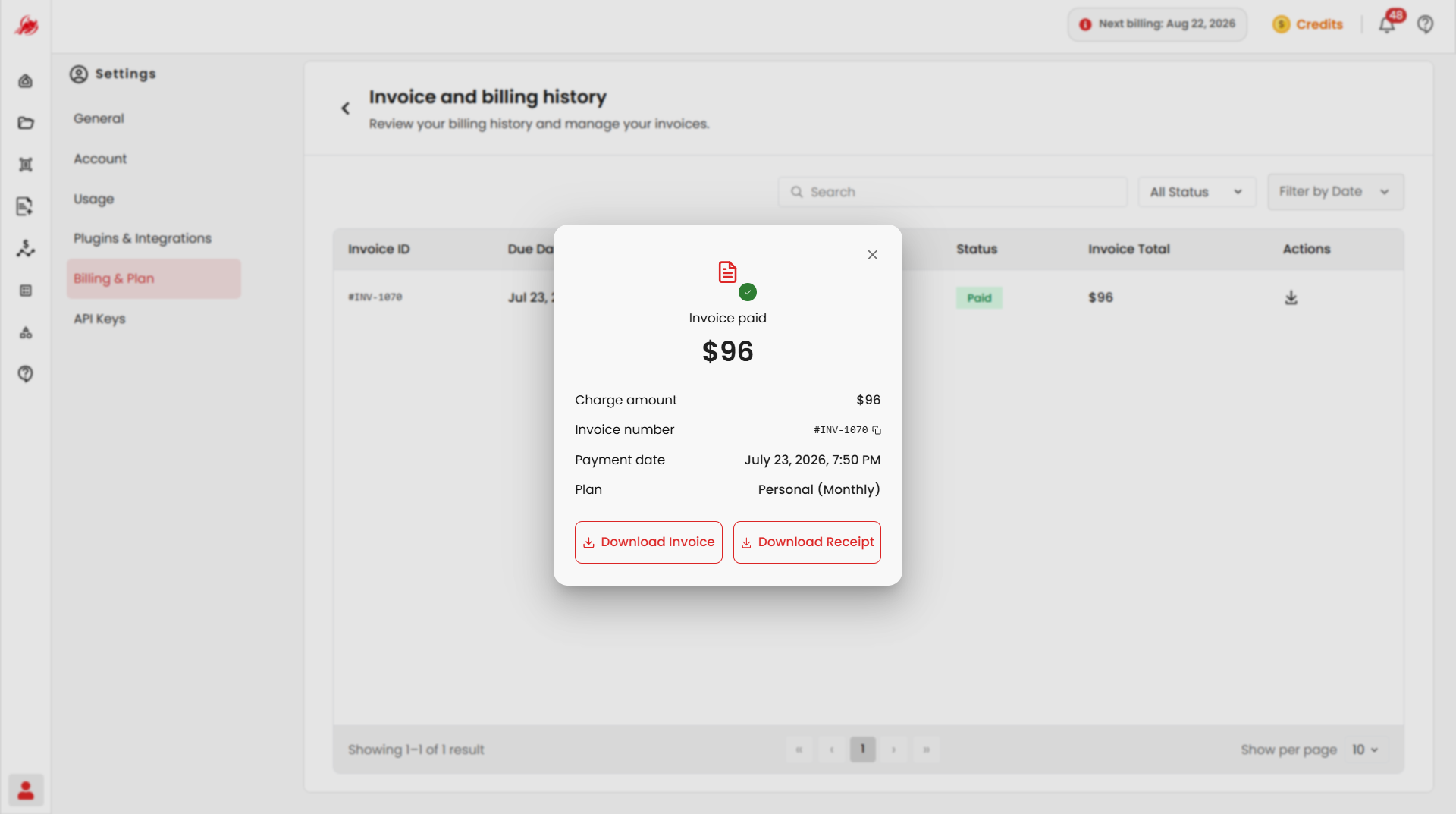
Each invoice shows its due date, plan type, status, and total — click to download it.
Payment methods
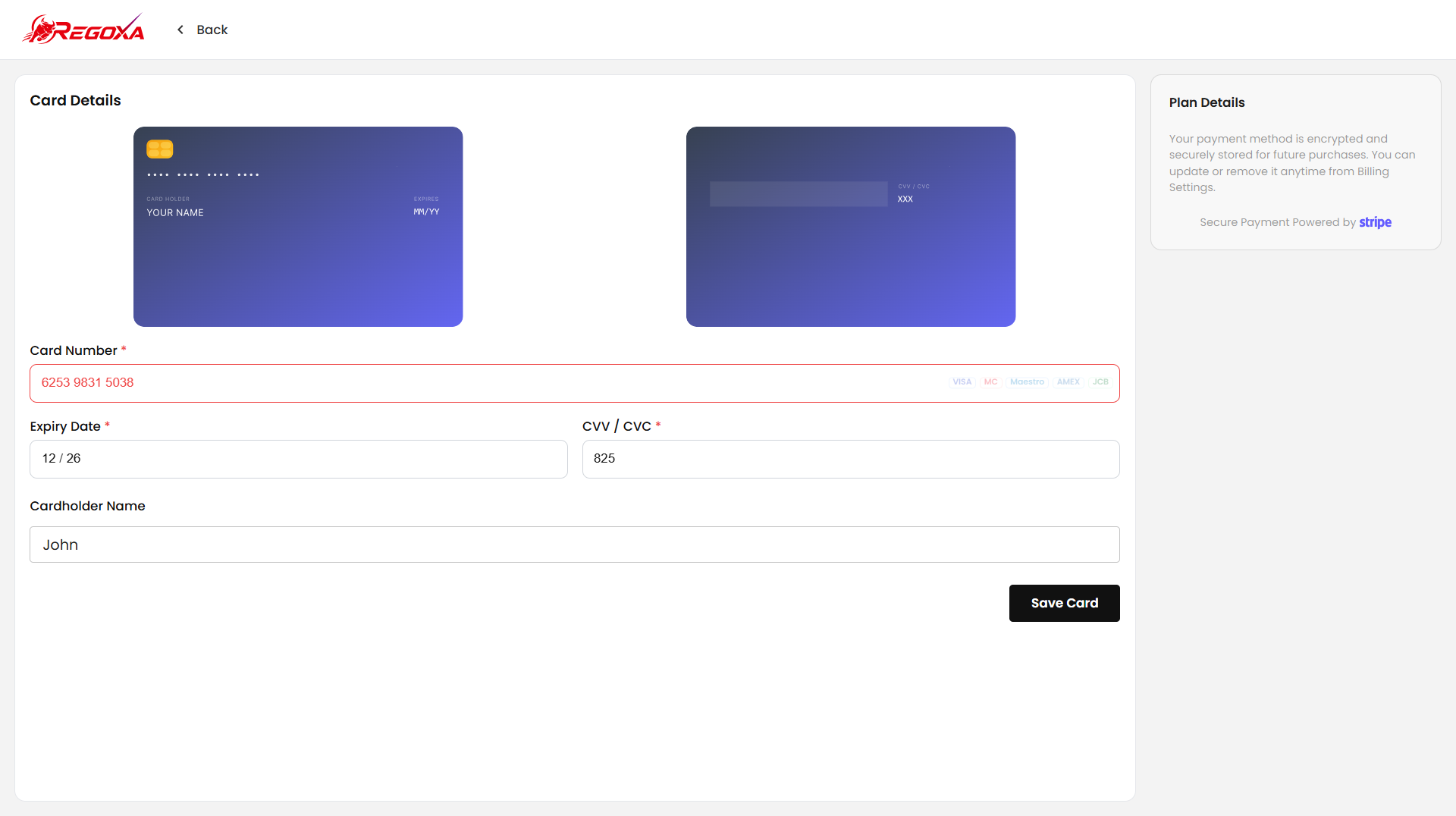
Add and manage the cards or wallets used for your subscription.
- Add Card — save a new card with its cardholder name, card number, expiry date, CVV, and billing address
- Add Wallet — connect a supported wallet, such as Amazon Pay, and optionally set it as your default
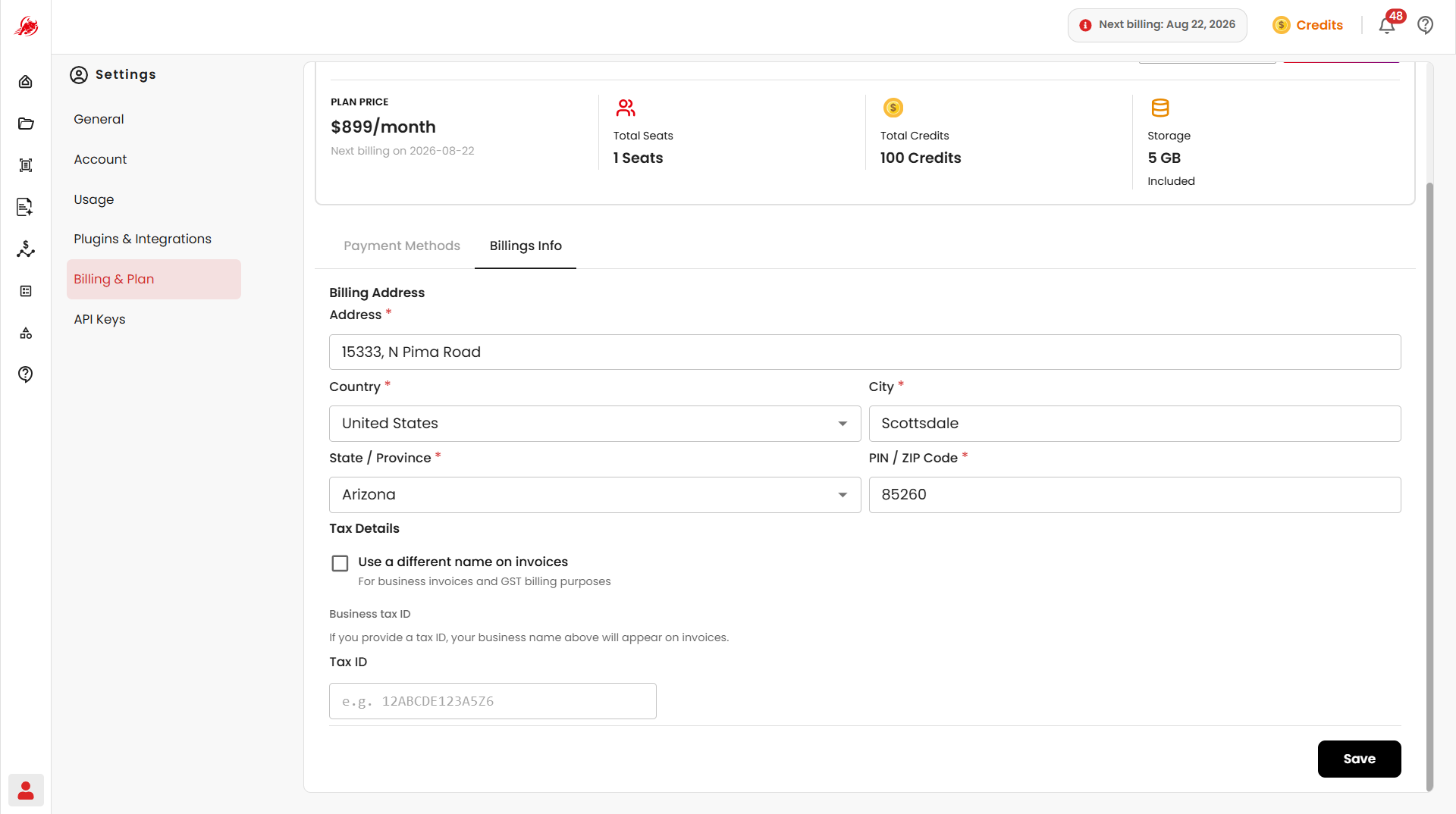
Billing info
Manage your billing address and tax details.