
Appearance
Plugins & Integrations
Connect Regoxa to external storage platforms and tools so you can access and process your documents without manually transferring files.
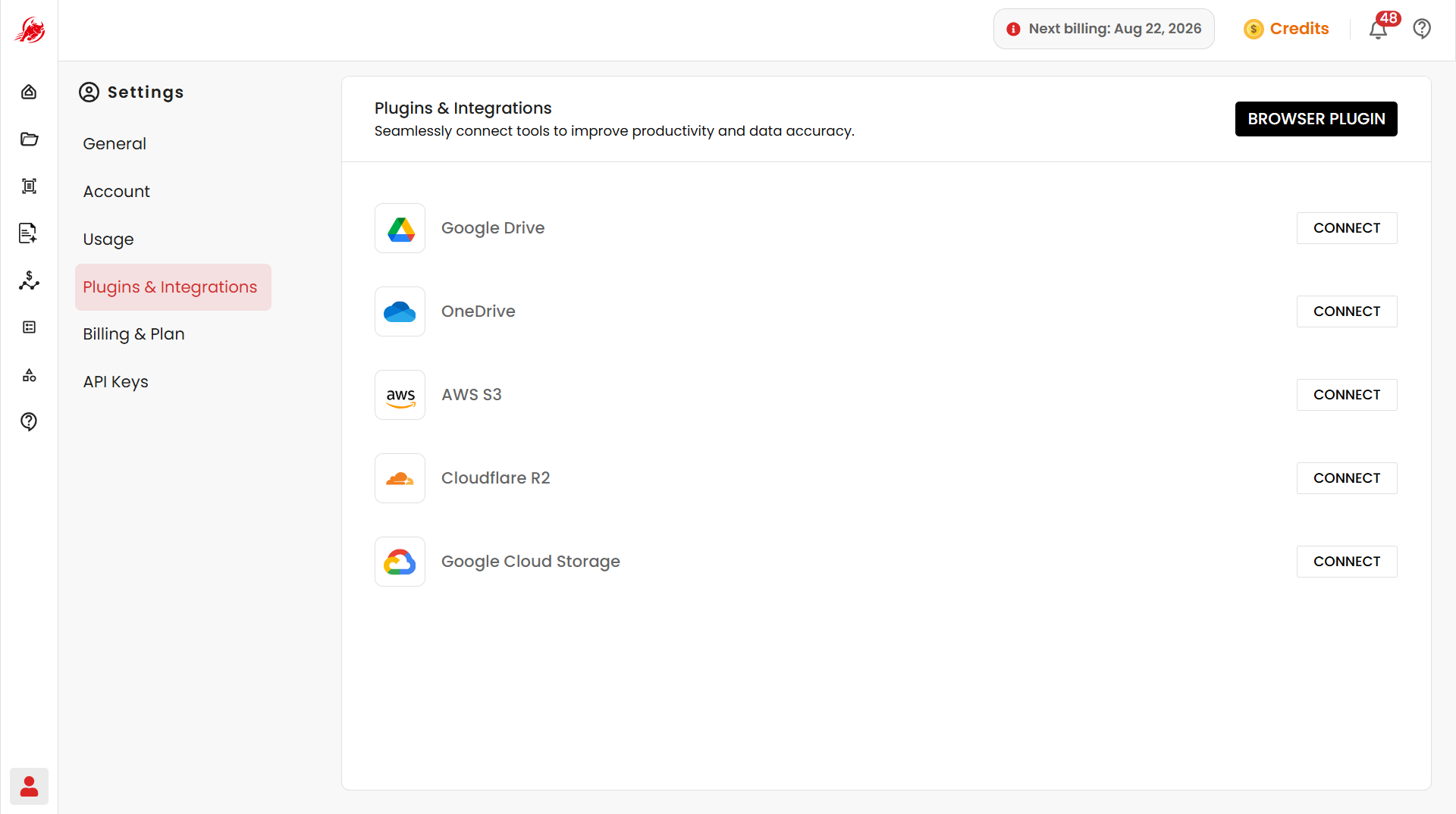
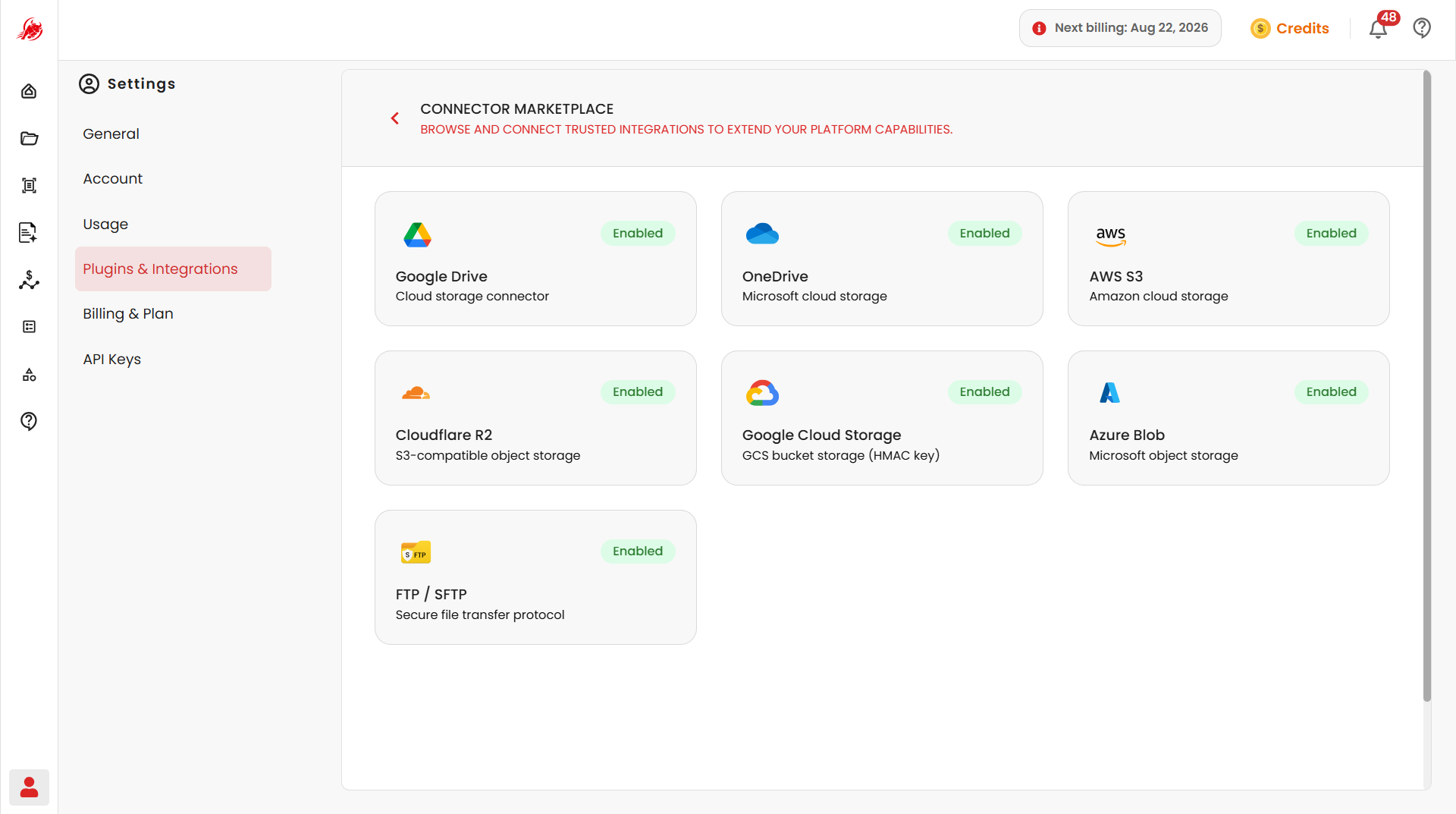
Connect a storage platform
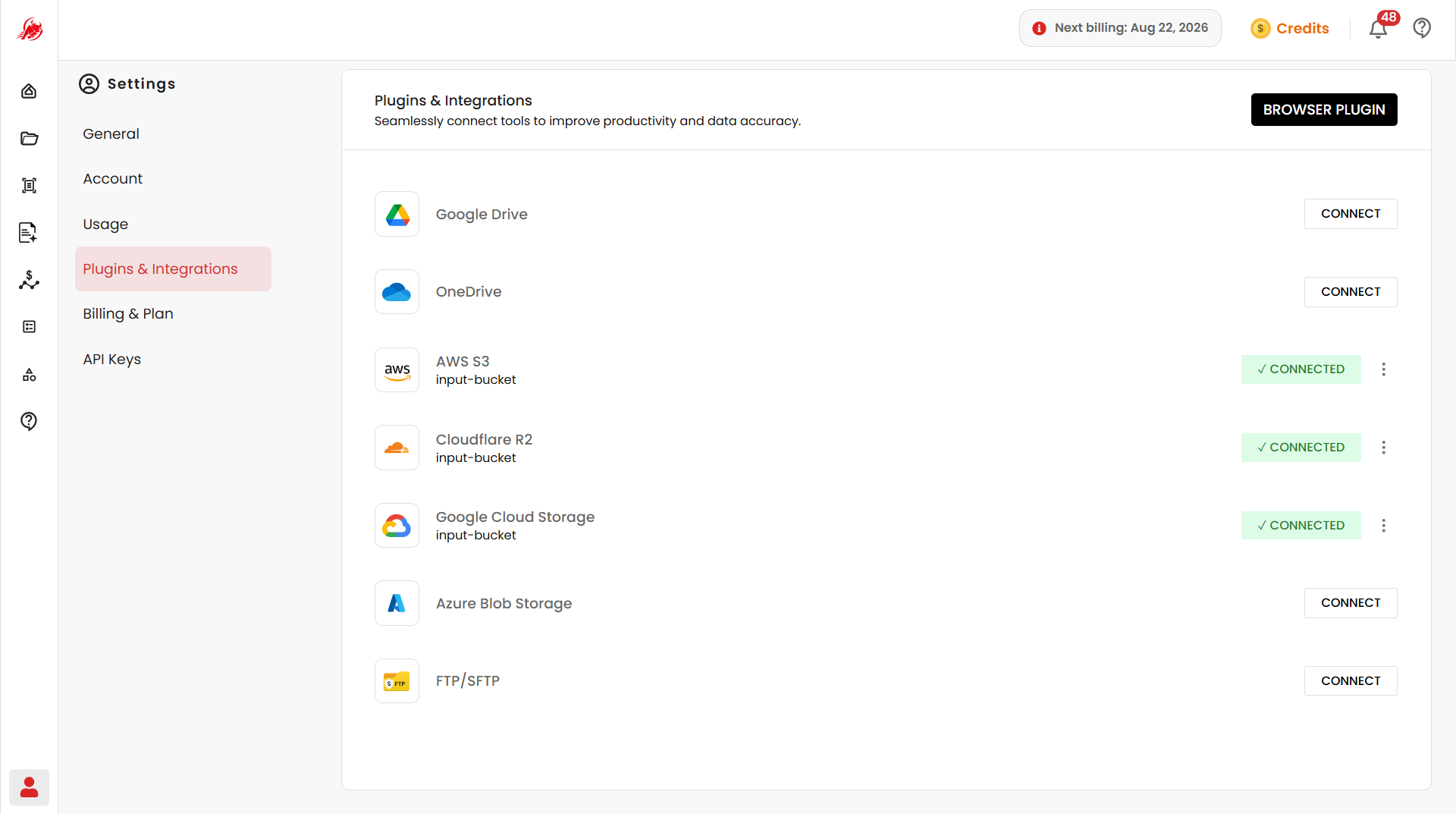
Each platform below has a Connect button on this page — connect once, then access its files directly from Regoxa.
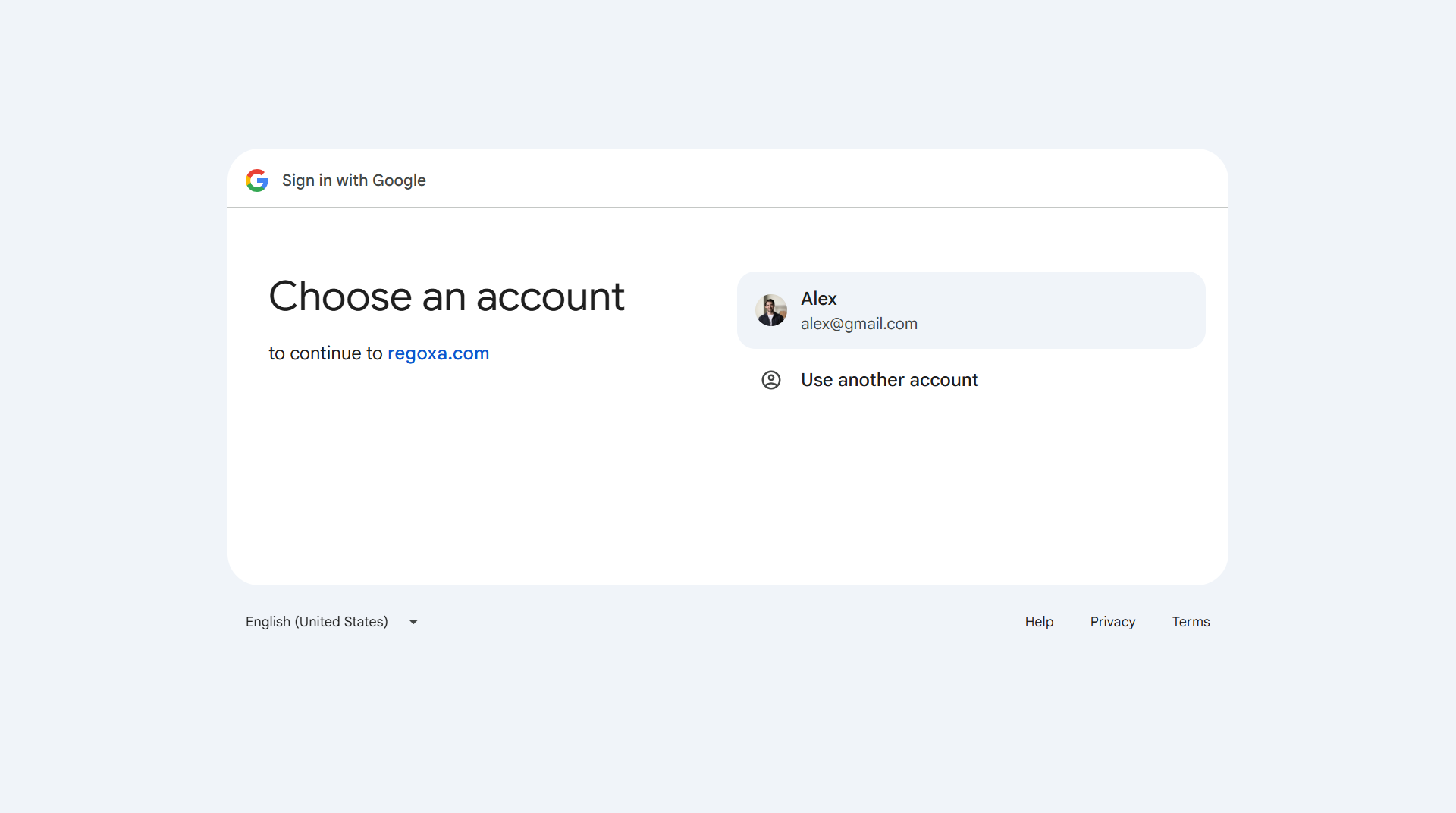
Google Drive
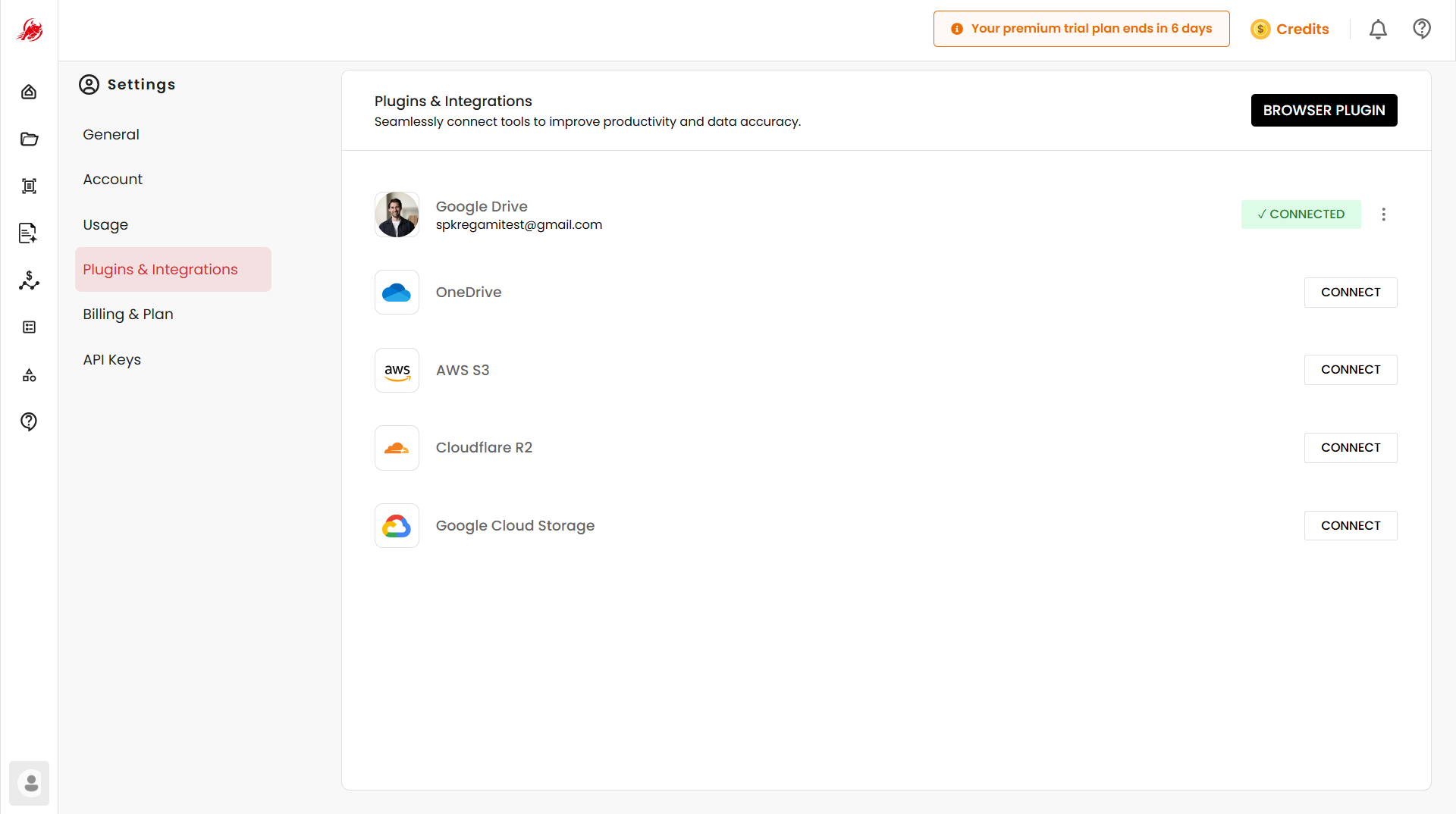
Sign in with your Google account to link your Drive.
OneDrive
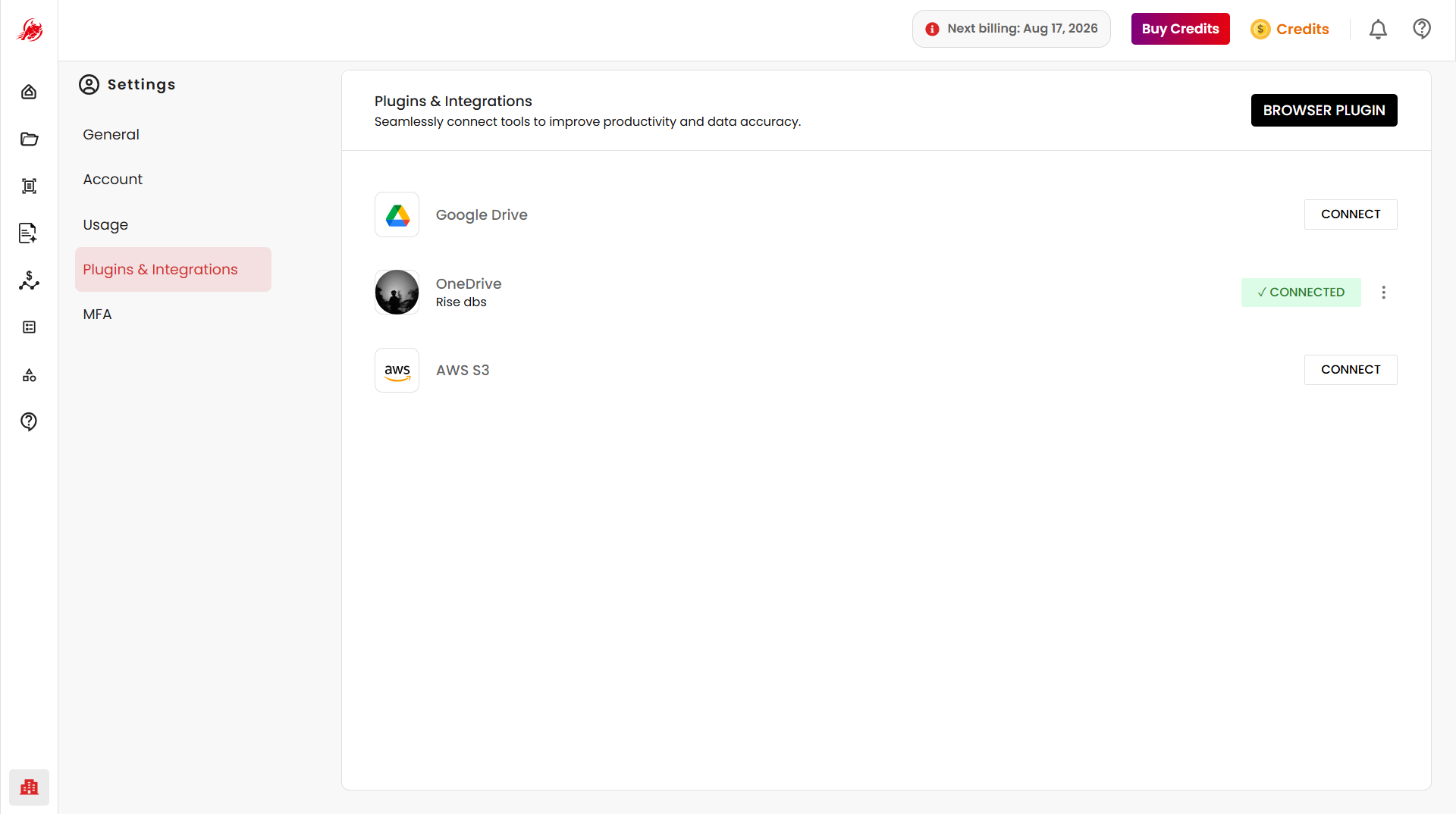
Connect your Microsoft OneDrive for centralized document access.
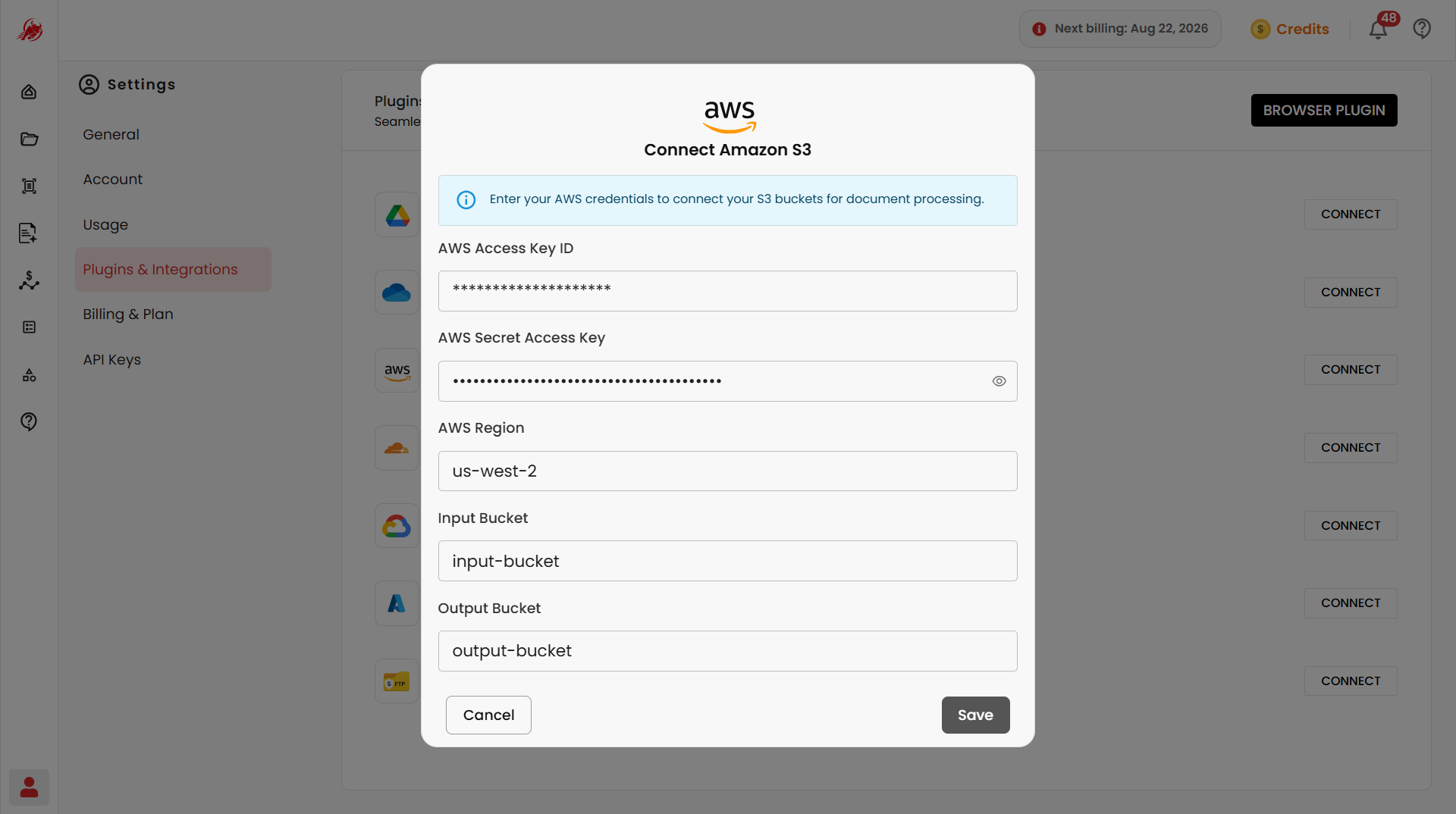
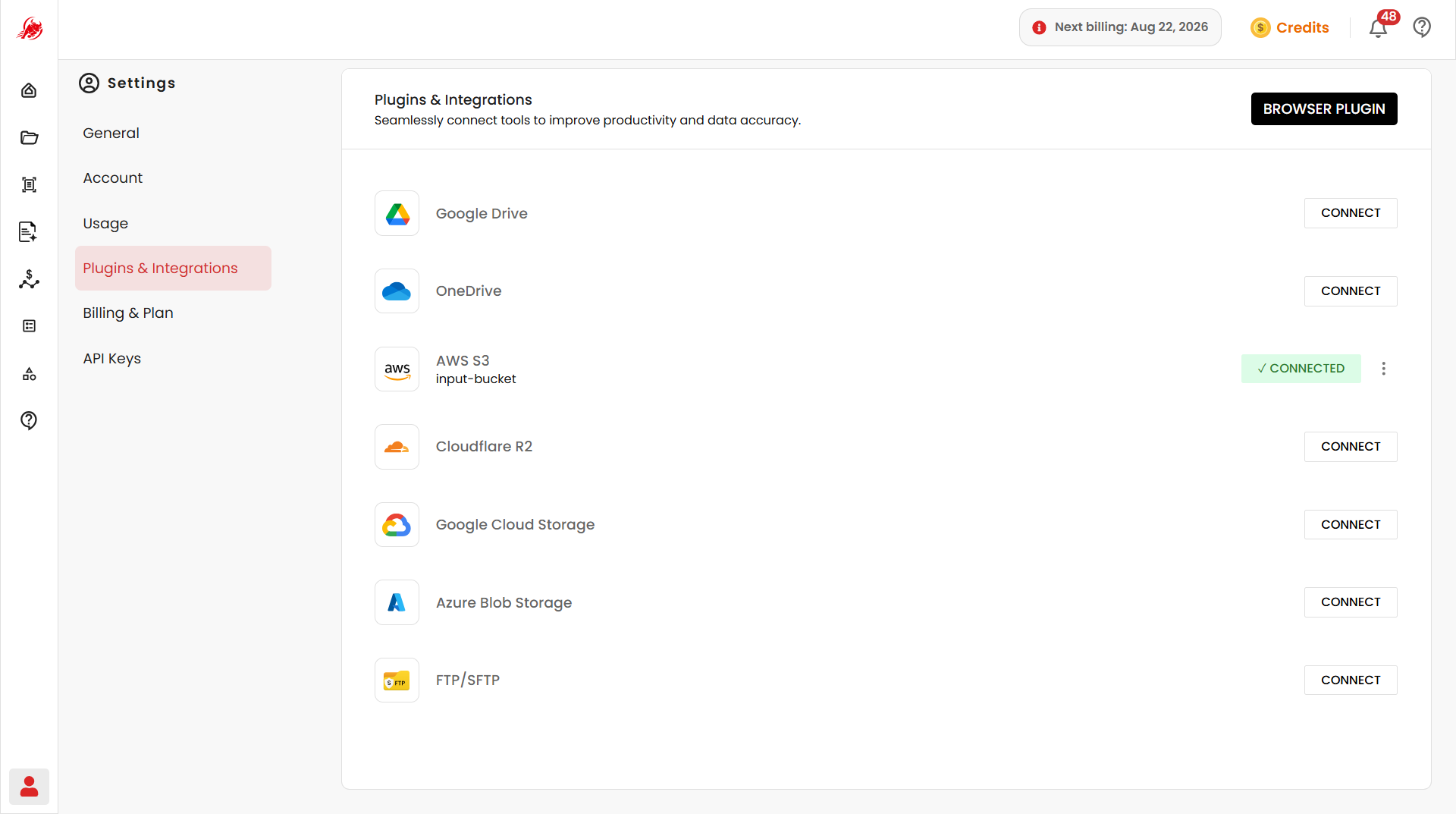
AWS S3
Connect an AWS S3 bucket to access and process documents stored there using:
- AWS Access Key ID
- AWS Secret Access Key
- AWS Region
- Input Bucket
- Output Bucket
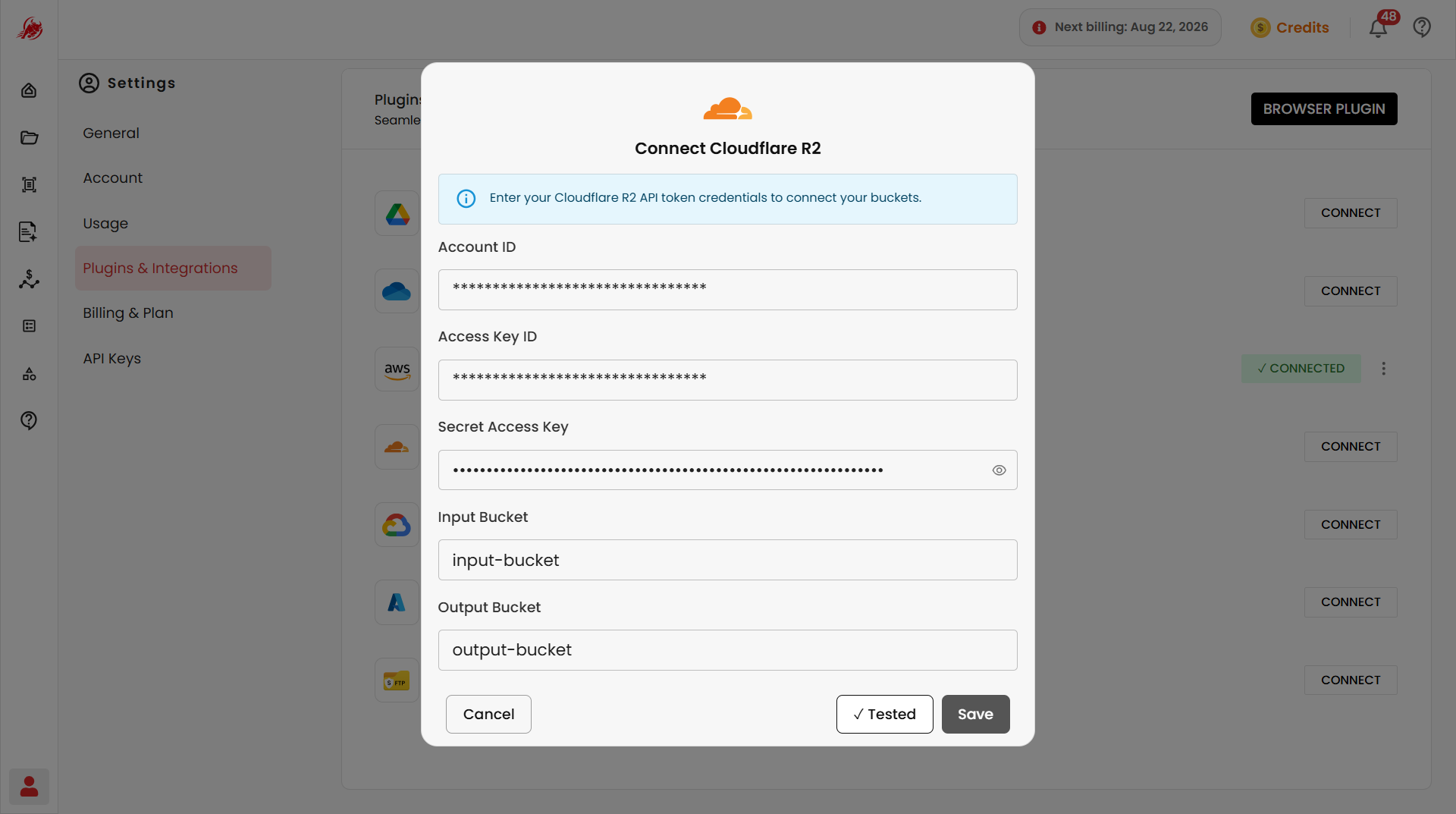
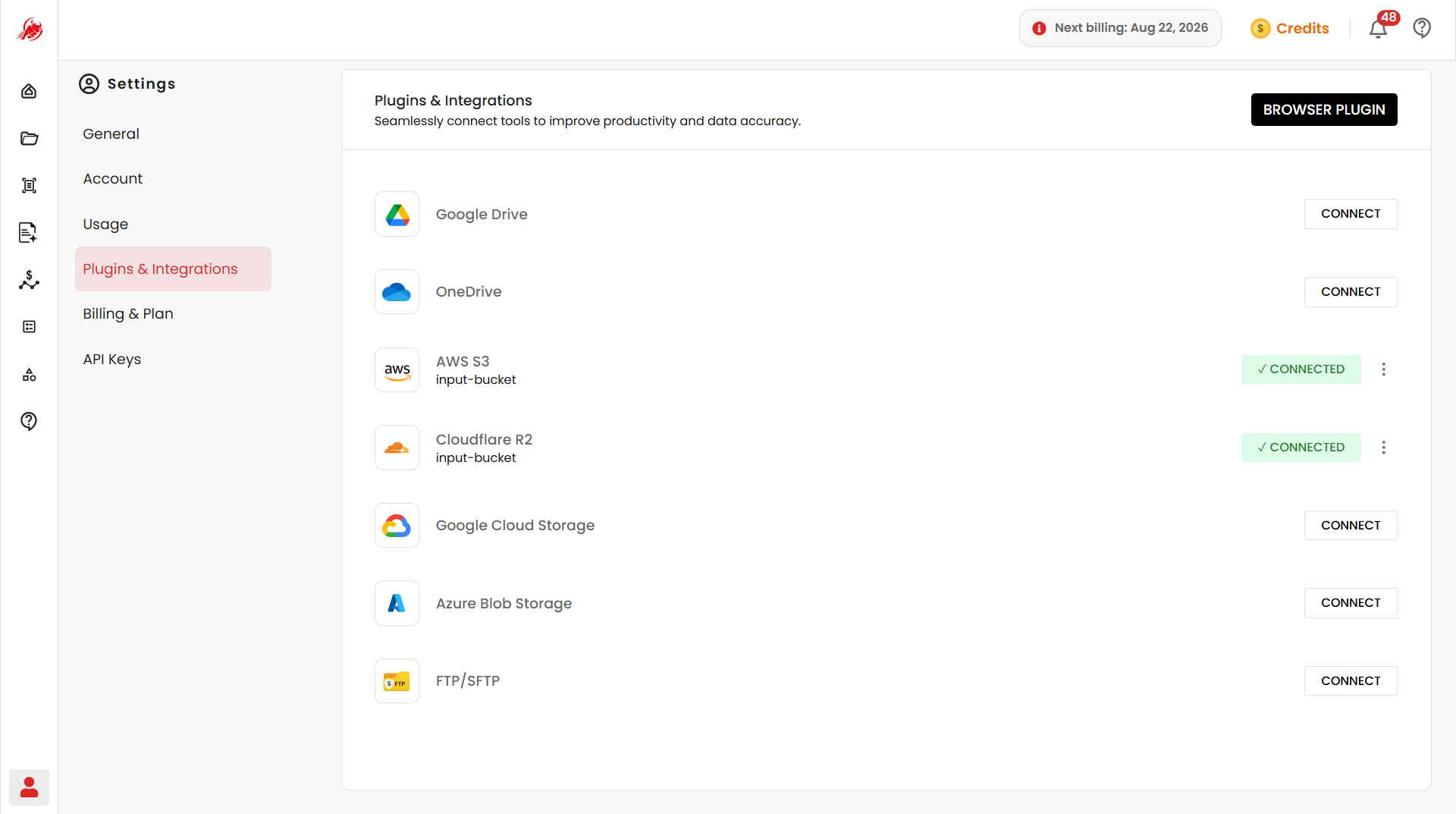
Cloudflare R2
Connect a Cloudflare R2 bucket for document storage and processing using:
- Account ID
- Access Key ID
- Secret Access Key
- Input Bucket
- Output Bucket
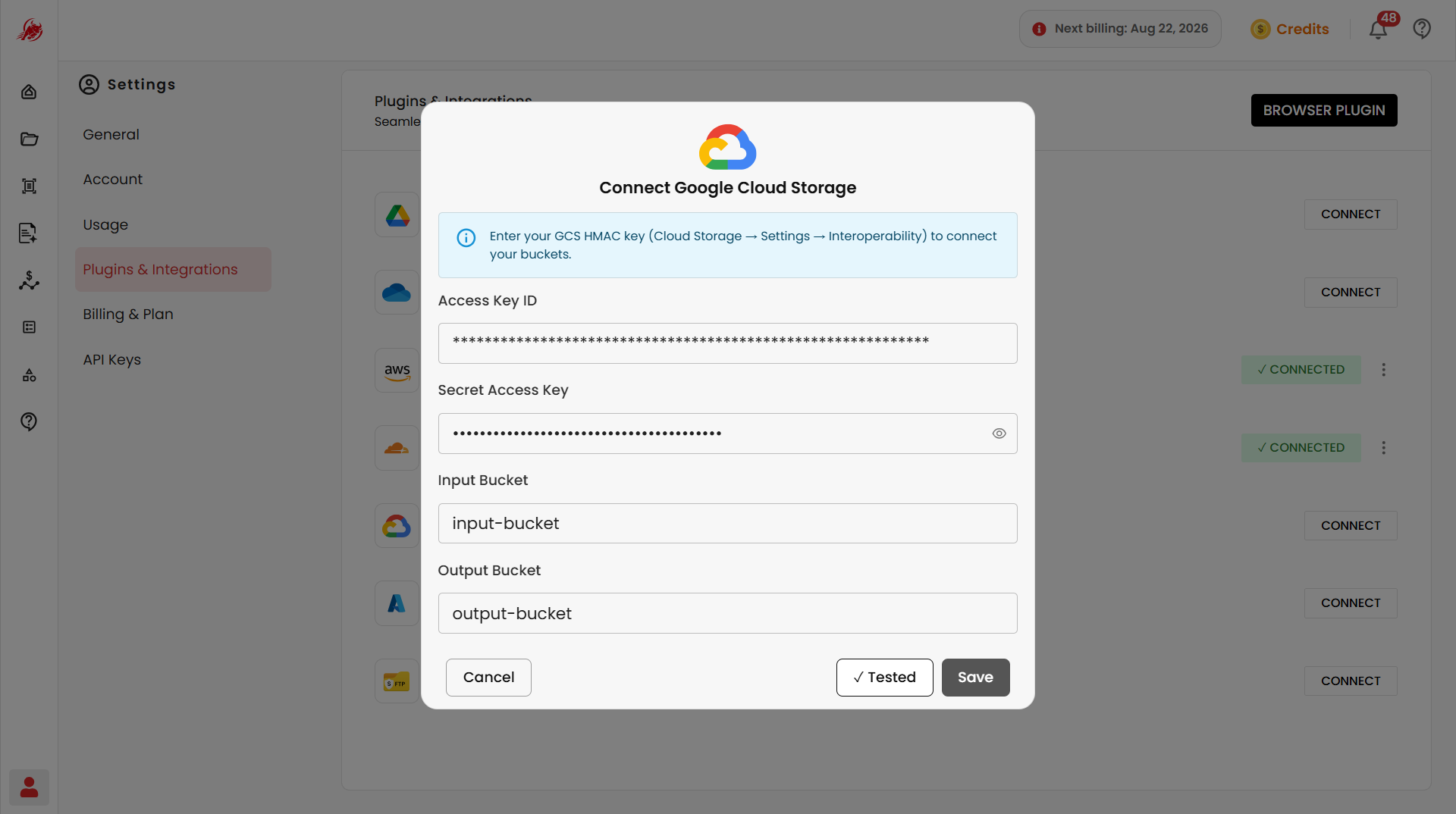
Google Cloud Storage
Connect a Google Cloud Storage bucket using:
- Access Key ID
- Secret Access Key
- Input Bucket
- Output Bucket
Click Test to verify your credentials before saving.
Azure Blob Storage
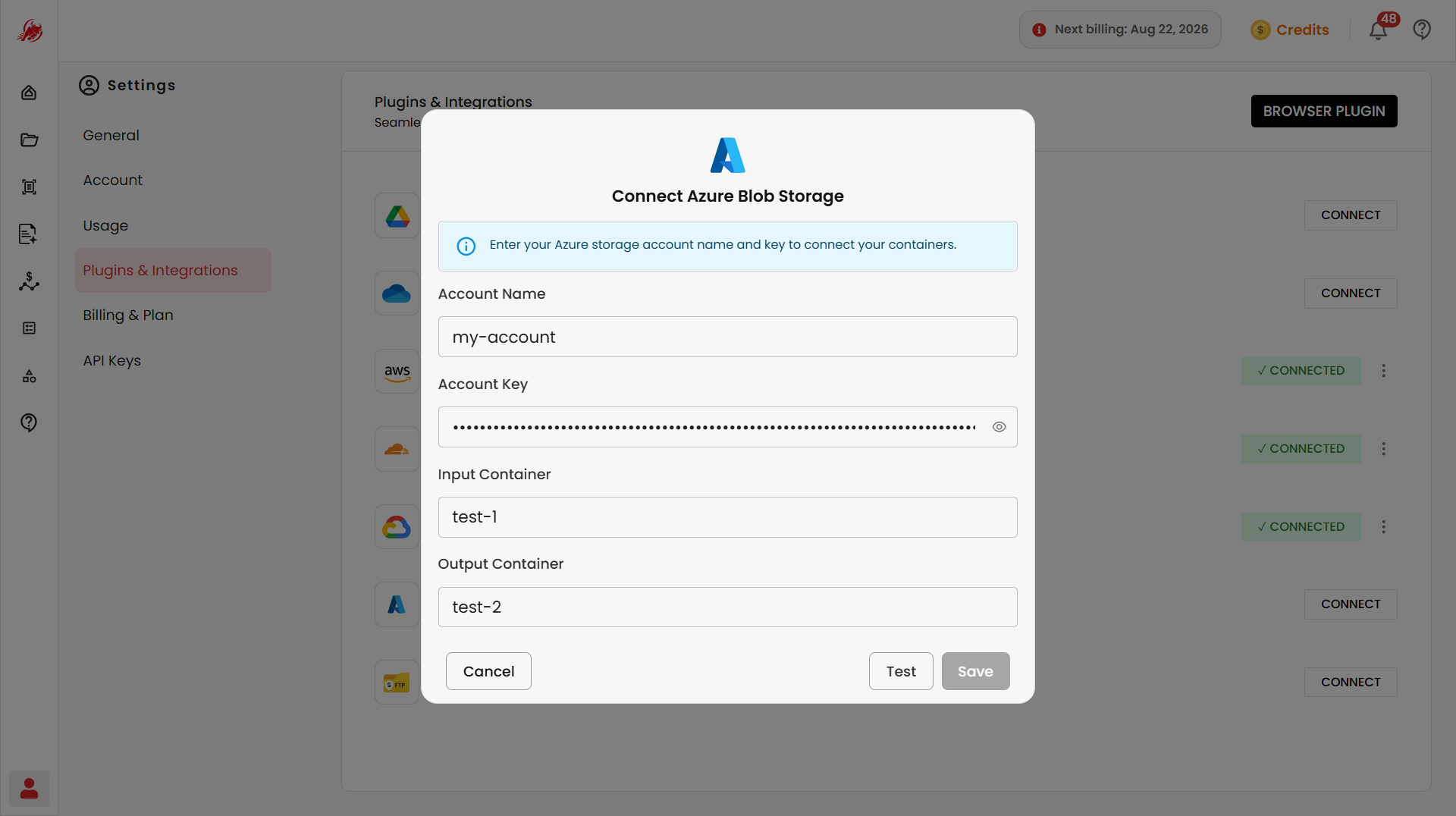
Connect an Azure Blob Storage container using:
- Account Name
- Account Key
- Input Container
- Output Container
Click Test to verify your credentials before saving.
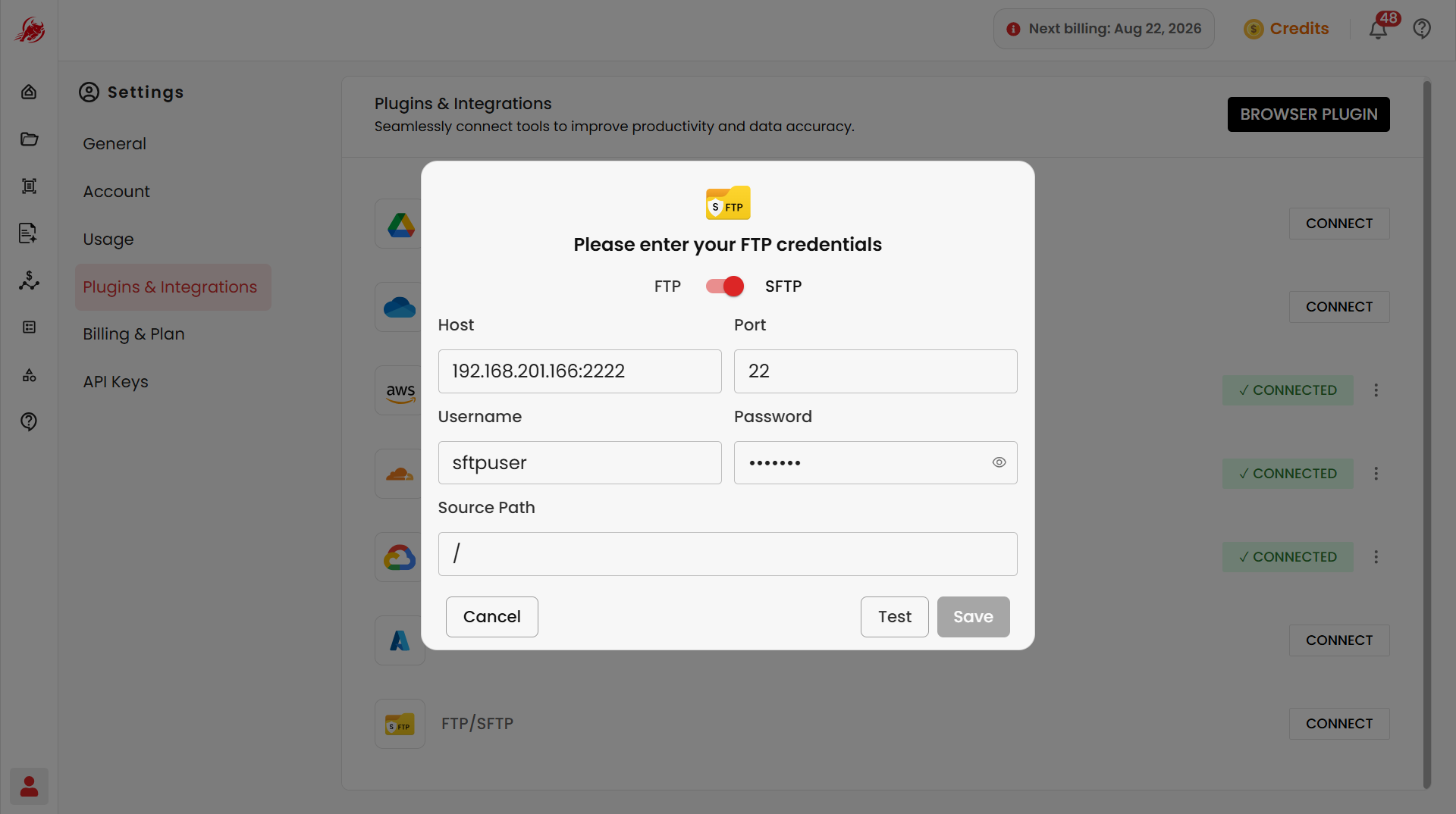
FTP / SFTP
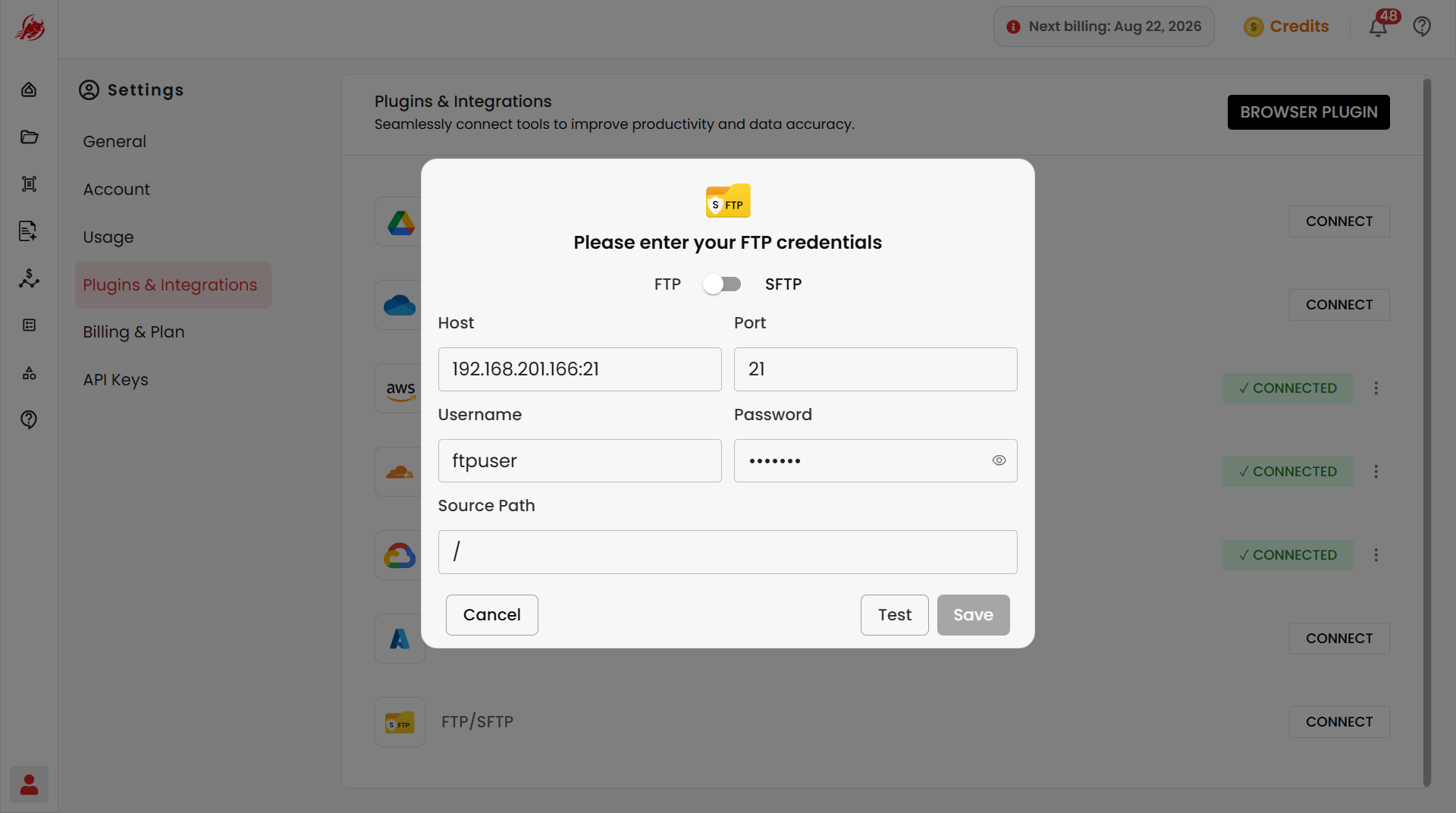
Connect an external file server using FTP or the more secure SFTP:
- Protocol — FTP or SFTP
- Host, Port, Username, Password — your server's connection details
- Source Path — the folder to access files from
Click Test to verify the connection.
Browser plugin
The Regoxa browser plugin lets you capture and process documents without leaving your browser.
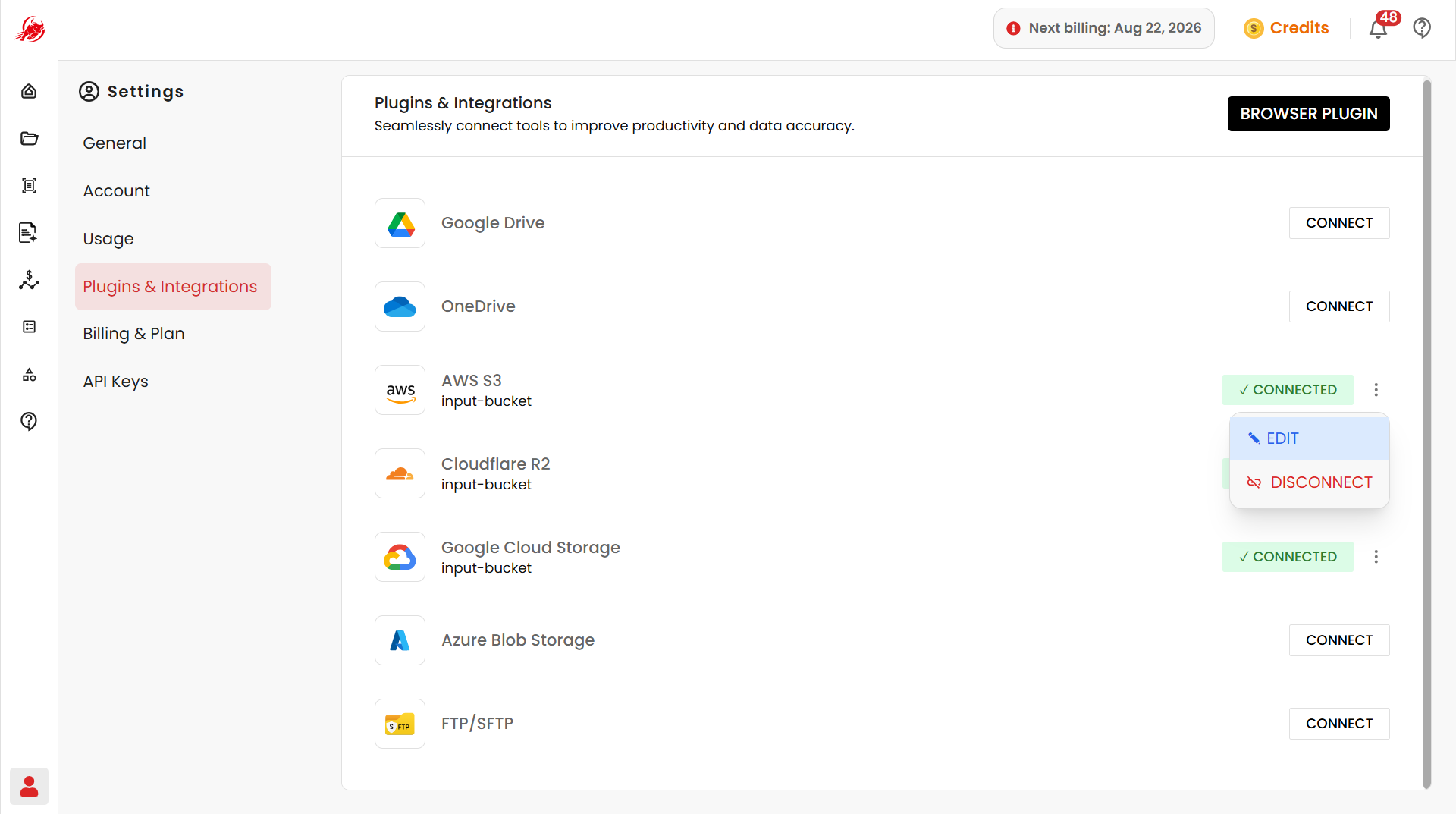
Manage a connection
Once connected, you can access and import files from that platform, or disconnect it later if you no longer need it.
Related
- My Files — access and manage documents from your connected storage