Appearance
API Keys
Create and manage API keys so external applications can securely integrate with Regoxa services, such as Extractor, Mercury, and Spend Analyser.
Seat usage
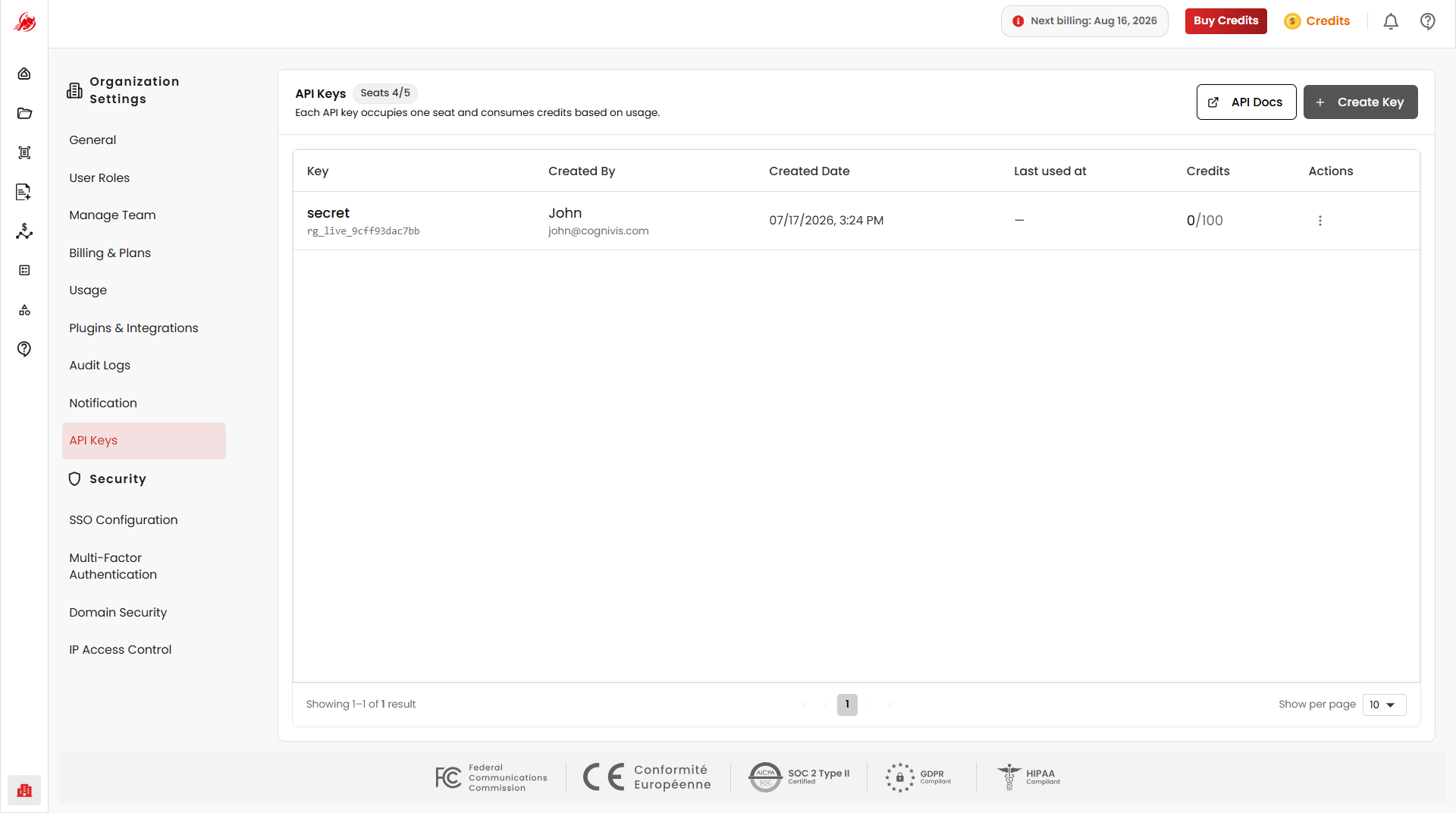
At the top of the page, you can see your total API key seats, how many are currently in use, and your usage limit based on your subscription.
TIP
Each API key uses one seat and consumes credits based on how much it's used.
API Docs
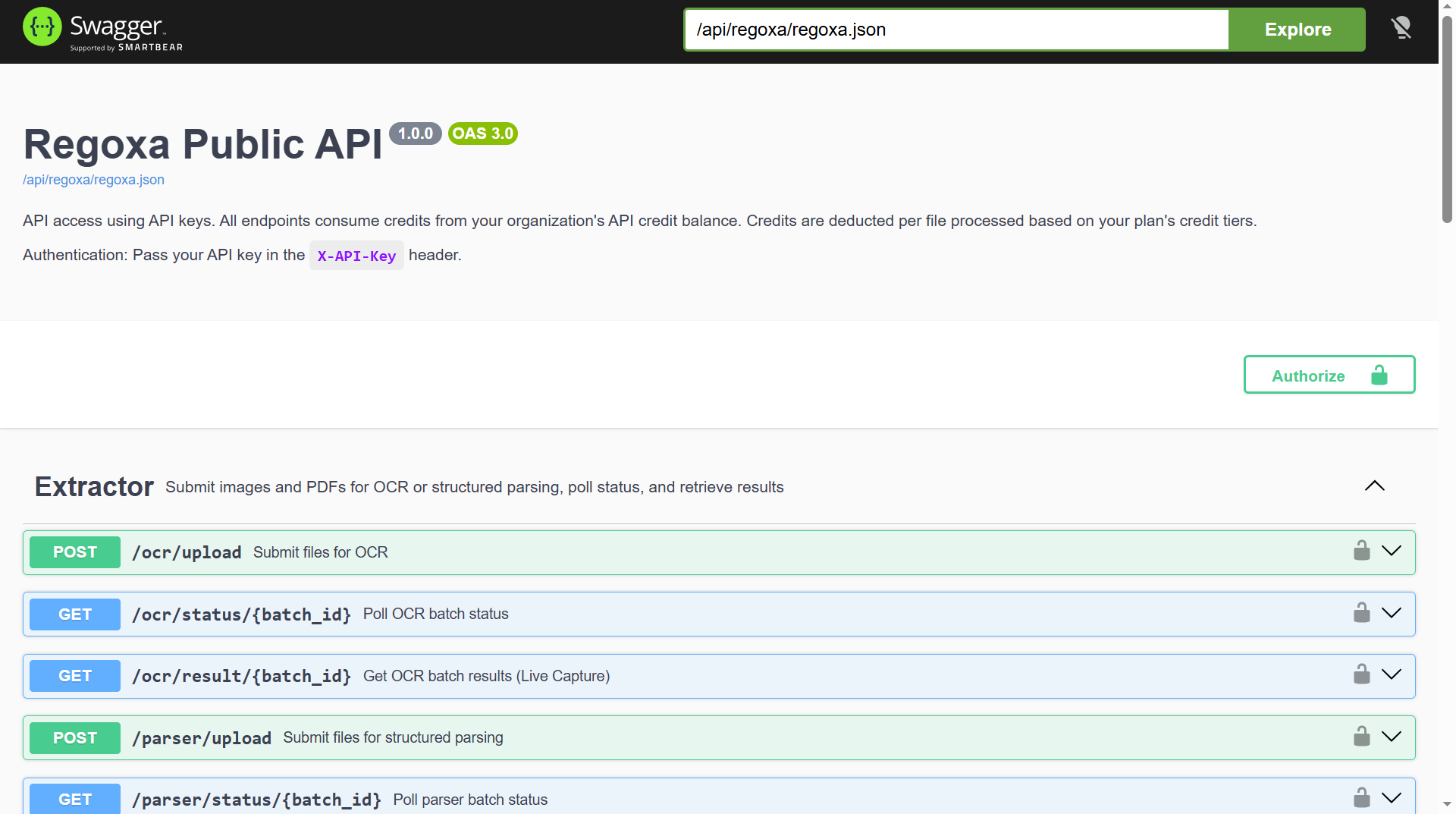
Click API Docs in the top-right corner to open the Swagger page, where you can explore available endpoints, view request/response formats, and test API calls directly.
Create an API key
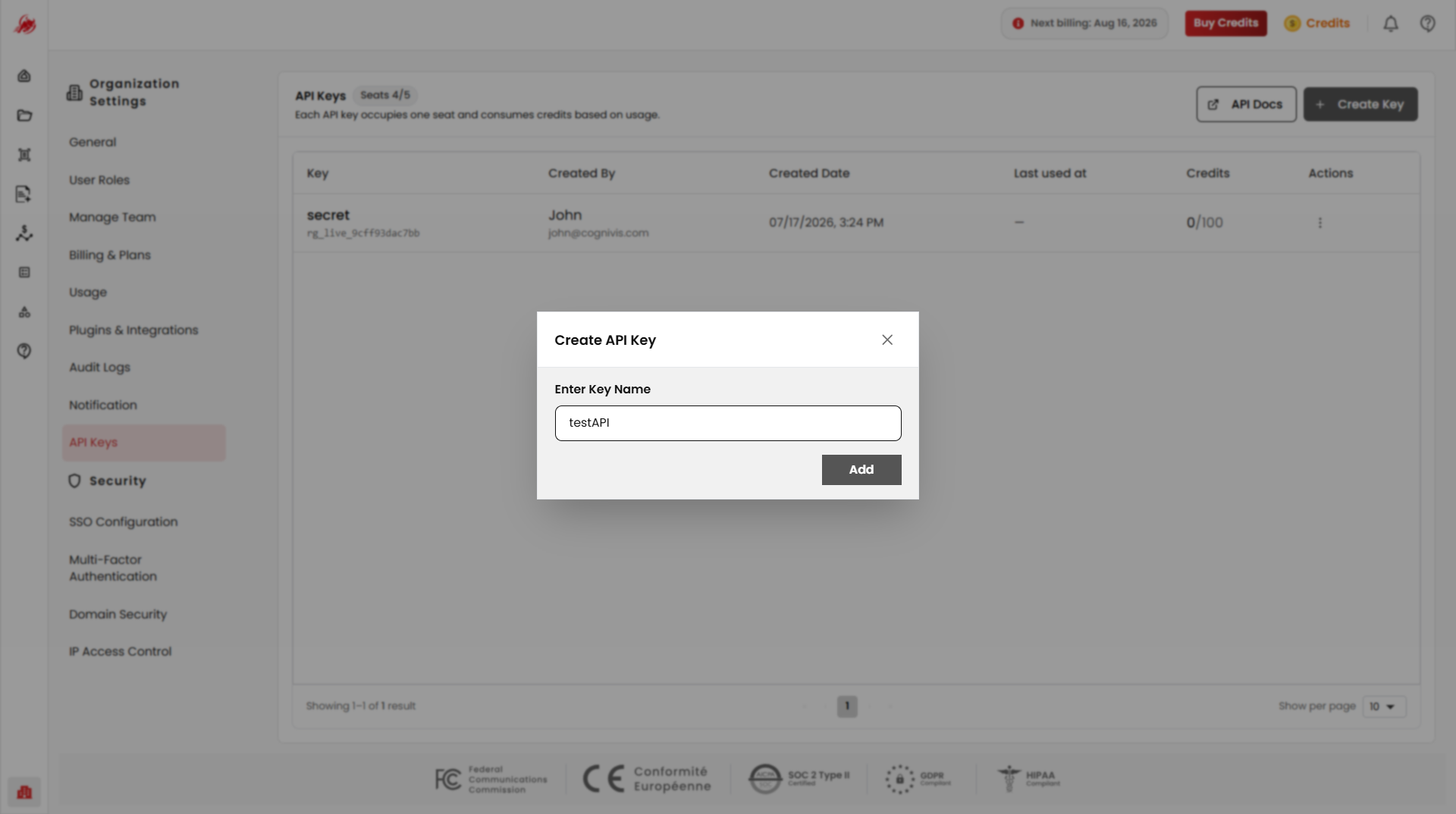
Click Create Key in the top-right corner to generate a new key for external integrations.
WARNING
Copy and save the key using Copy Link right after it's created — for security, you won't be able to view it again.
Manage your keys
All created keys are listed in a table so you can monitor API usage across your organisation.
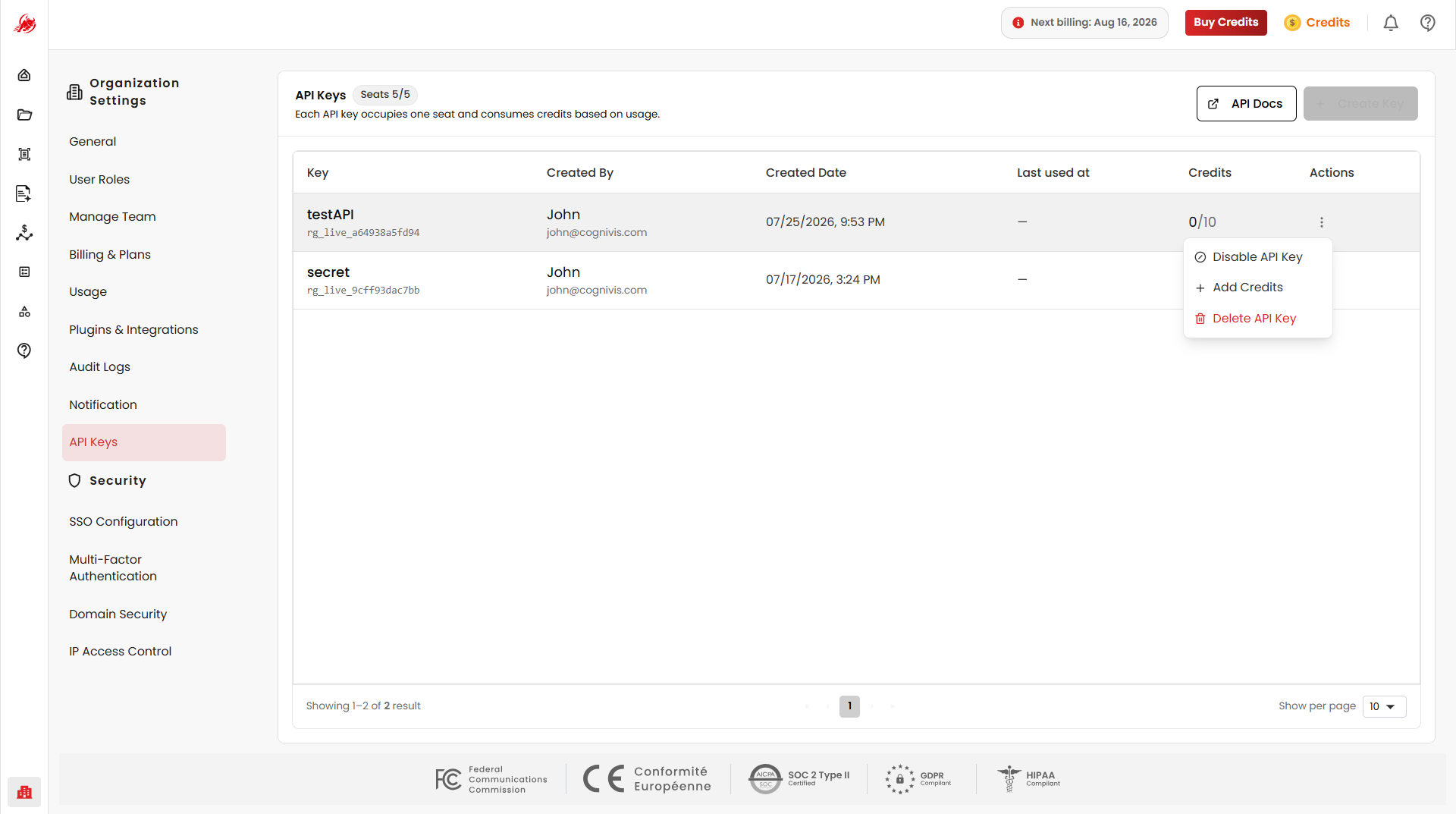
Use the Actions menu on any key to:
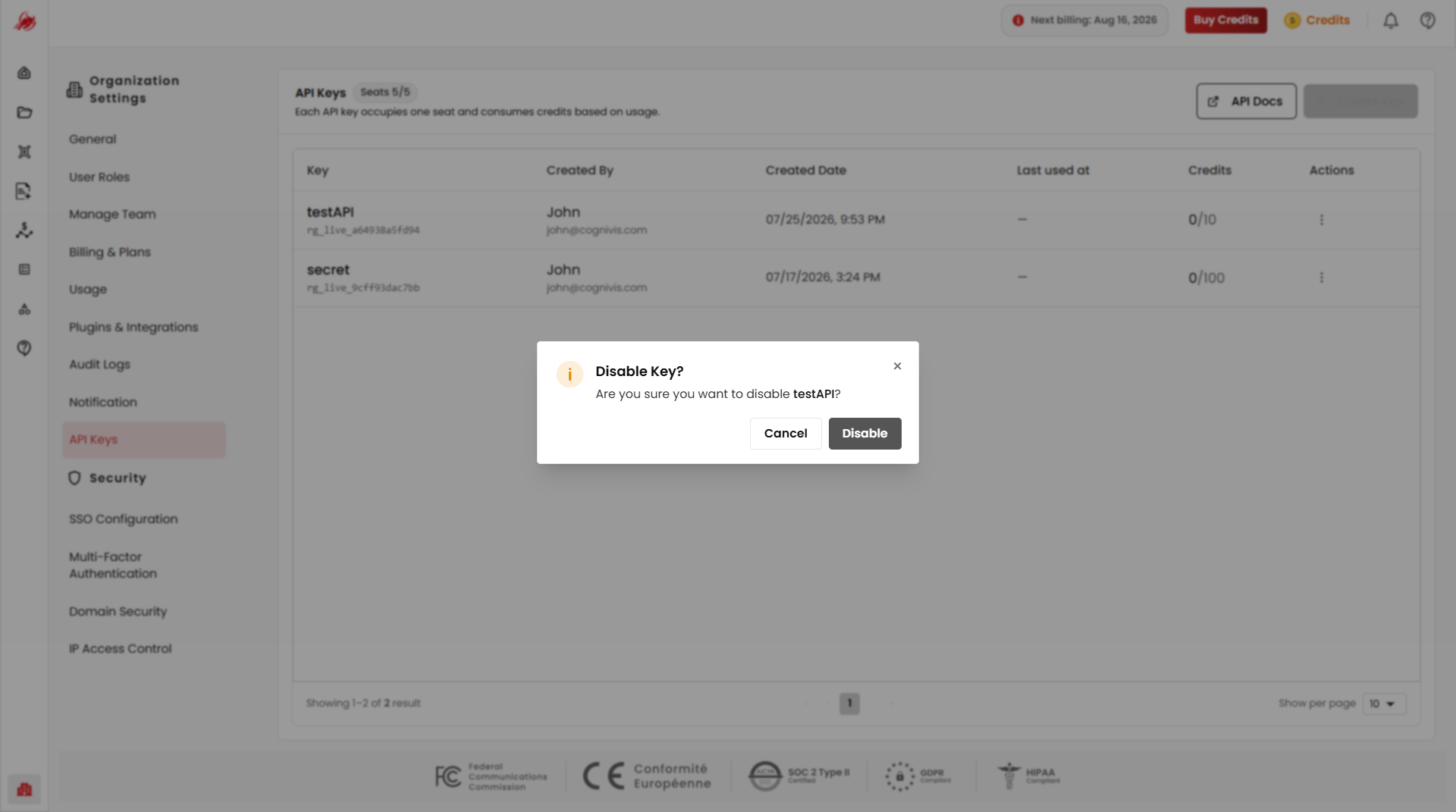
Disable — temporarily block the key from being used
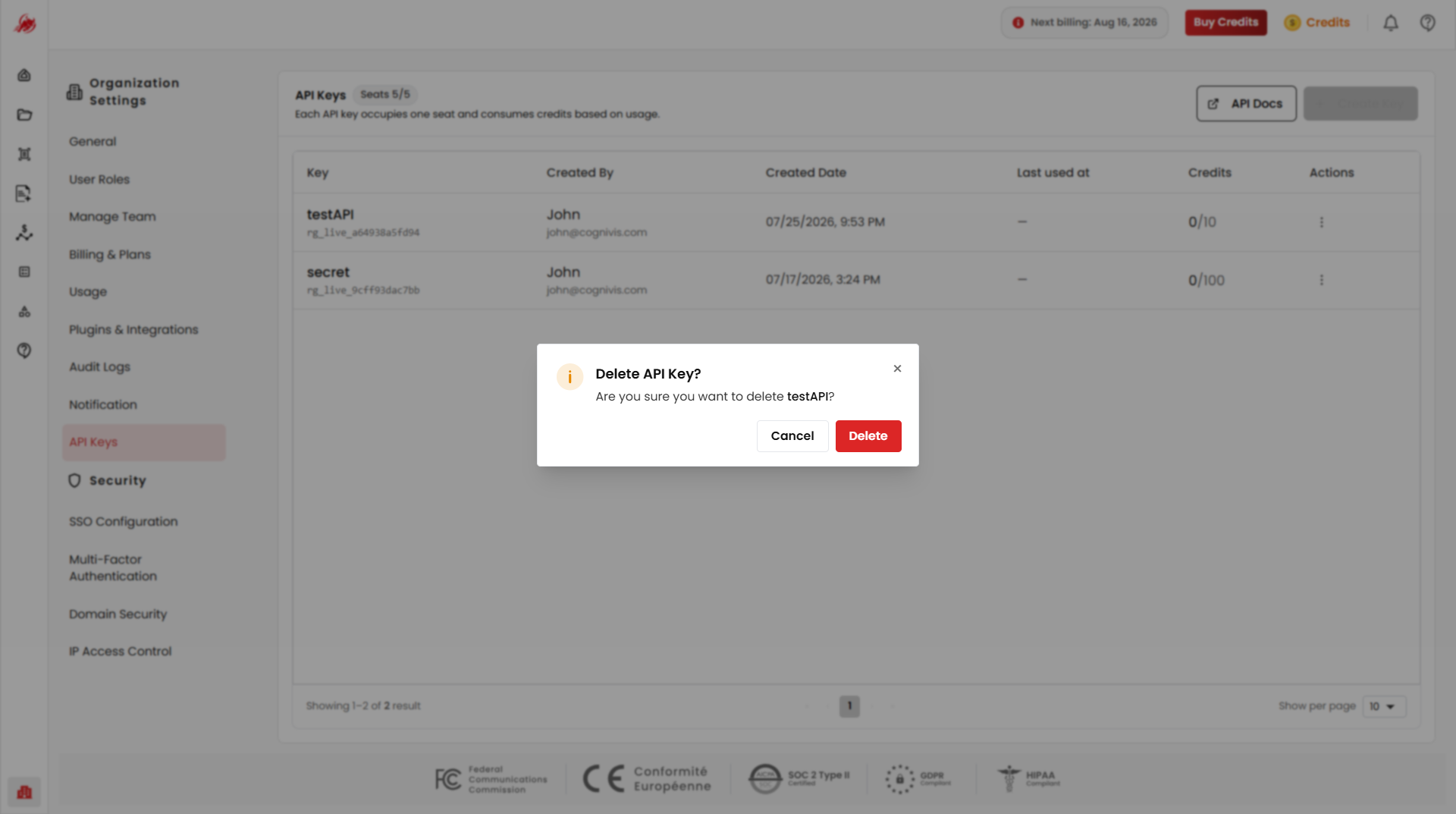
Delete — permanently remove the key
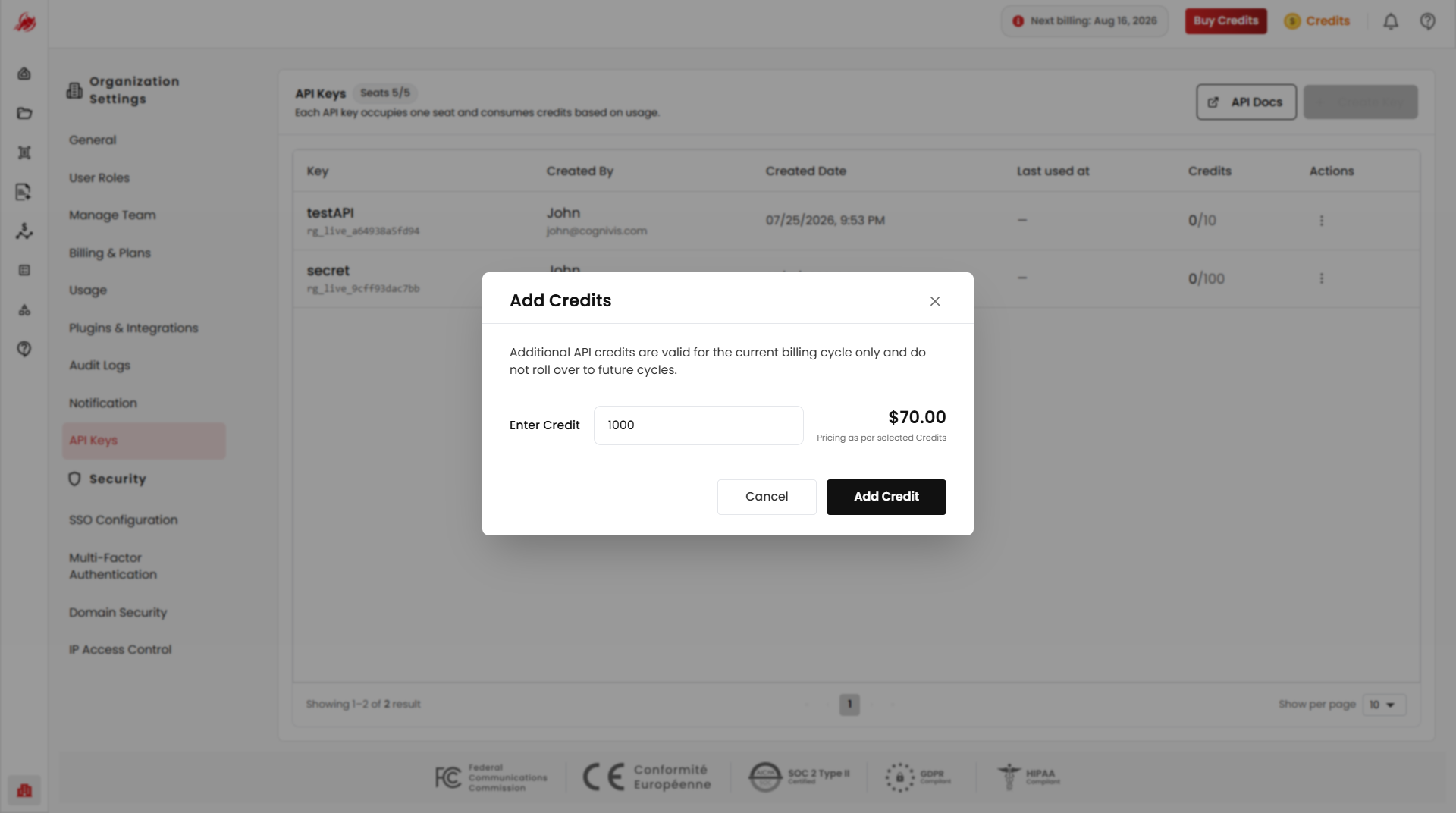
Add Credits — top up the credits available to that key