
Appearance
Domain Security
Verify the domains your organisation owns, then use that verification to control sign-in access and prepare for SSO.
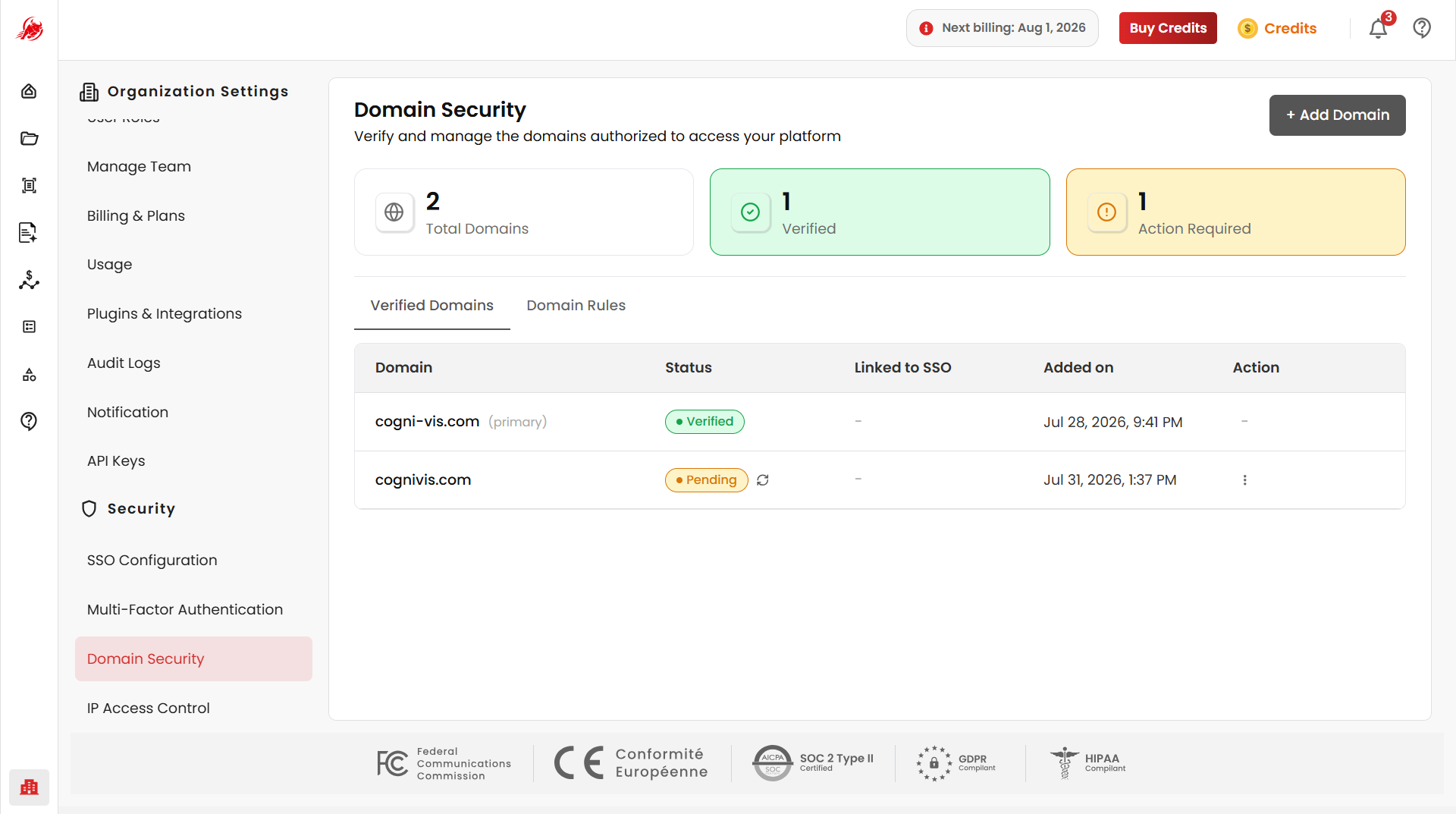
At the top of the page, a summary shows your Total Domains, how many are Verified, and how many need Action Required.
Add and verify a domain
Click Add Domain.
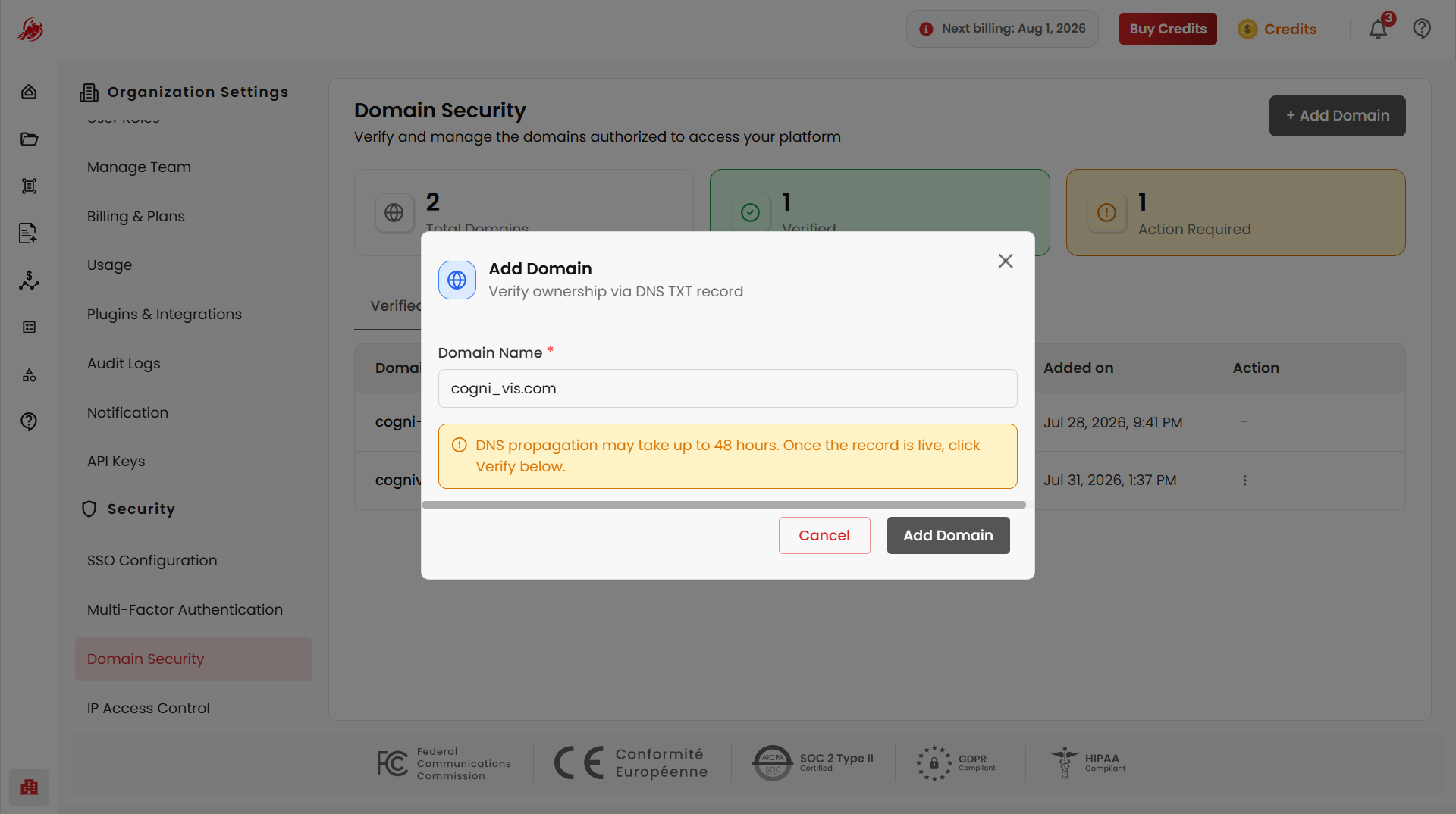
Enter your domain name and submit. It is added to the table with status Pending.
Add the DNS TXT record Regoxa gives you to your domain's DNS settings.
TIP
DNS propagation can take up to 48 hours. If verification doesn't succeed right away, wait and try again — you may see "TXT record not found yet. Please wait for DNS propagation and try again."
Once the TXT record is found, the domain's status changes to Verified.
Each verified domain in the table shows its name, status, whether it's linked to SSO, when it was added, and an action menu.
Domain rules
Use Domain Rules to control how verified domains behave across your organisation.
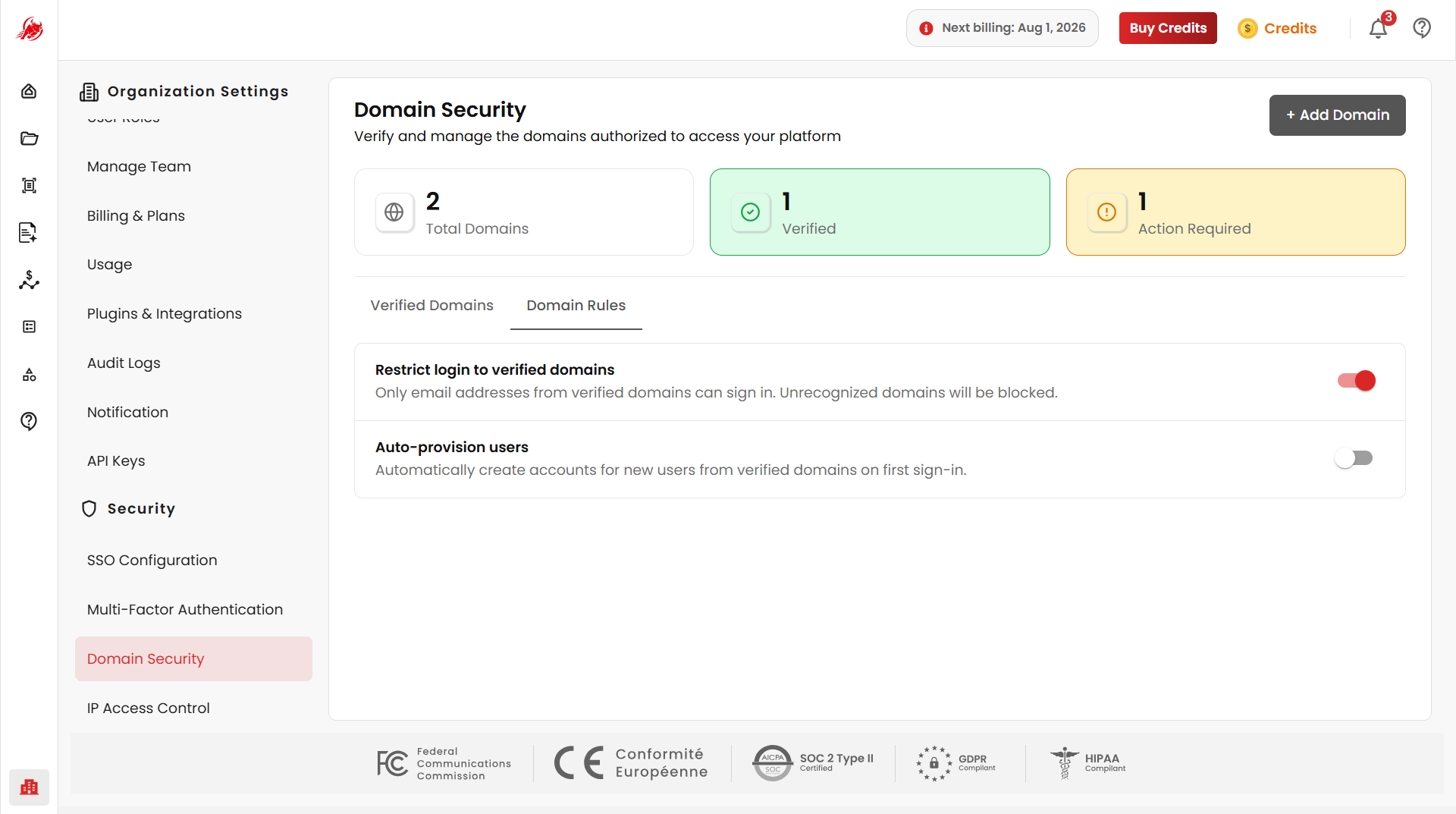
- Restrict Login to Verified Domains — only email addresses from verified domains can sign in; everyone else is blocked
- Auto-Provision Users — automatically create an account for anyone signing in from a verified domain, instead of adding them manually
TIP
SSO requires at least one verified primary domain. If you try to enable SSO first, you'll see "SSO can be enabled only after your primary domain is verified."
Related
- SSO Configuration — set up single sign-on once your domain is verified
- IP Access Control — control access by network address