
Appearance
Multi-Factor Authentication (MFA)
Multi-Factor Authentication (MFA) adds a second verification step to sign-in — beyond just a password — so a stolen password alone isn't enough to get into an account. As an administrator, you control which verification methods your organisation can use and whether MFA is required.
TIP
SSO and MFA can't be turned on at the same time. If SSO is enabled, you'll see "SSO is enabled — disable SSO to enable MFA", and you'll need to turn off SSO first.
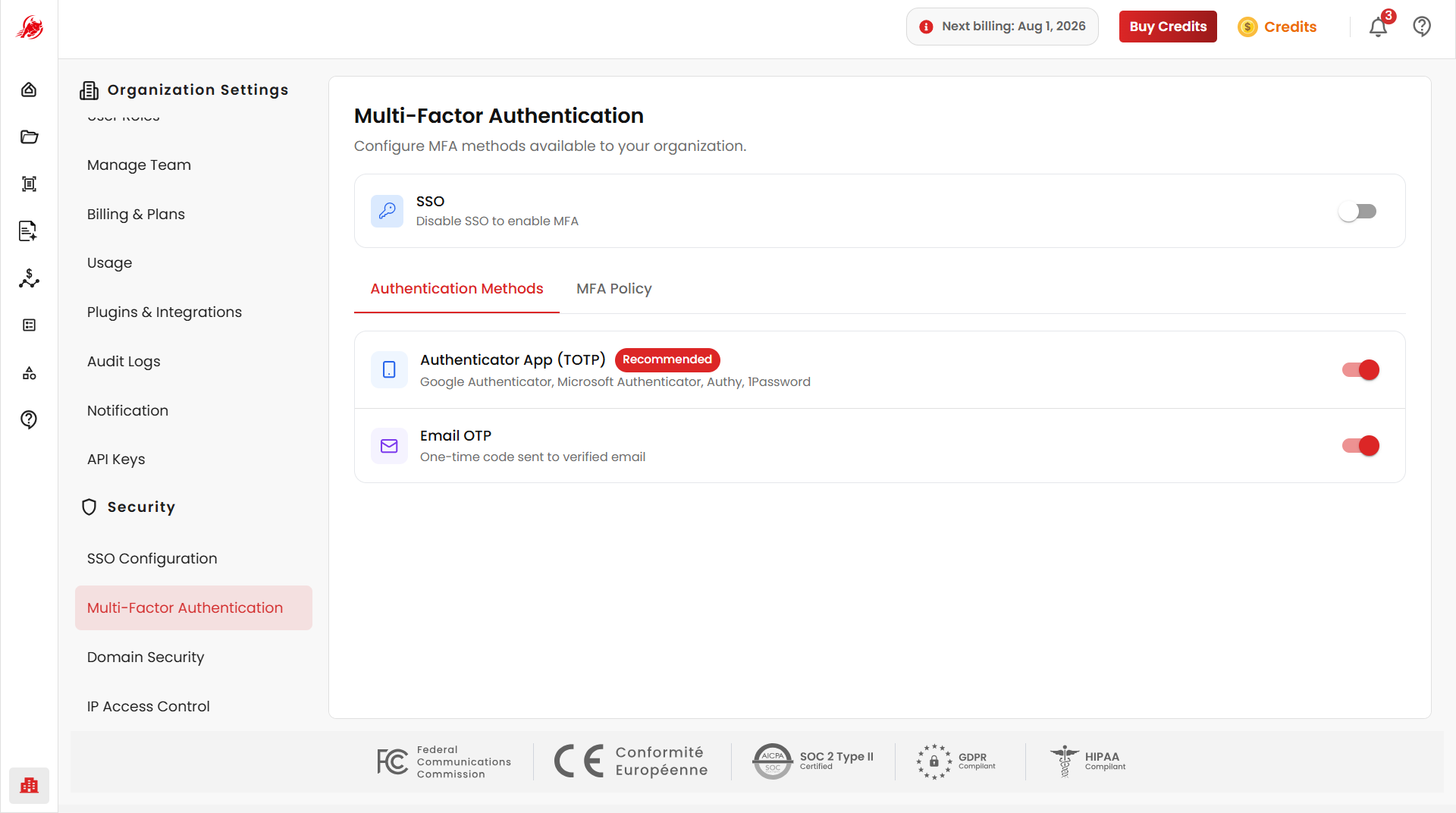
Authentication methods
Turn on the verification methods your organisation is allowed to use. Users can enable more than one, but must pick a single Primary Method — the one used to generate codes at sign-in.
| Method | How it works |
|---|---|
| Authenticator App (TOTP) | A time-based code from an app like Google Authenticator, Authy or Microsoft Authenticator |
| Email OTP | A one-time code sent to the user's verified email |
| SMS / Text Message | A one-time code sent by text to the user's registered phone number |
| Hardware Security Key | A physical FIDO2/WebAuthn key, such as a YubiKey or Titan Security Key |
TIP
An authenticator app or hardware key is the most secure option — they don't depend on your email or phone network, and hardware keys resist phishing.
Require MFA for your organisation
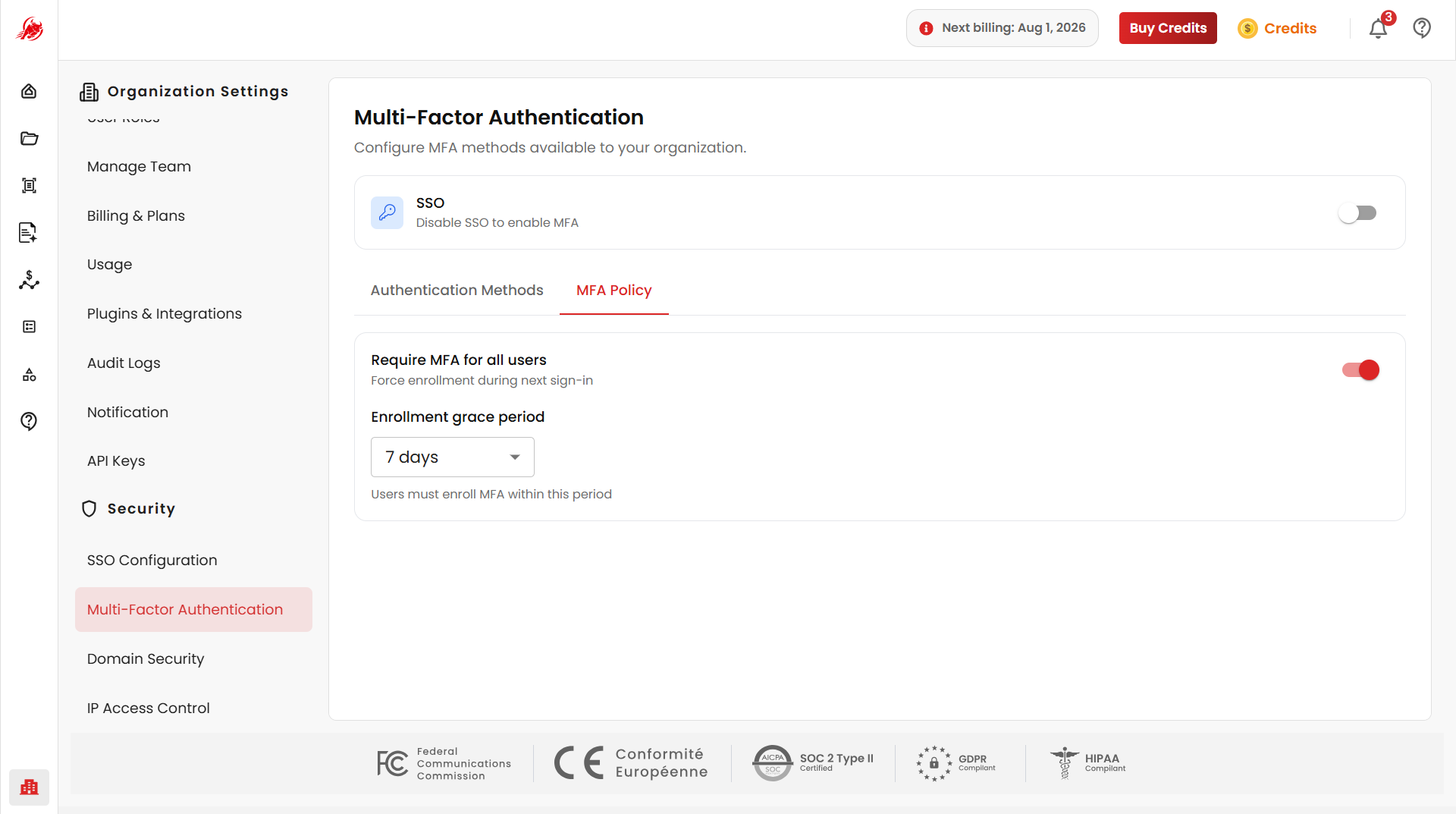
Use MFA Policy to enforce MFA across your organisation instead of leaving it optional per user.
- Require MFA for All Users — every user must set up MFA before they can sign in
- Force Enrollment During Next Sign-In — users who haven't set up MFA yet are sent straight to setup the next time they log in, and can't proceed until it's done
WARNING
MFA and SSO can't both be active. If SSO is currently enabled for your organisation, disable it before enabling MFA.
Give users time to enroll
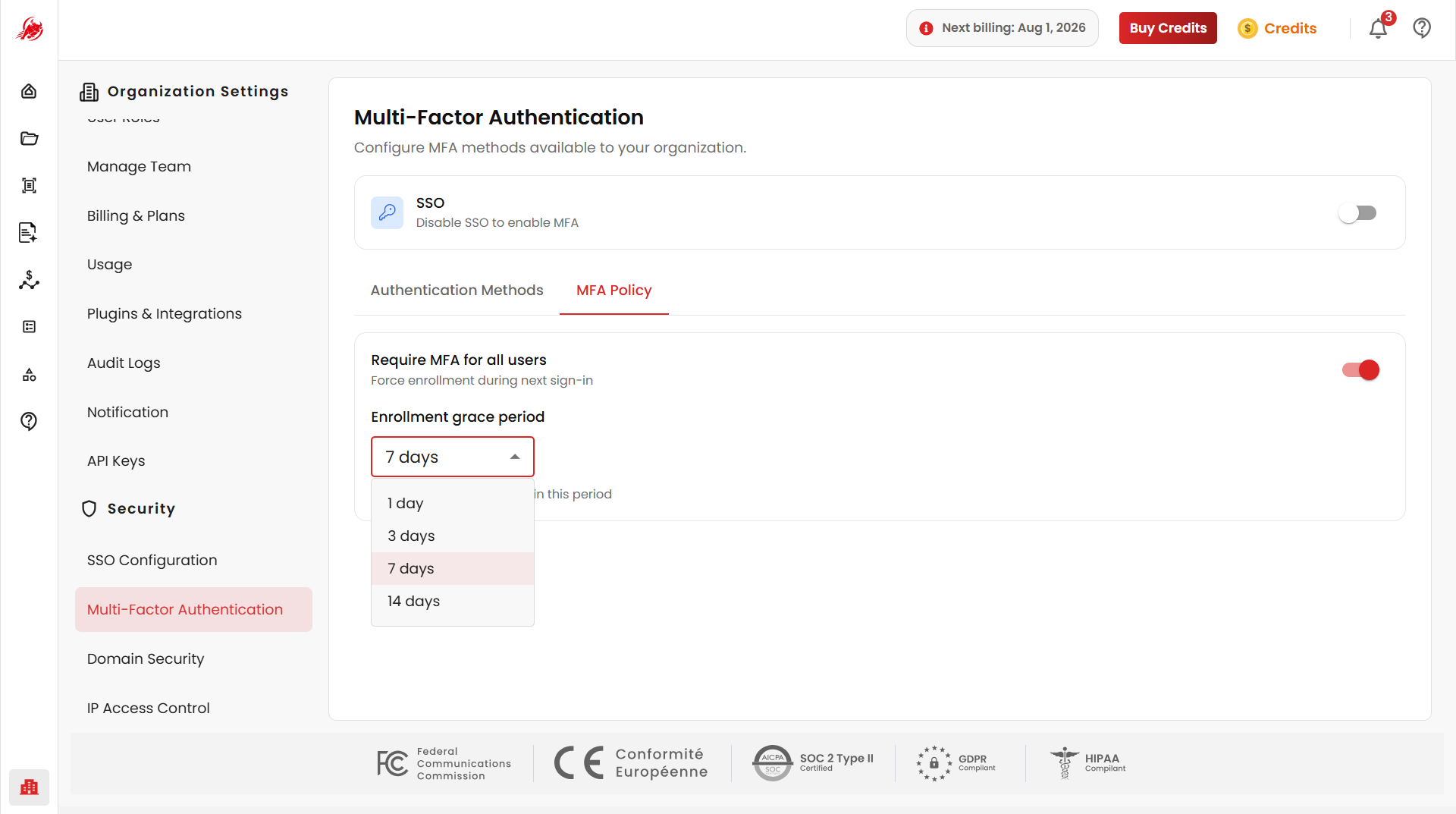
Set an Enrollment Grace Period so users can keep working for a short while before MFA becomes mandatory — for example, 1, 3, 7, or 14 days. Once the grace period ends, enrollment is enforced and access may be restricted until the user sets up MFA.
Related
- SSO Configuration — organisation-wide single sign-on (can't be used together with MFA)
- IP Access Control — restrict access by network address